 Studio · free during launch
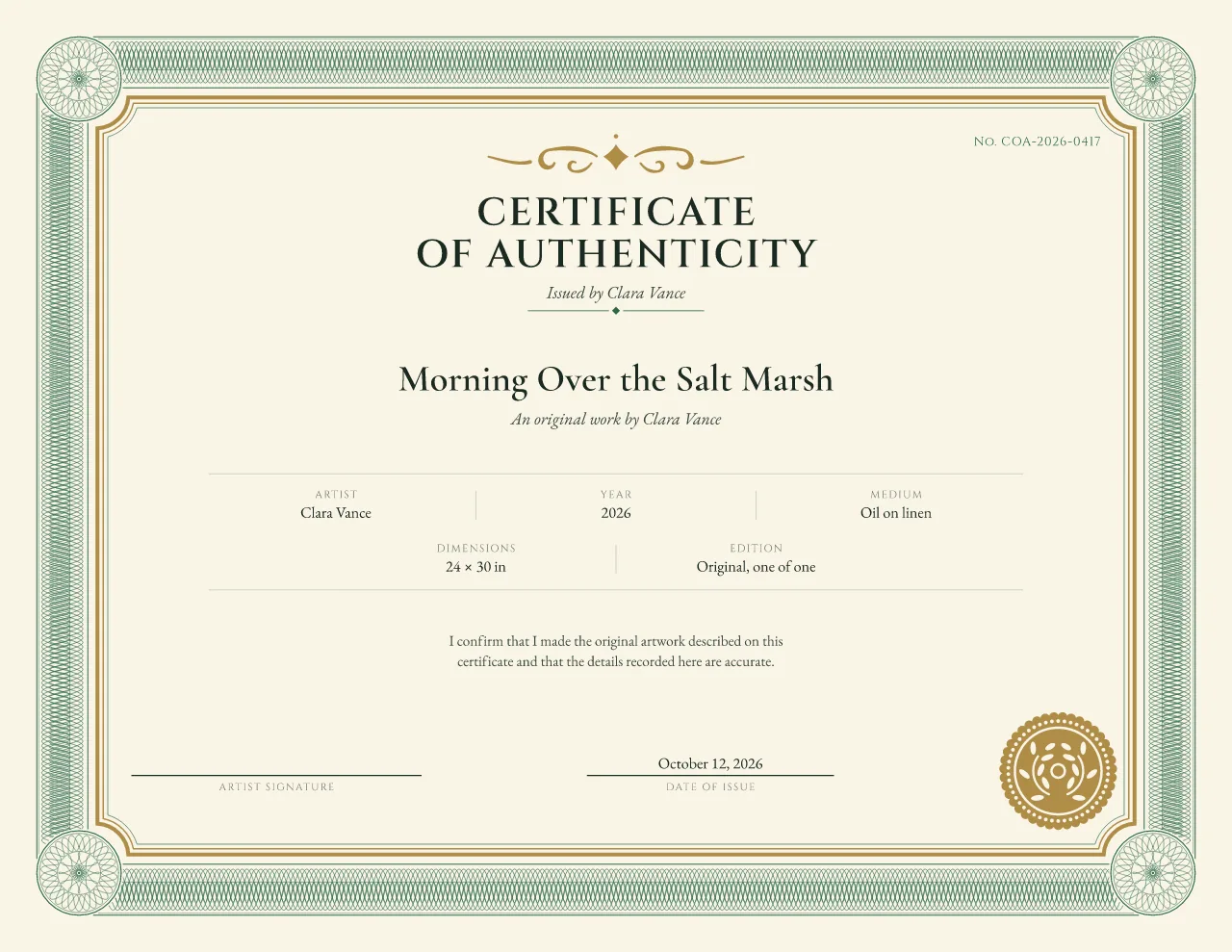
Traditional guilloche
Sovereign certificate of authenticity template
Original paintings and galleries
Choose a design, add your artwork or product details and photo, then download a printable certificate, or foil artwork for your printer to review.
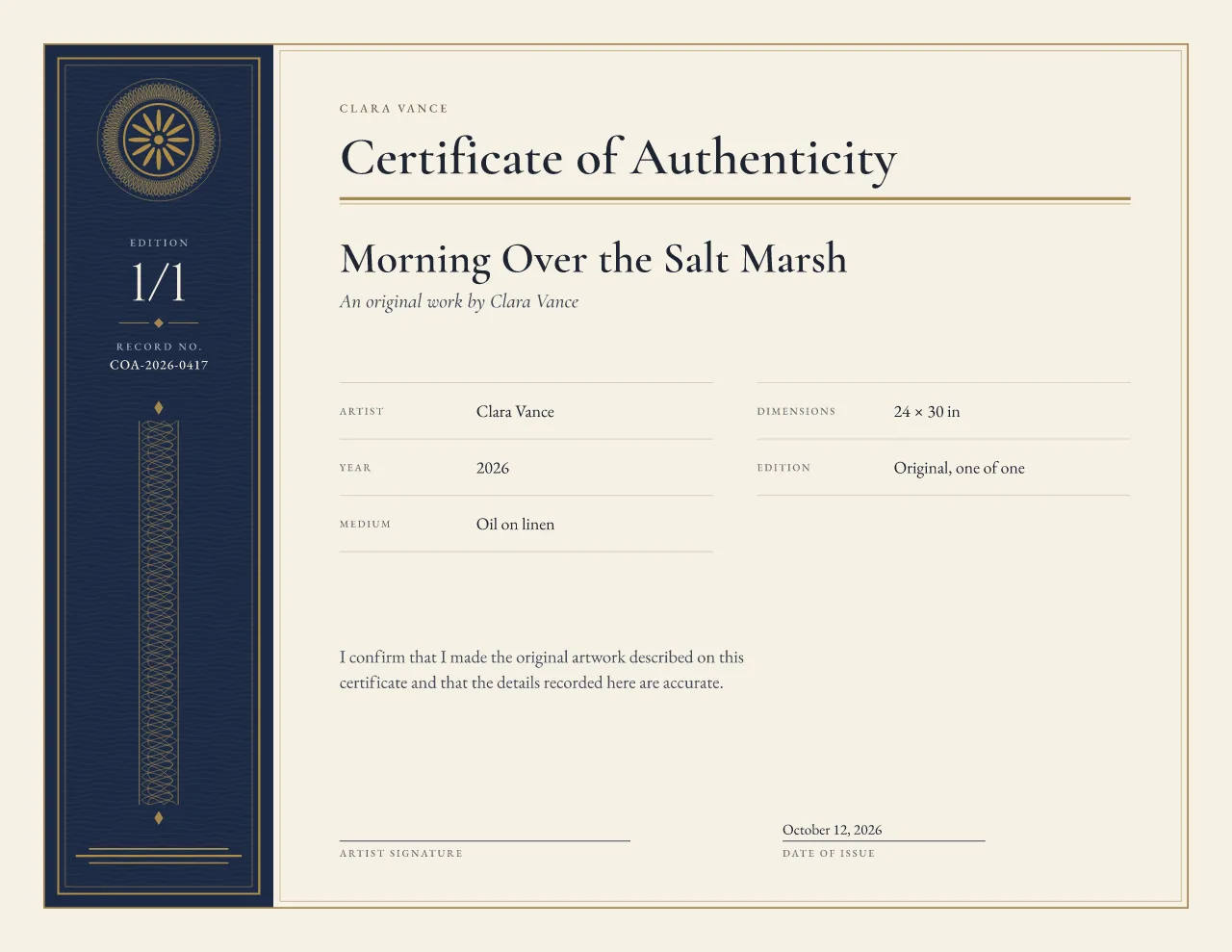
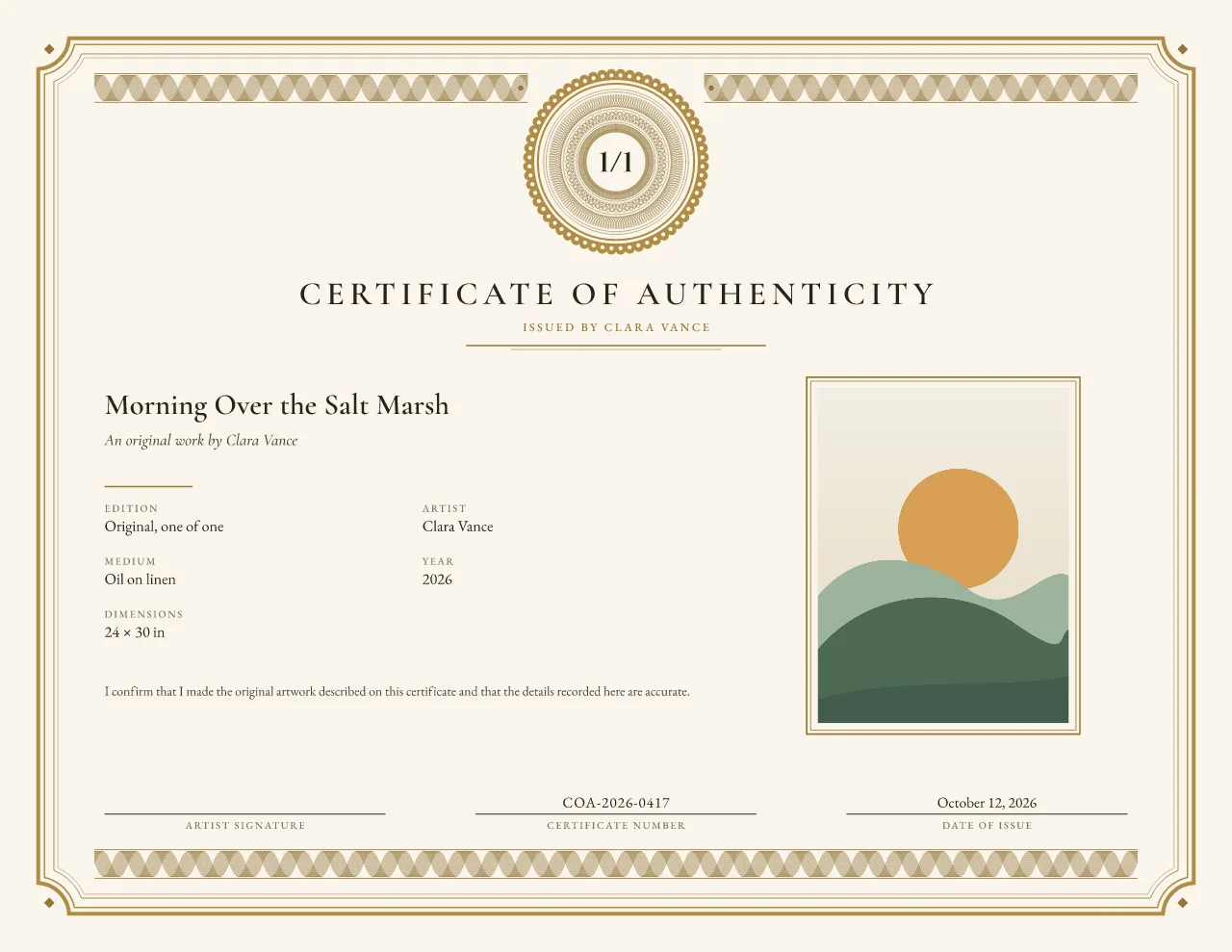
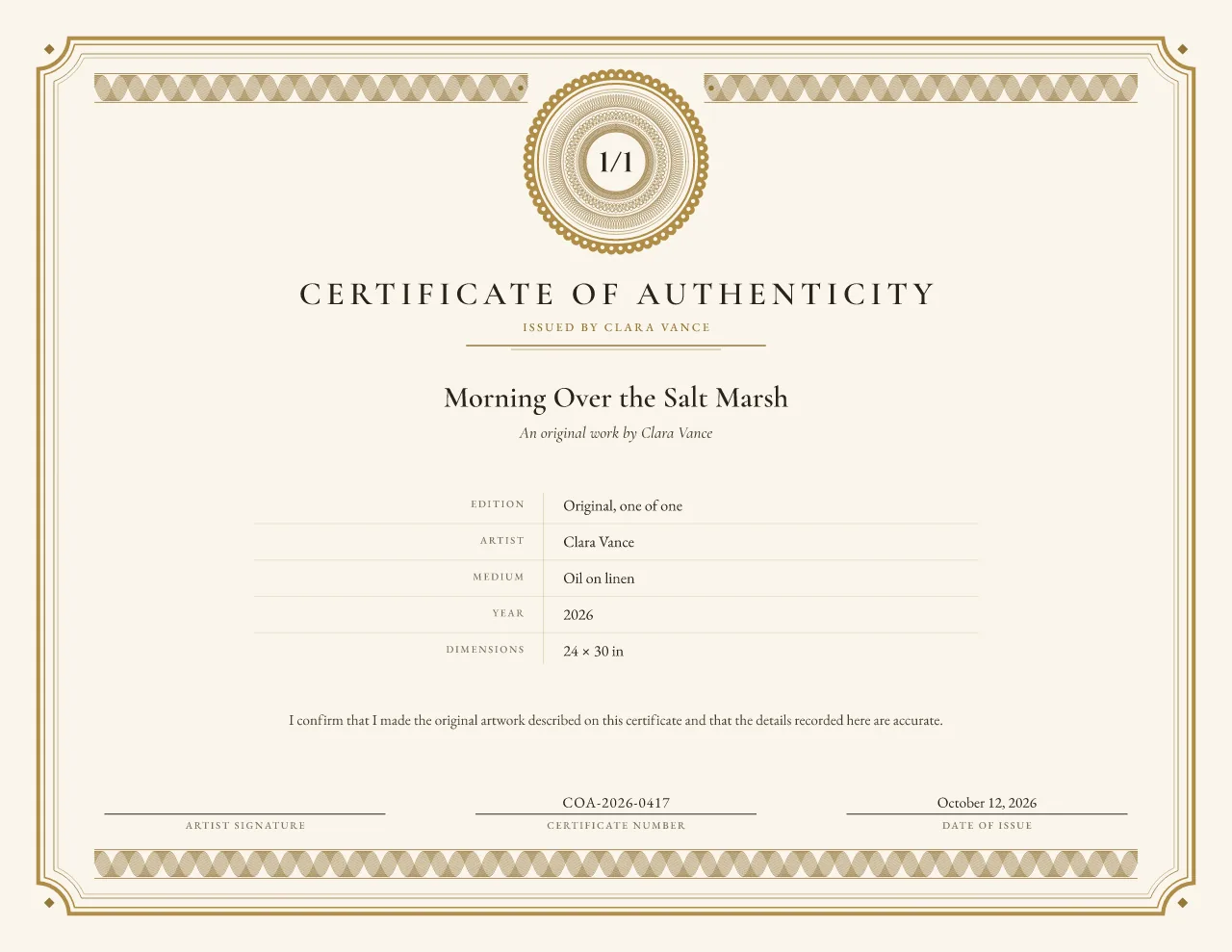
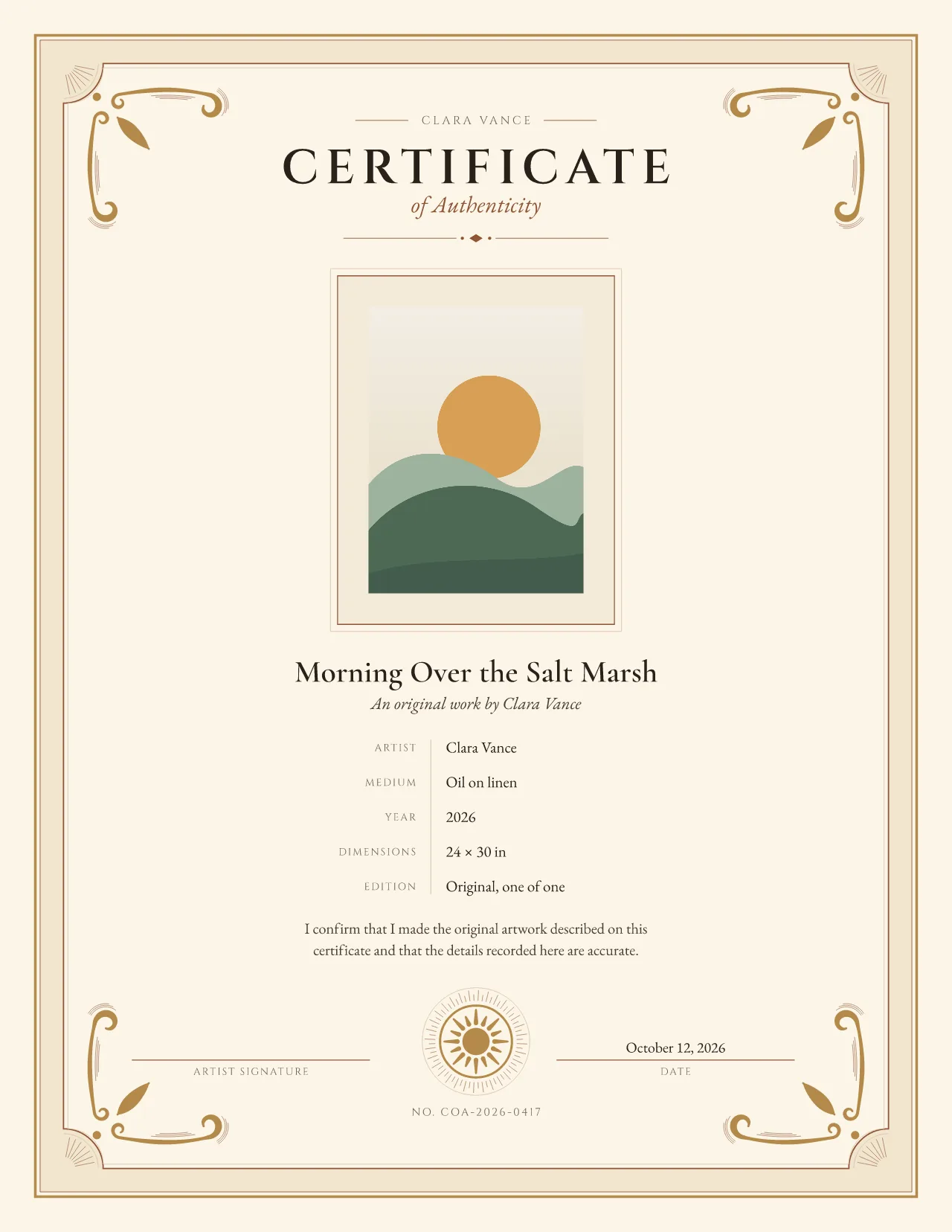
Sample in Sovereign. Your details appear here as you type.
Five traditional and five modern styles.
Artwork or product info, photo, edition number and signature.
Vector PDF, PNG or SVG, plus foil artwork for printer review.
Save your issuer details and start the next certificate from the last.
Every design is drawn as fine vector linework and prints sharp at any size. Unlike a one-size certificate generator, each one is composed for a photo and for no photo. Two stay free forever; the other eight are Studio designs, free during launch. Compare all ten certificate designs in detail.
Studio · free during launch Traditional guilloche
Original paintings and galleries
 Studio · free during launch
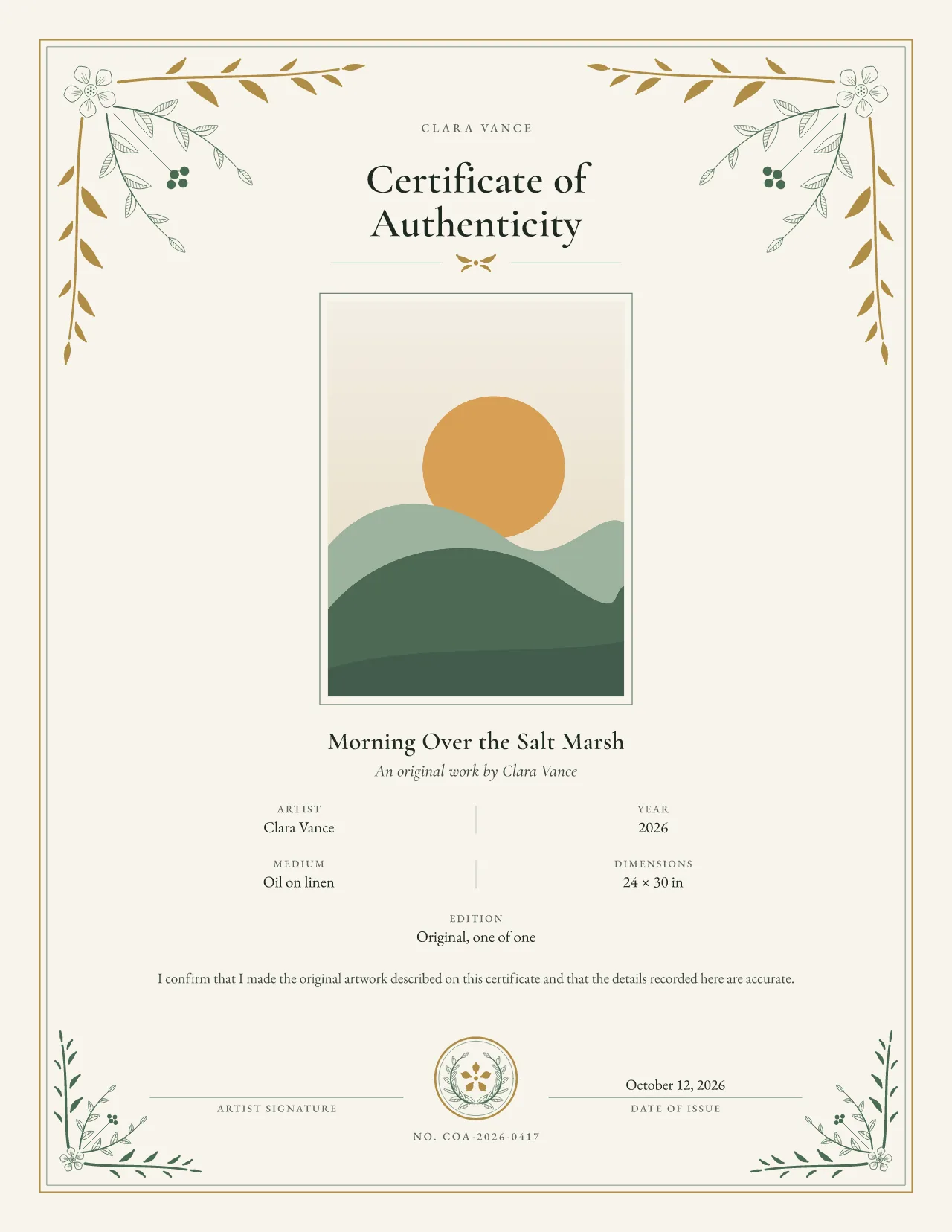
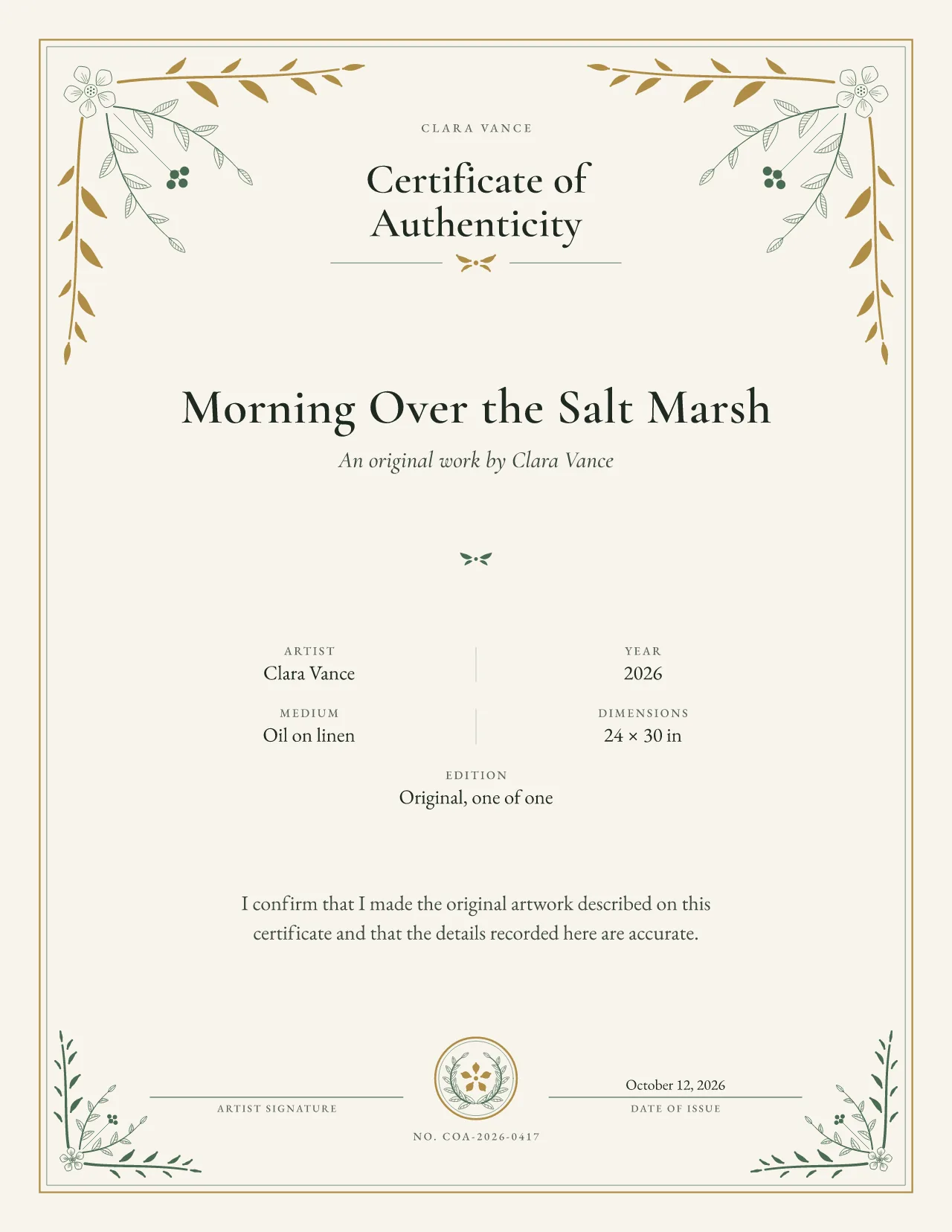
Traditional engraved
Botanical art and printmakers
 Studio · free during launch
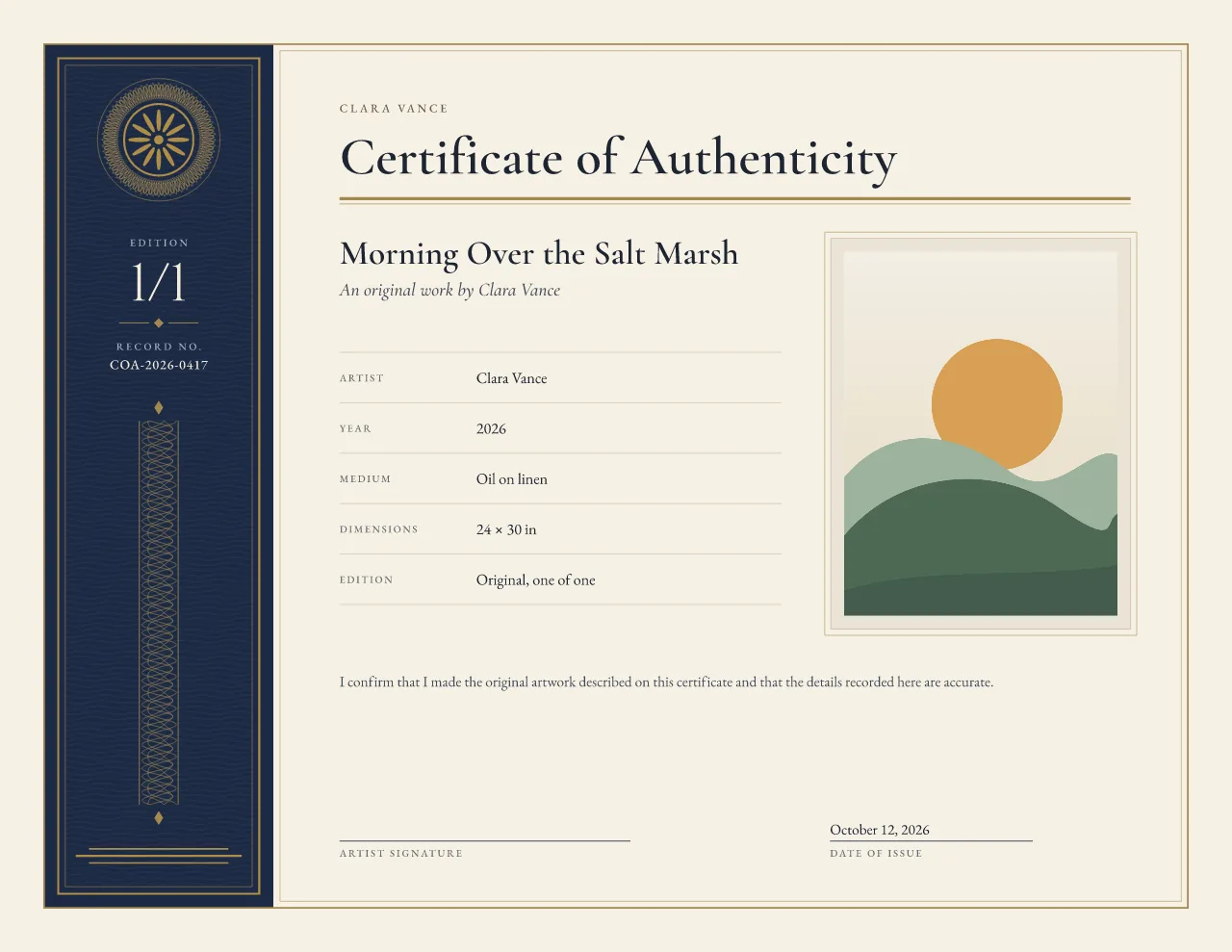
Traditional archive
Numbered editions and studio archives
 Free
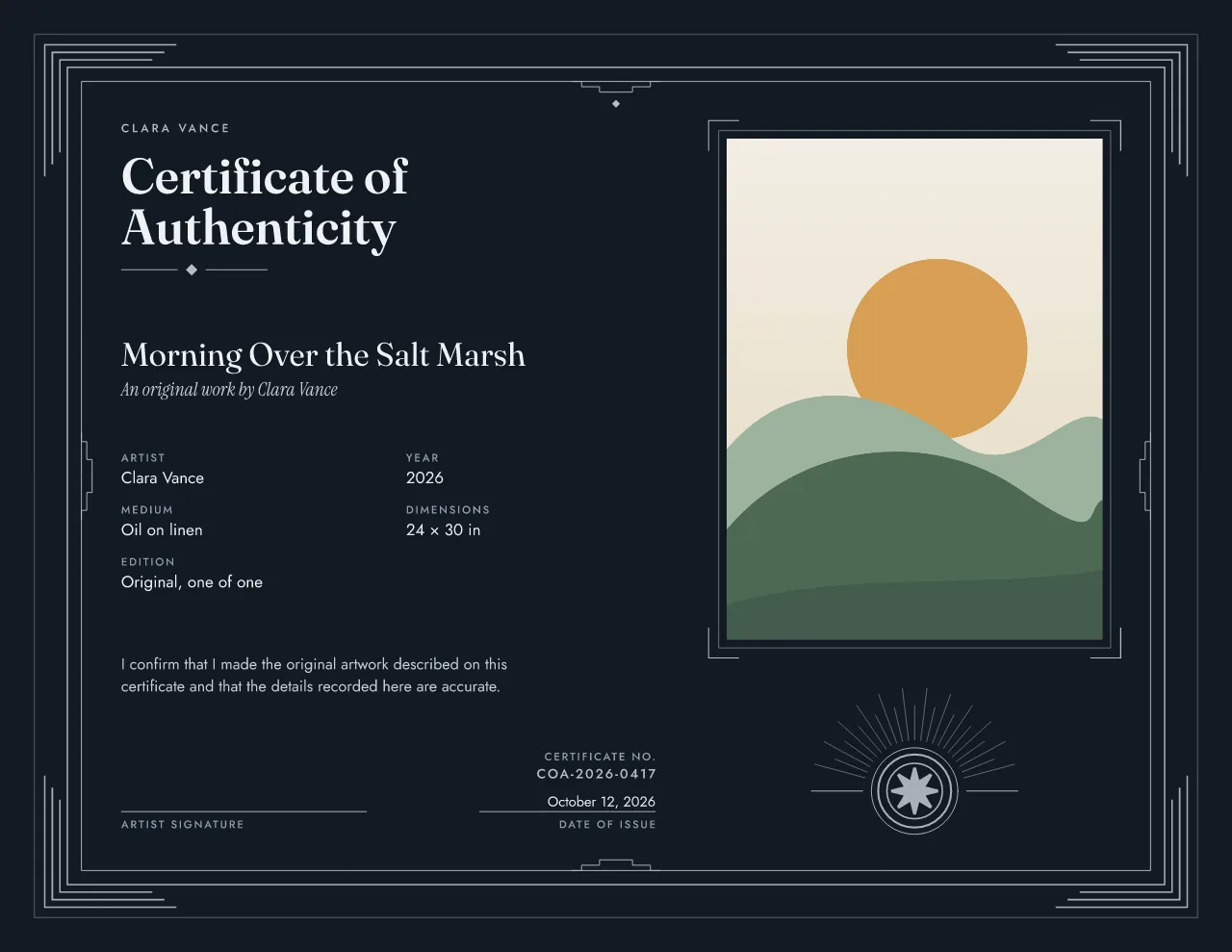
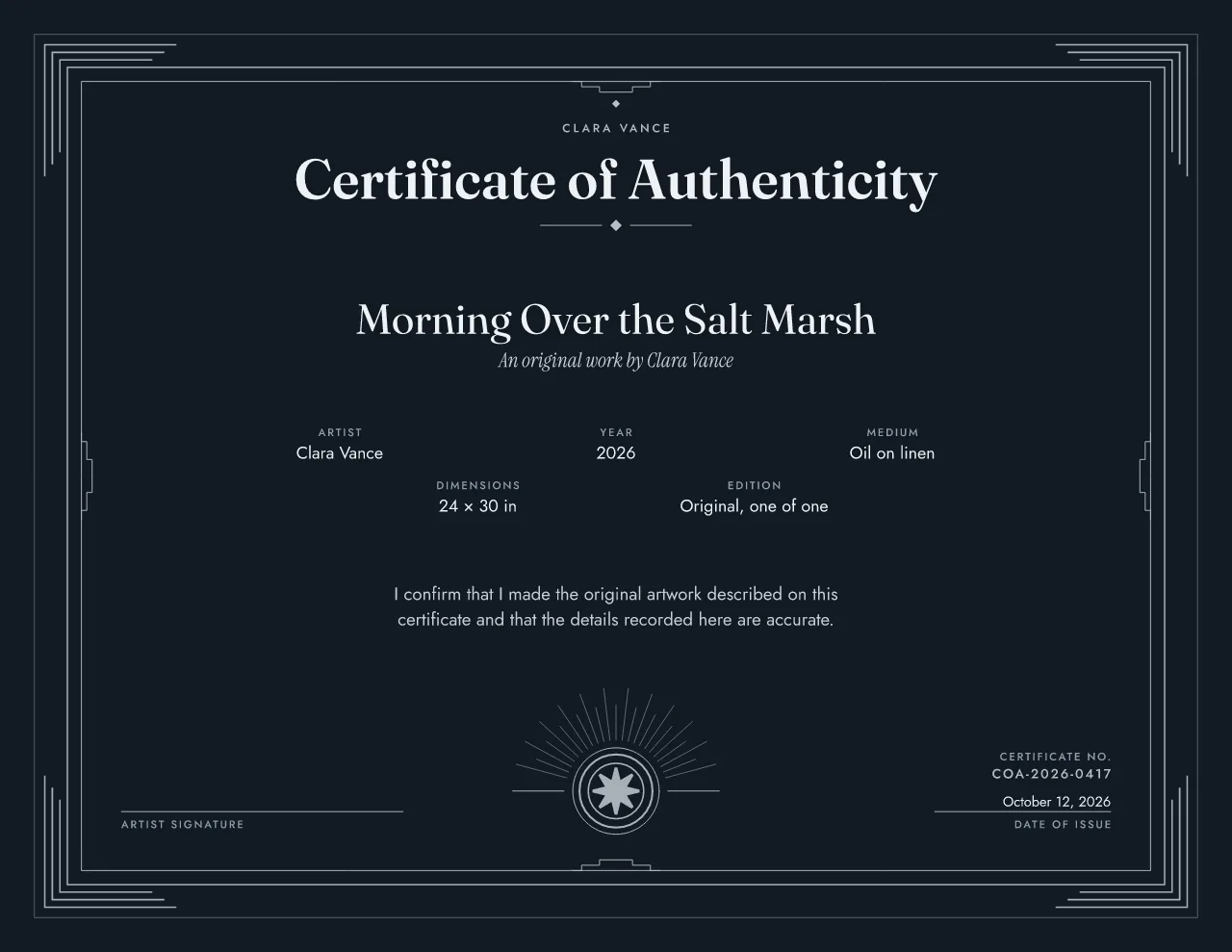
Traditional guilloche
Fine art prints and limited editions
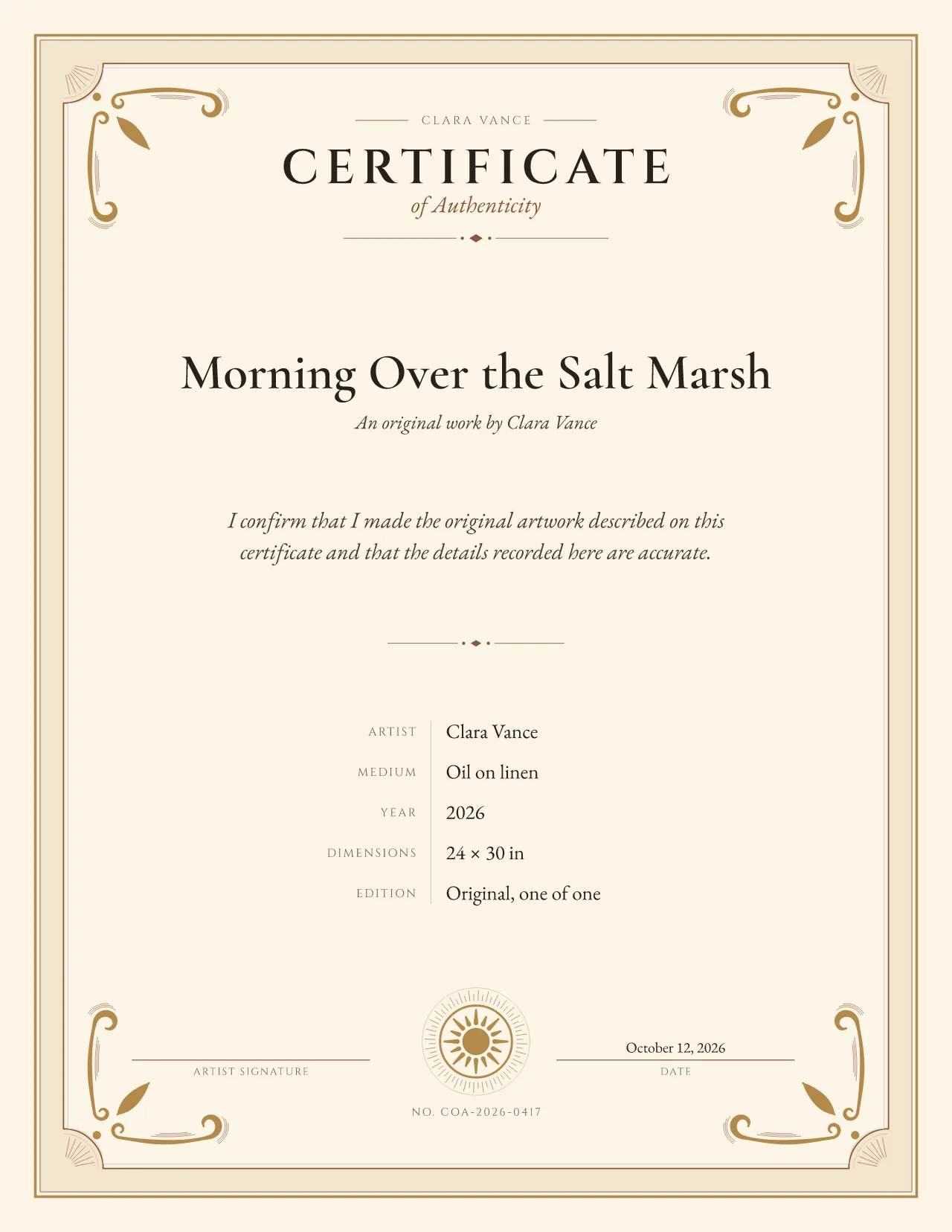 Studio · free during launch
Traditional engraved
Heirloom pieces, ceramics and craft
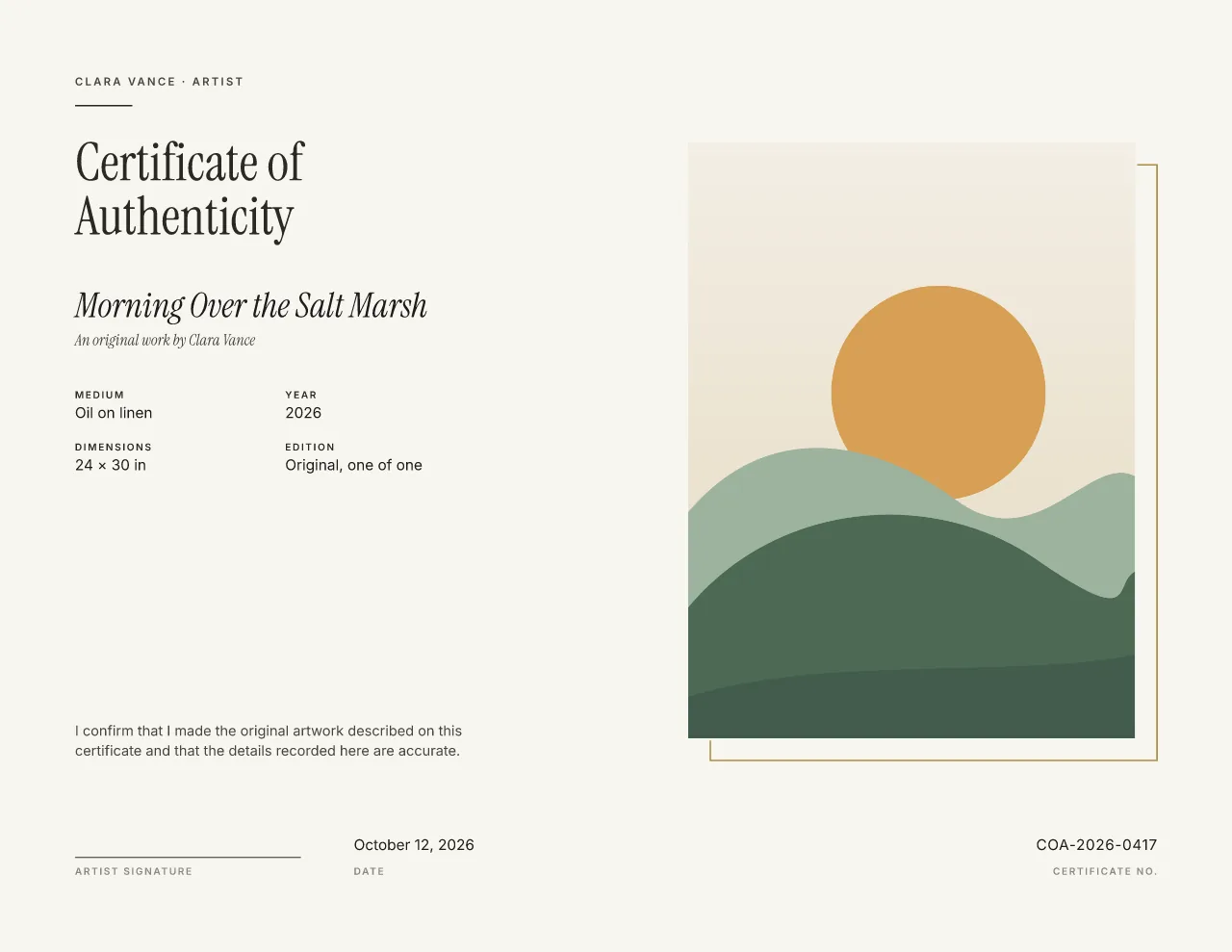
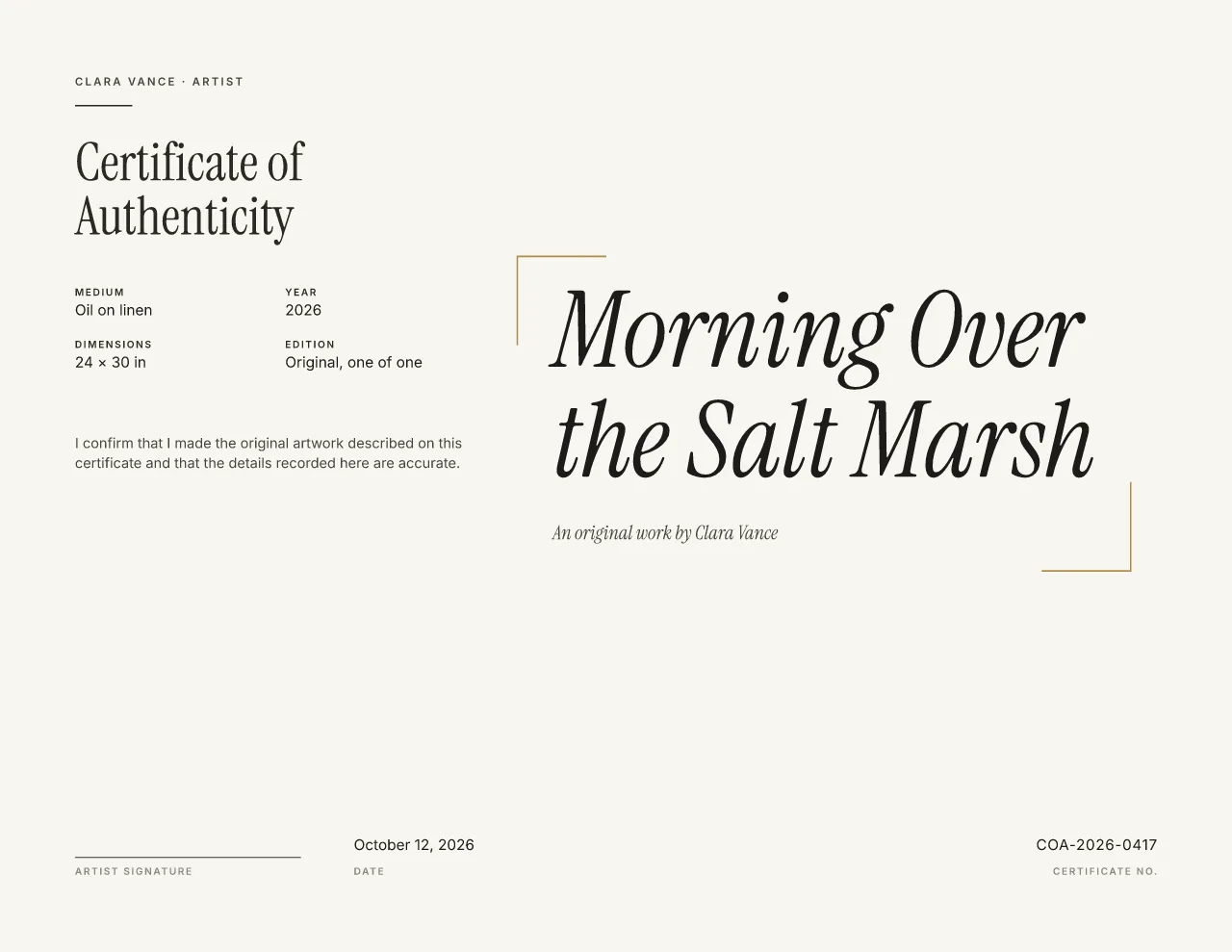 Free
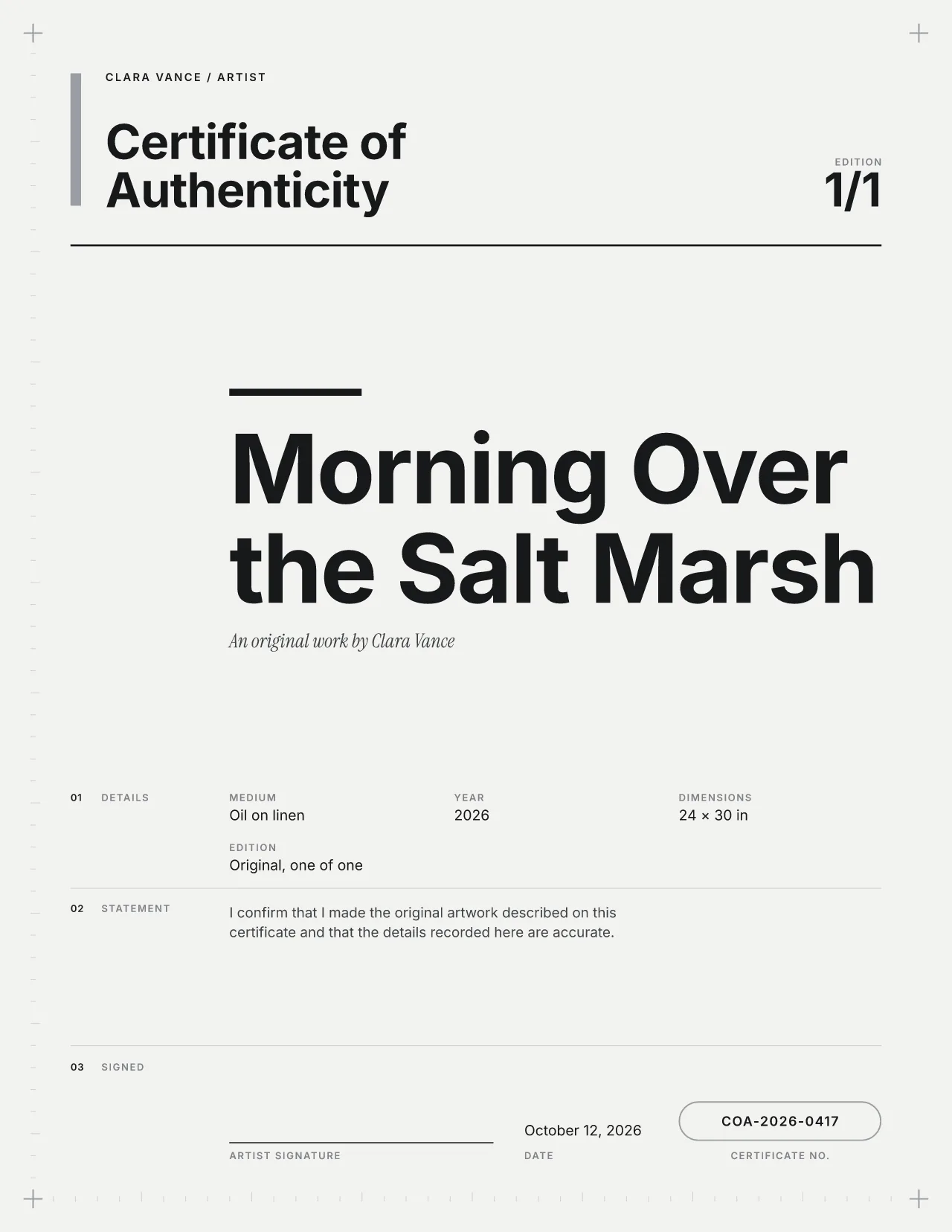
Modern editorial
Contemporary art and photography
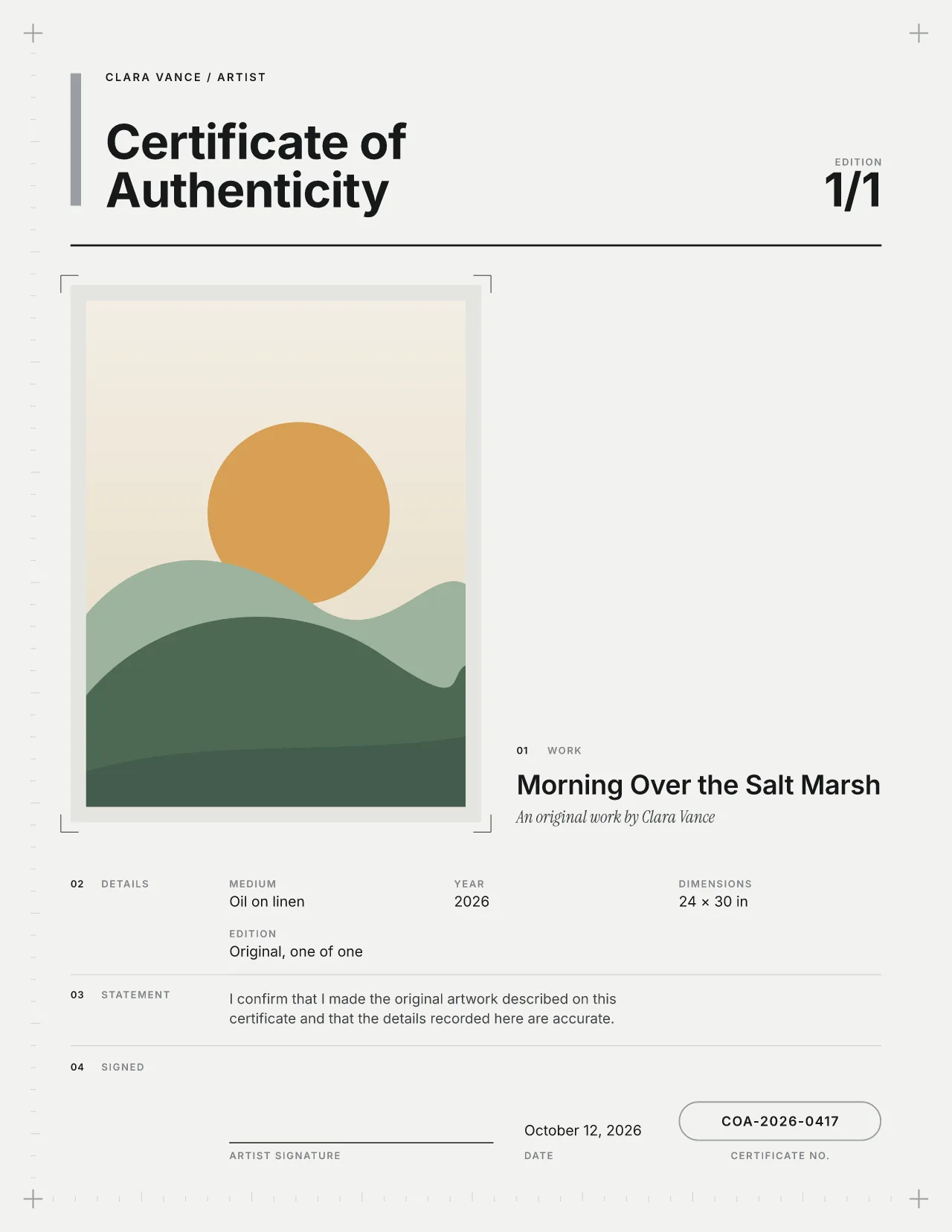
 Studio · free during launch
Modern Swiss
Design studios and contemporary makers
 Studio · free during launch
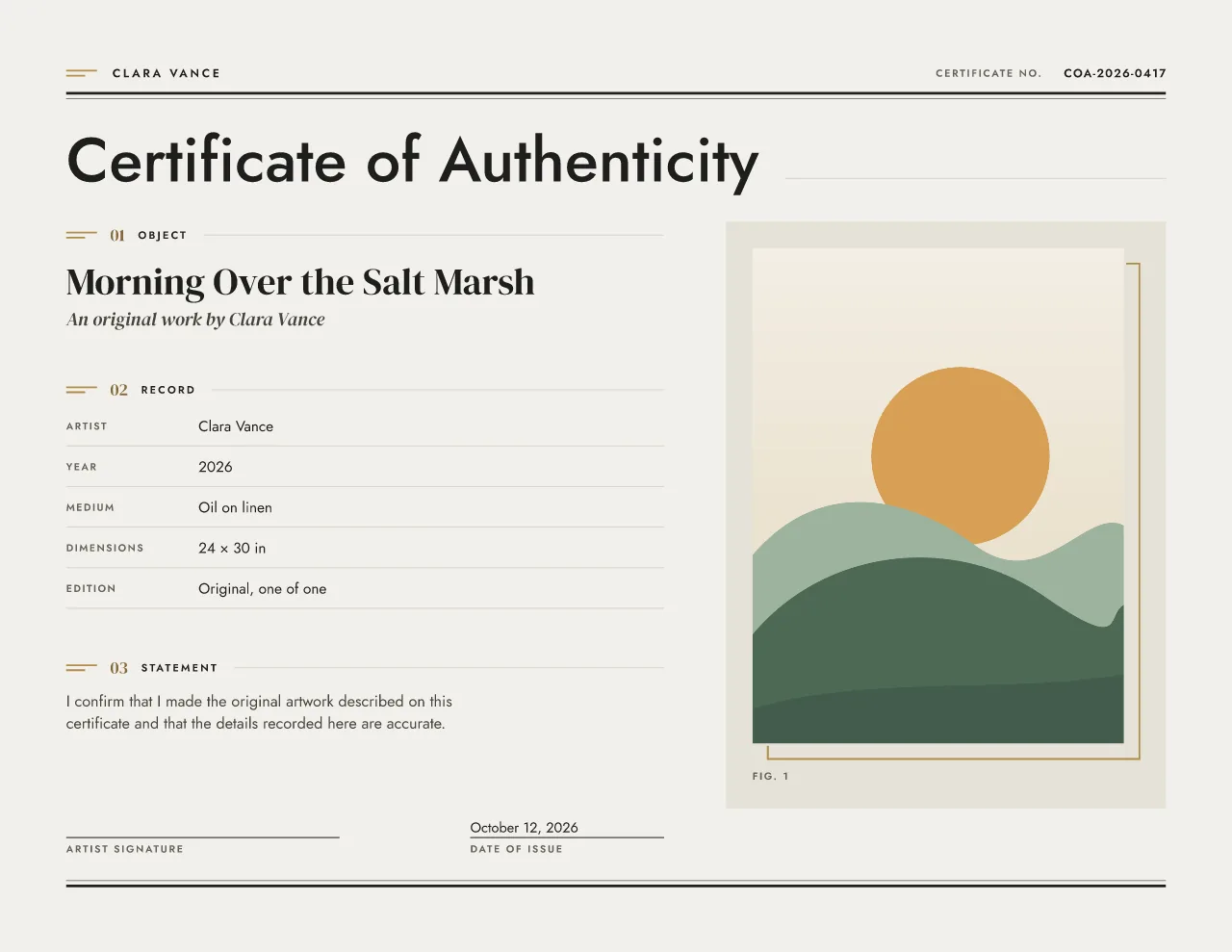
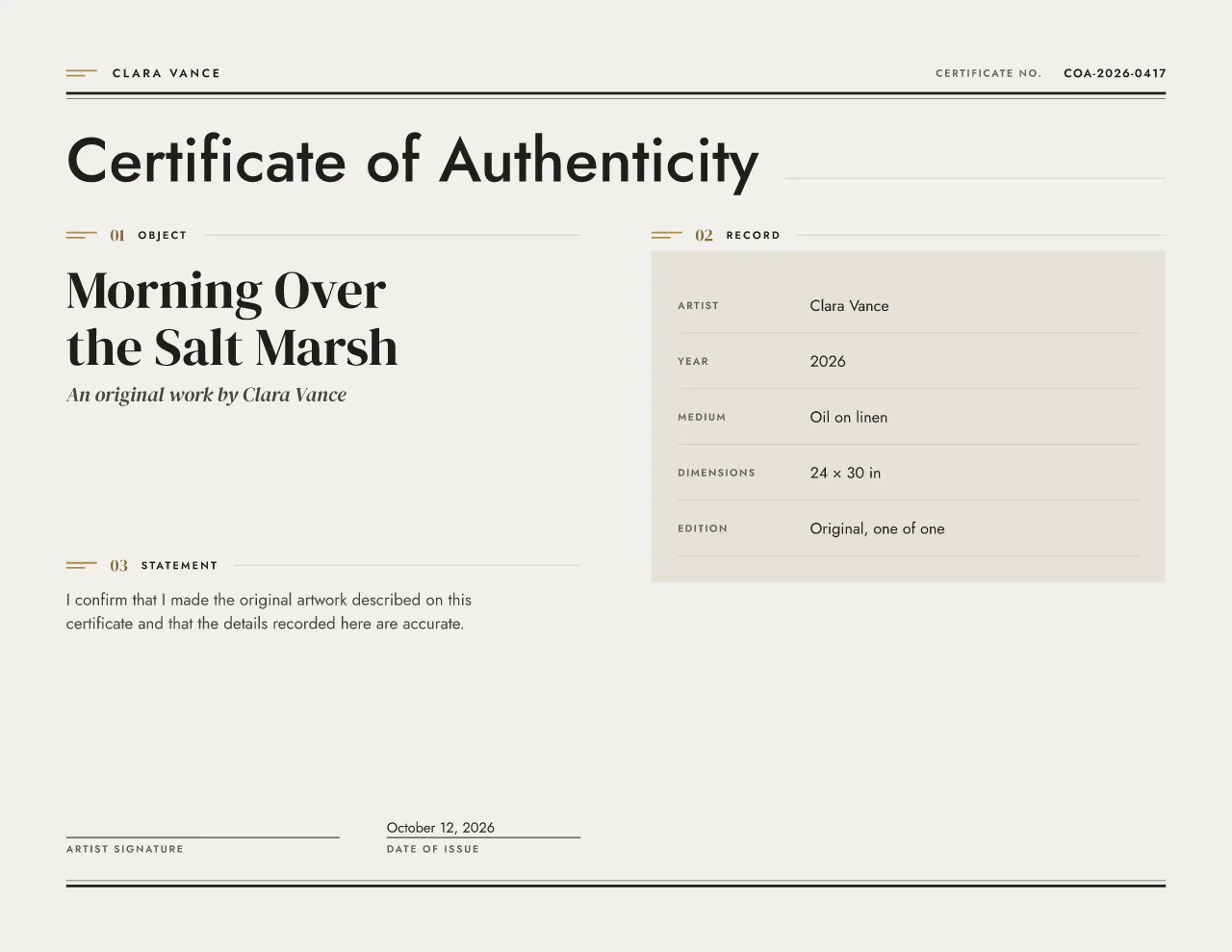 Studio · free during launch
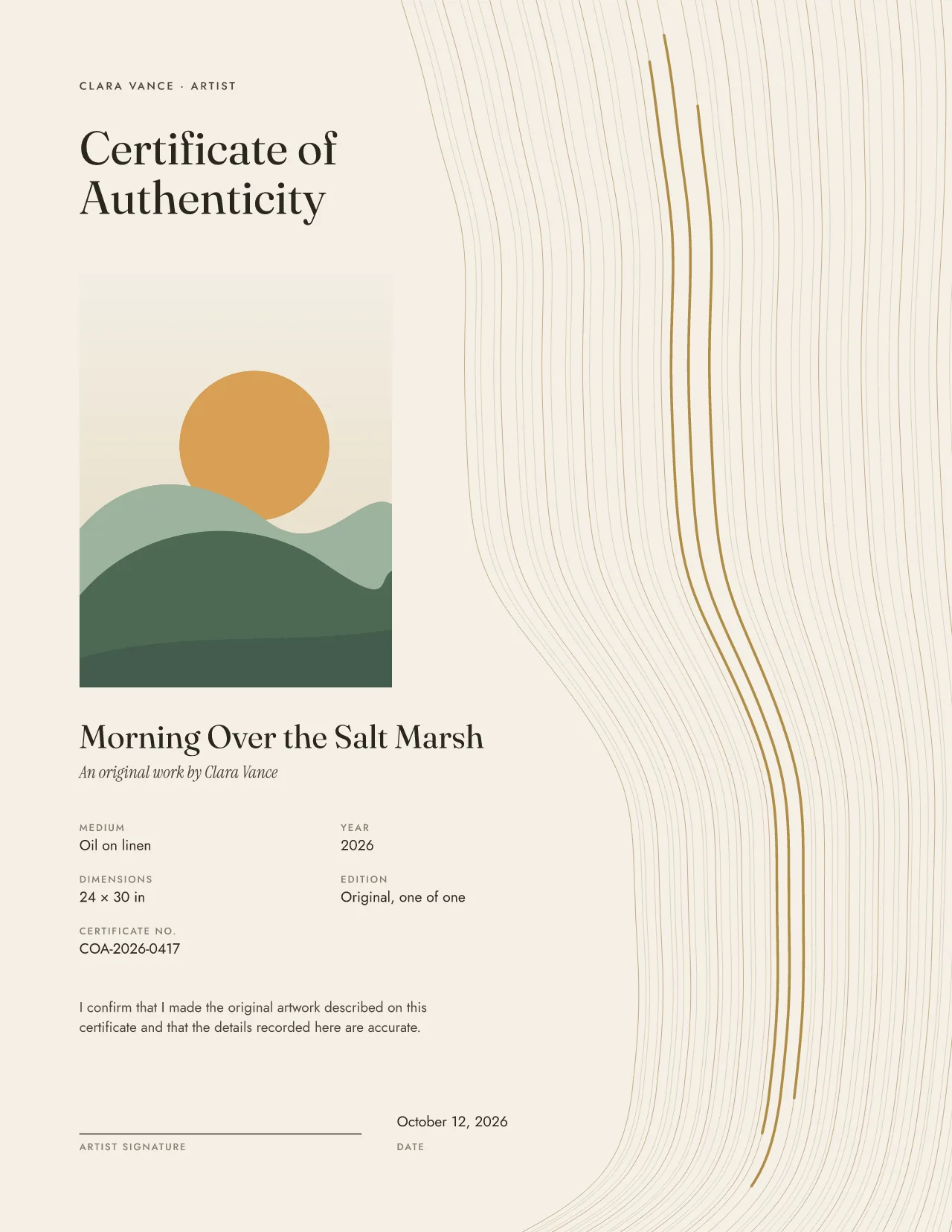
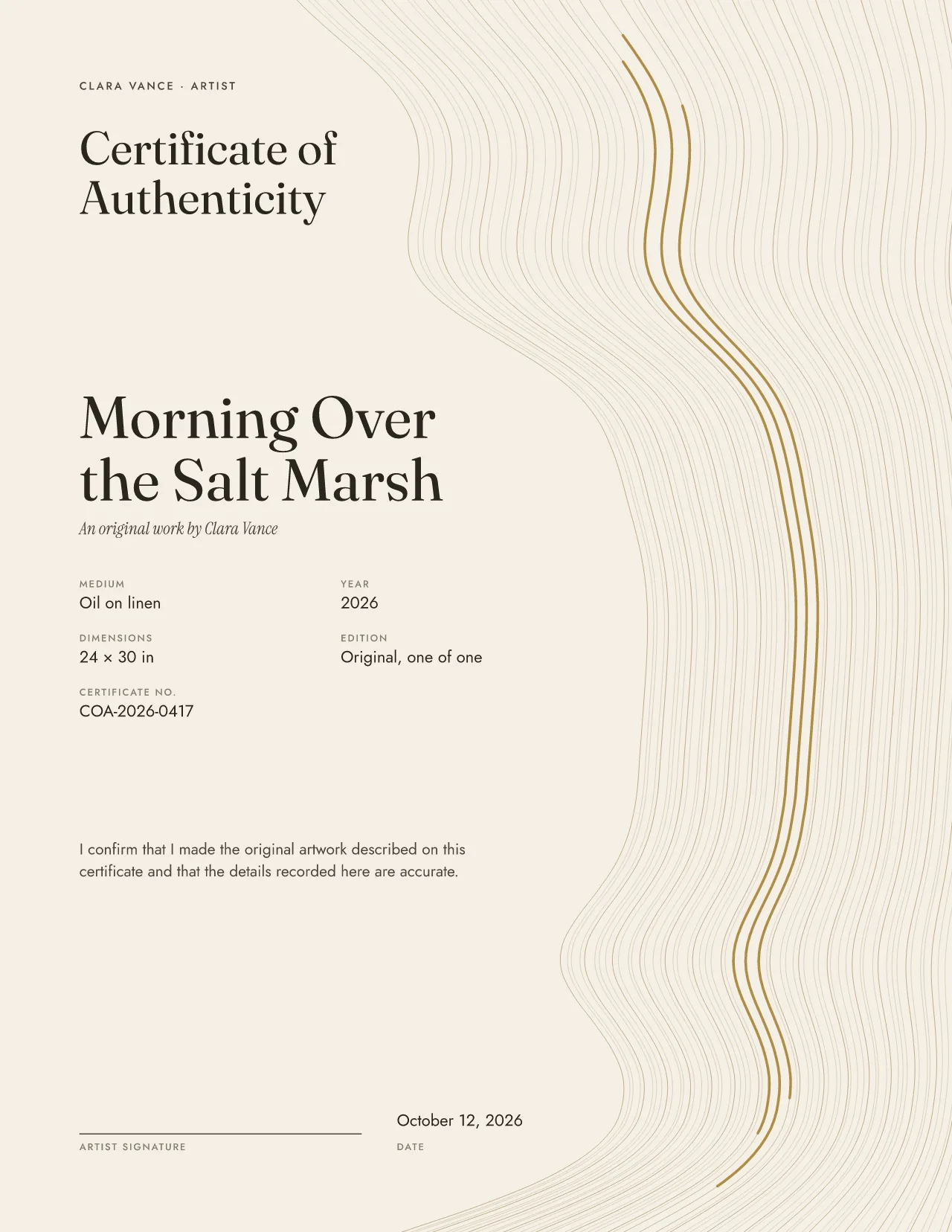 Studio · free during launch
This certificate of authenticity maker runs in your browser: no download, no blank canvas to fight with. The full step-by-step guide covers wording and record keeping.
Pick one of ten designs, five traditional and five modern. Every design has a layout with a photo and one without, at US Letter, A4 and A5.
Add the title, who made it, the year, medium and size. The certificate updates as you type, and long titles or names are fitted, never cut off.
Upload a JPEG, PNG or WebP photo of the work. The whole image shows by default; crop or rotate it if you like. Leave the signature line blank to sign by hand.
Check the proof, then download. Designing needs no account; a free account is needed to download, so the certificate is saved and you can reprint it.
A certificate of authenticity (often shortened to COA) records what the issuer states about one piece. Three things make it a certificate; the rest makes it useful years later, when the work is sold, insured or lent.
The form asks for these in this order and shows each one on the certificate as you type. Read more on what to include on a certificate.
The fields change with the work. An original is one of one; an edition print carries its number in the run and a certificate number of its own.
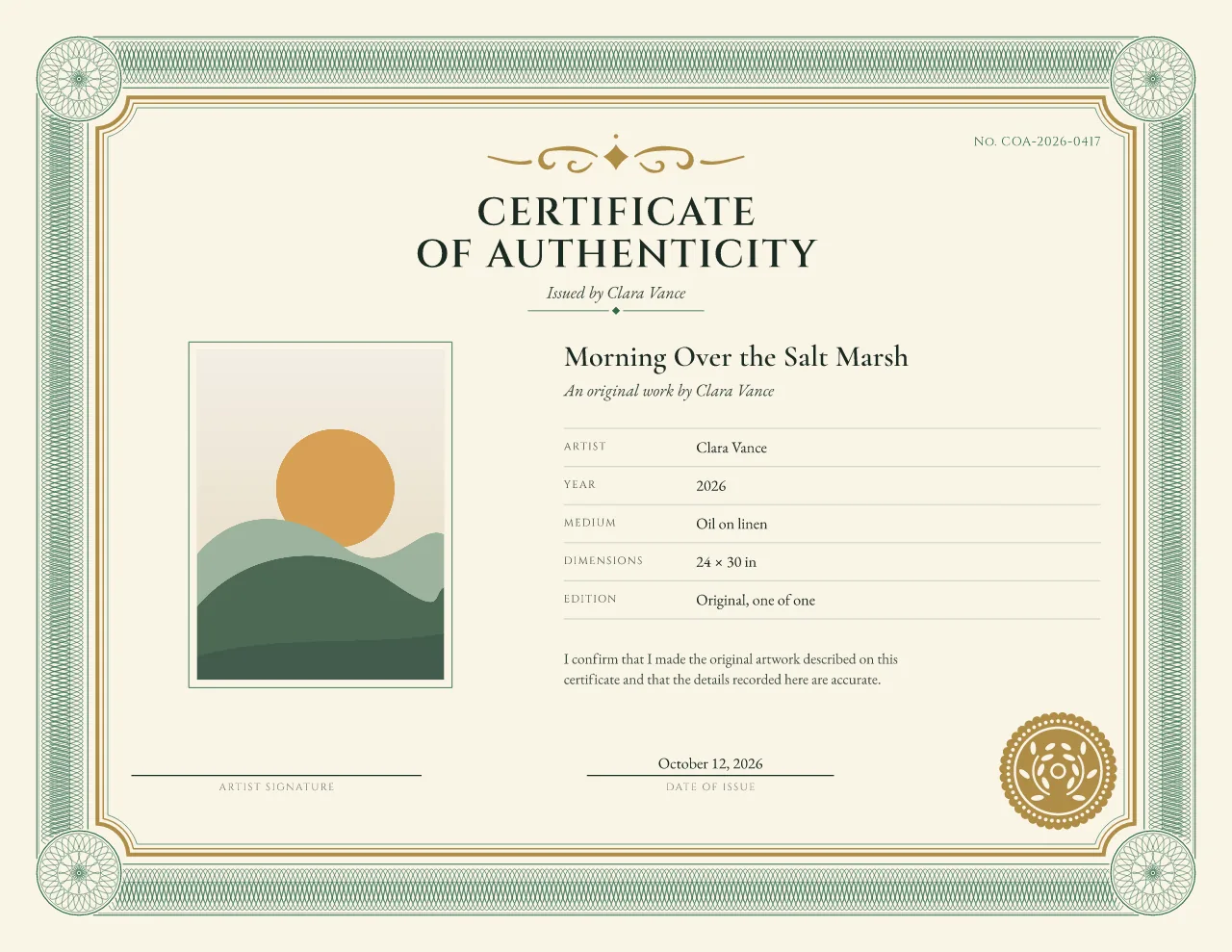
A painting, drawing or sculpture that exists once. The edition reads “Original, one of one” and the photo shows the whole piece.
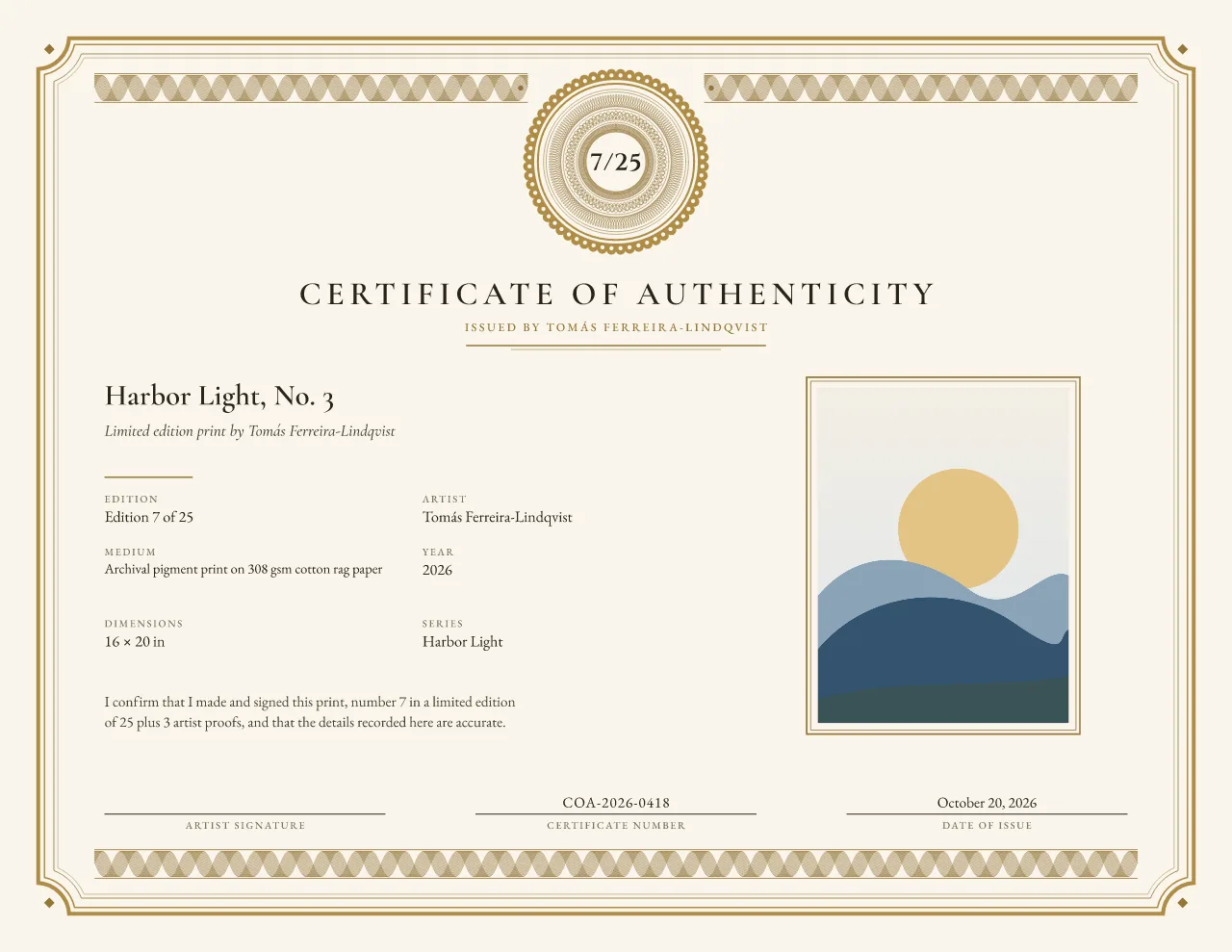
Certificate of authenticity for artworkEach print gets its own number in the same run, for example 7/25, while the certificate number stays unique to that sheet.
Certificates for limited edition printsRecord the print process, the paper, the image and sheet size and how many prints exist across all sizes.
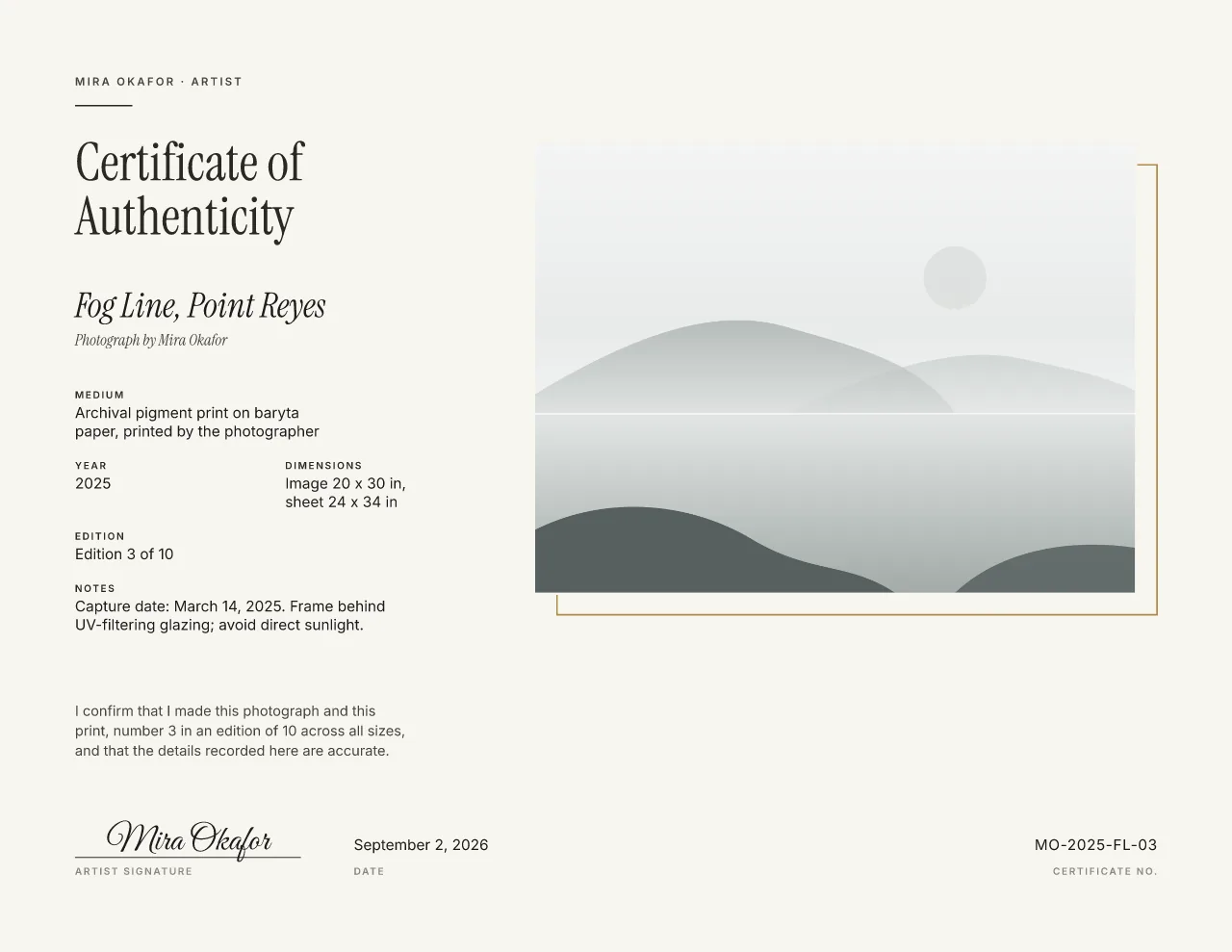
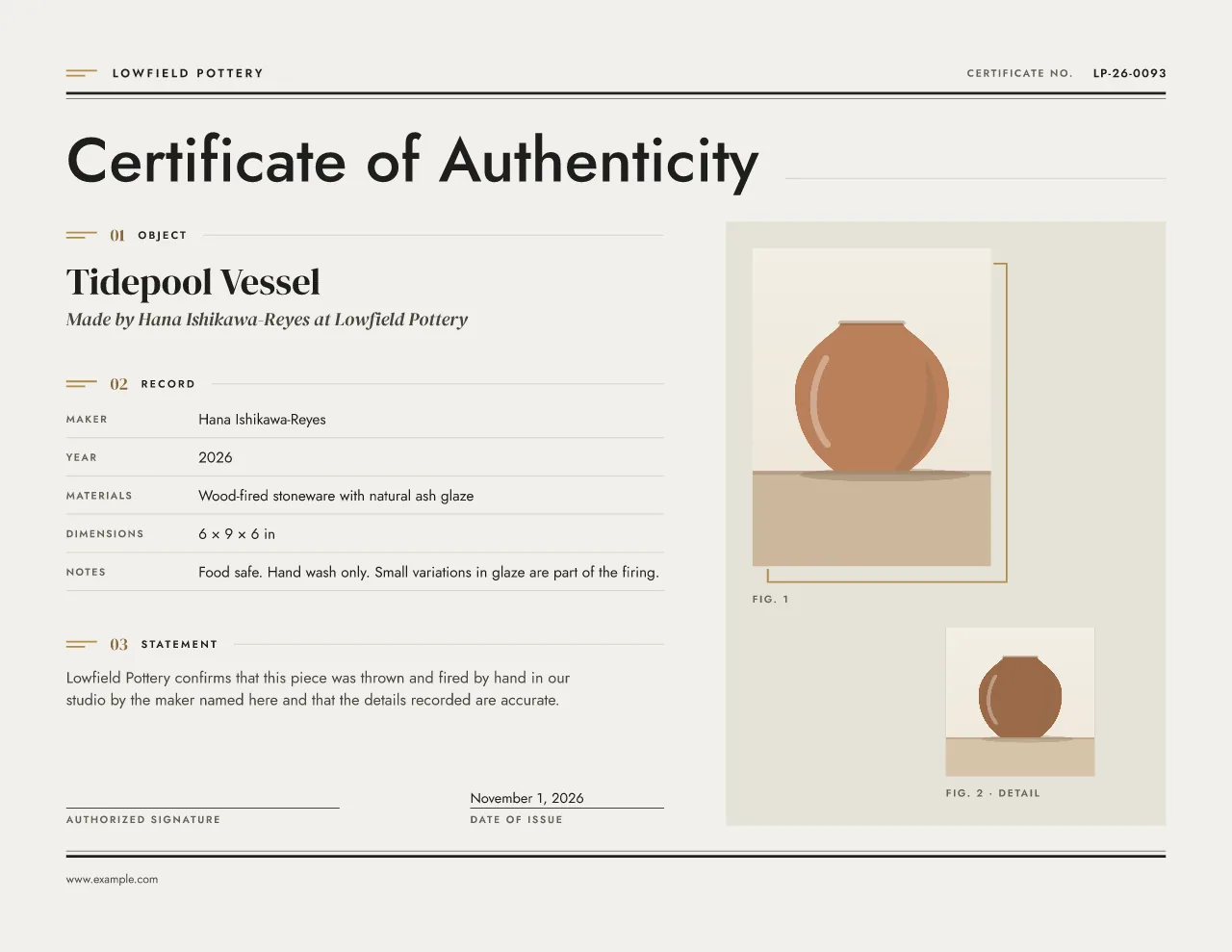
Photography certificatesCeramics, jewelry, furniture and craft: the maker, the materials and care notes, with an optional detail photo of the maker’s mark.
Start an object certificateEach design is composed separately for US Letter, A4 and A5, so the type stays readable on the smaller sheet. Download a vector PDF with the fonts embedded and print it at 100% scale (turn off “fit to page”).
Download a PDF, PNG or SVG. There is no Word or Canva file; the PDF prints anywhere and you can come back to edit and download it again.
Use a smooth card stock of about 200–300 gsm (80–110 lb cover). The low-ink option keeps the paper white and the ornament light for inkjet printers.
Send the PDF. Ask for an uncoated or cotton paper if you want the feel of a fine document, and check one proof before a run.
Download foil artwork for printer review: a ZIP with the full artwork, the foil layer on its own and a plain-English note. Your printer confirms foil, stock and tolerances. We do not print, foil or ship certificates.
A certificate of authenticity is a statement by the artist, studio or gallery who issues it, and its value rests on who signed it and on matching records. This tool helps you make that document clearly and consistently. It does not authenticate, appraise or verify artwork, and it is not a registry. An optional QR code simply opens your own page. See what a certificate should record.
Free during launch: all ten designs and every download. Gallery Minimal and Edition Rosette stay free forever. No sign-up to design. A free account is needed to download.
The eight Studio designs will be part of a $10/month plan later. Read the pricing details, or print a blank one from the free blank certificate PDFs.