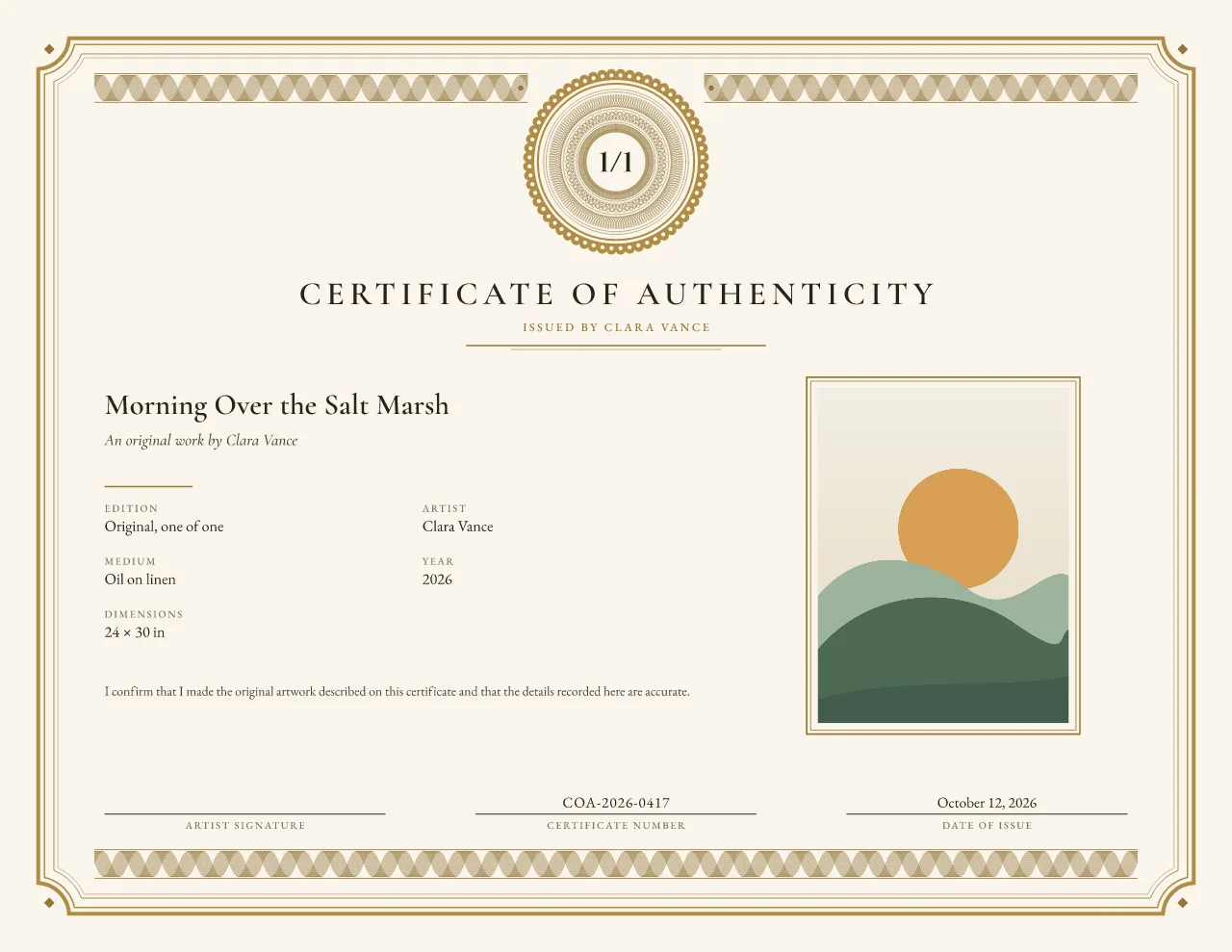
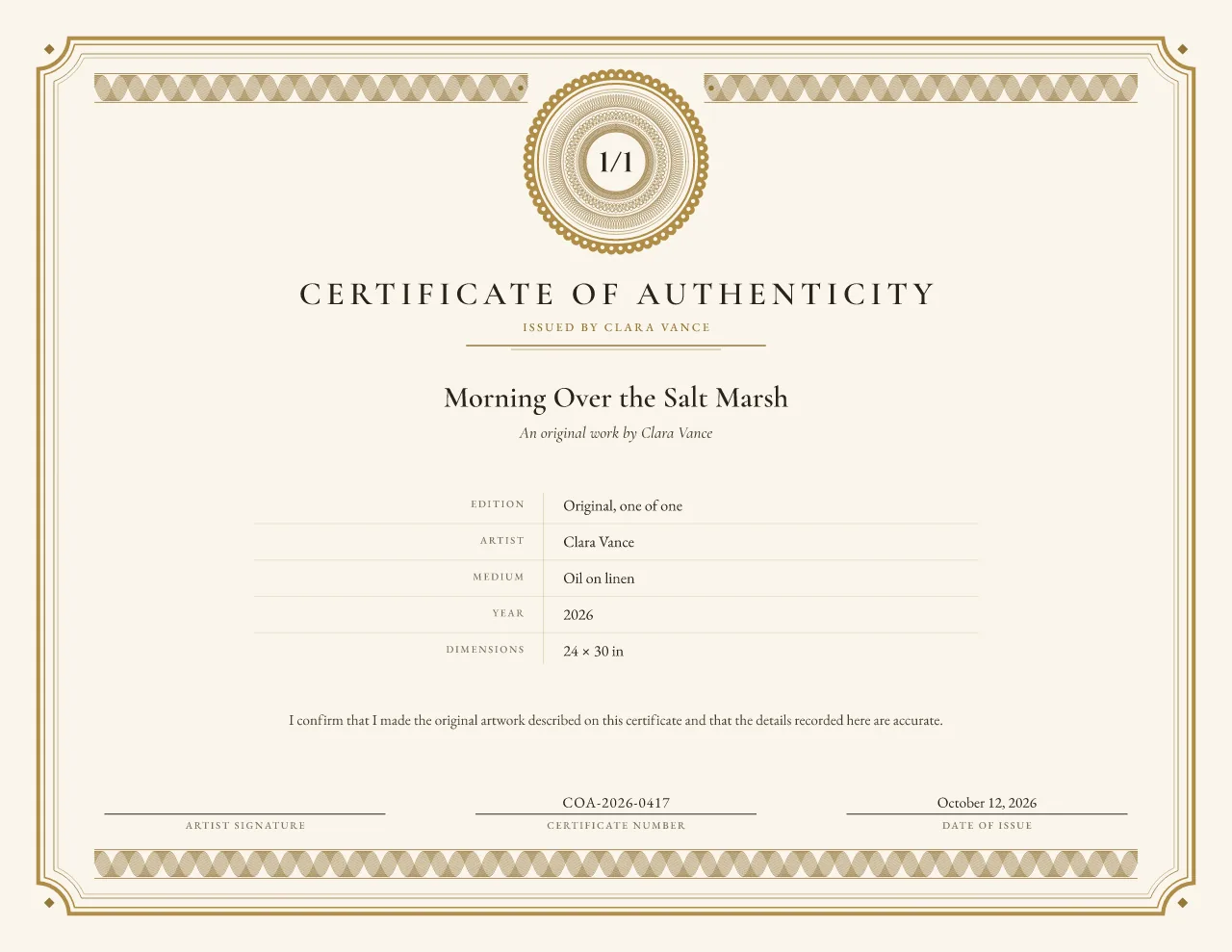
 Free
Traditional guilloche
Edition Rosette certificate of authenticity template
Fine art prints and limited editions
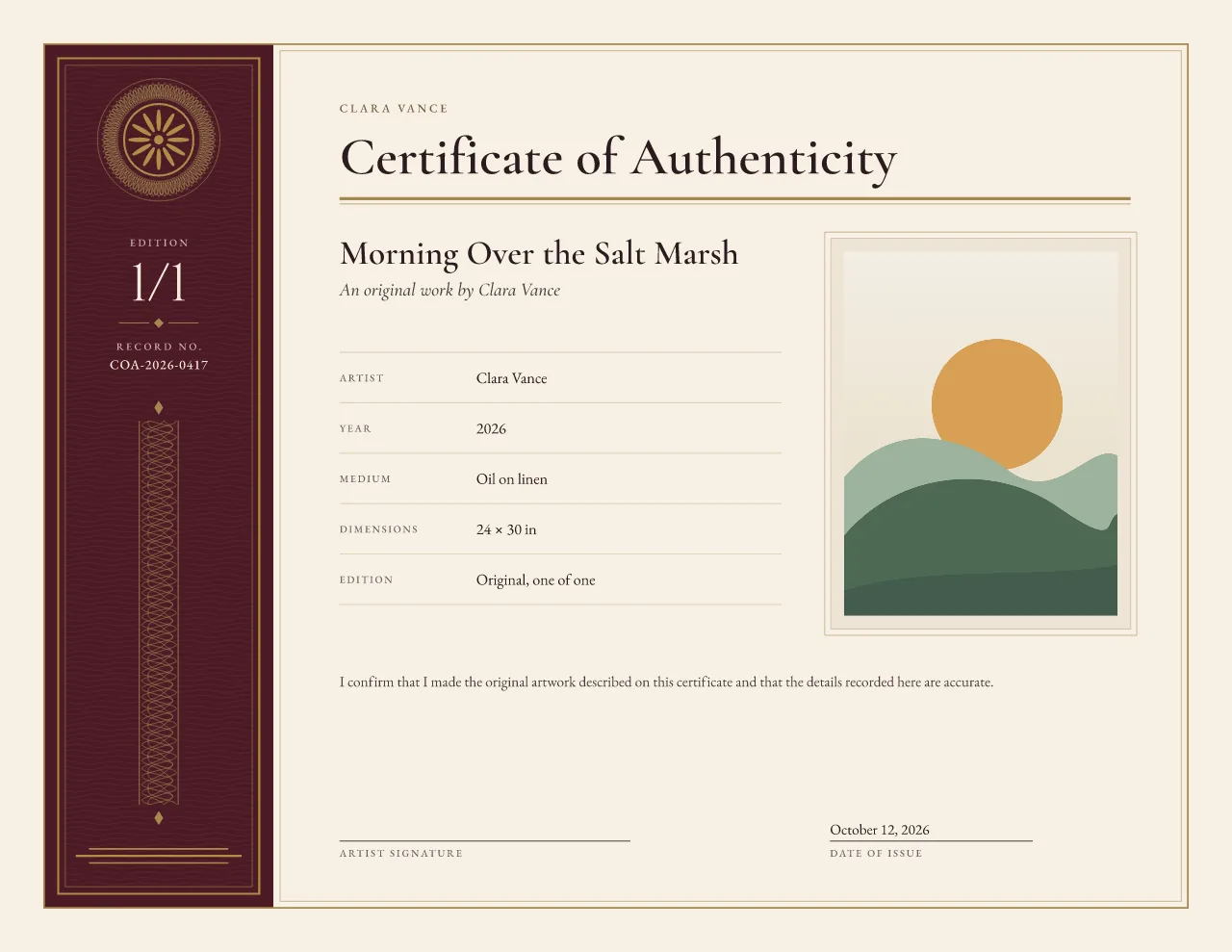
An archive-style dark spine, a small guilloche stamp and the edition number given pride of place.
Landscape by default; the portrait version keeps the spine on the left. No account needed until you download.
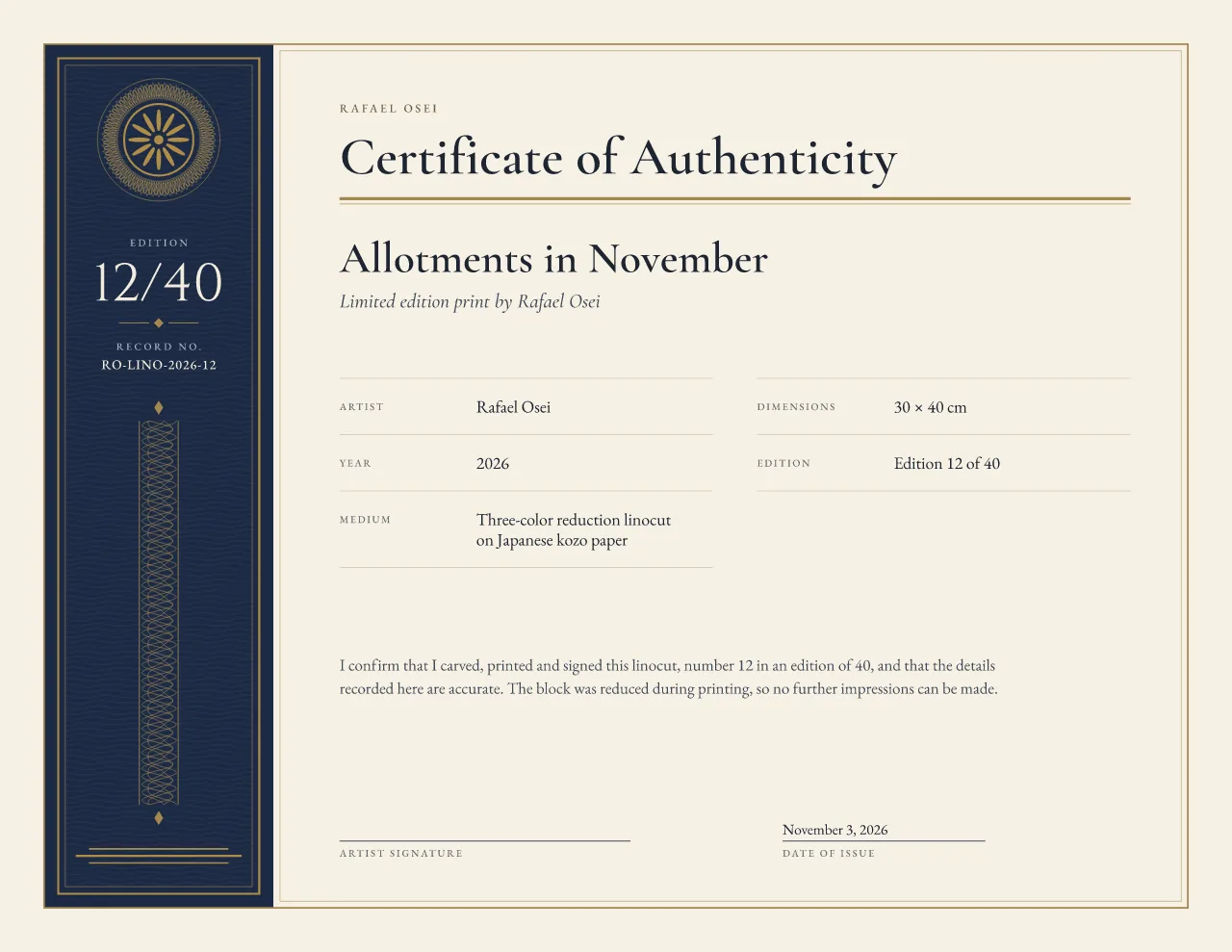
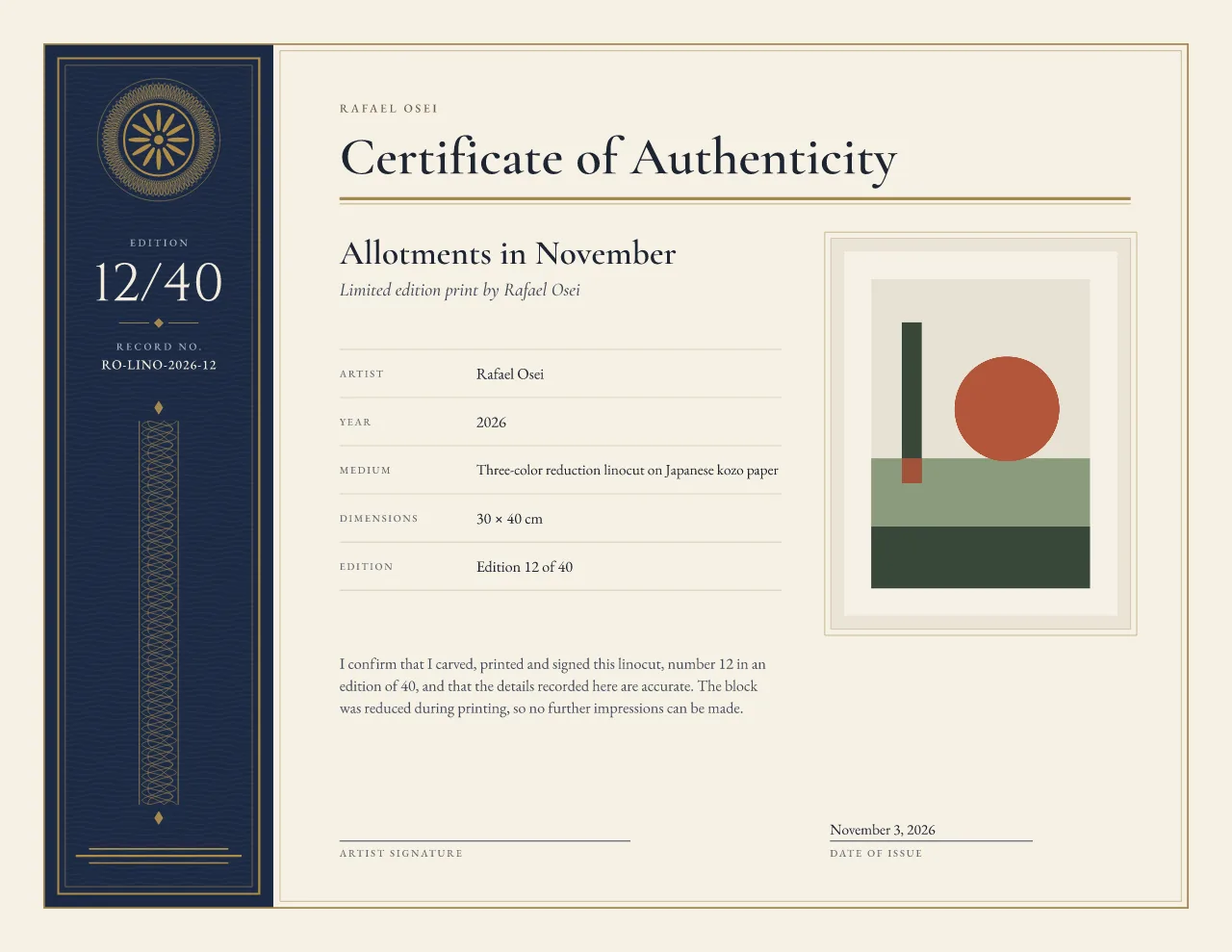
Sample: linocut edition, 12/40. Front with a photo, behind without.
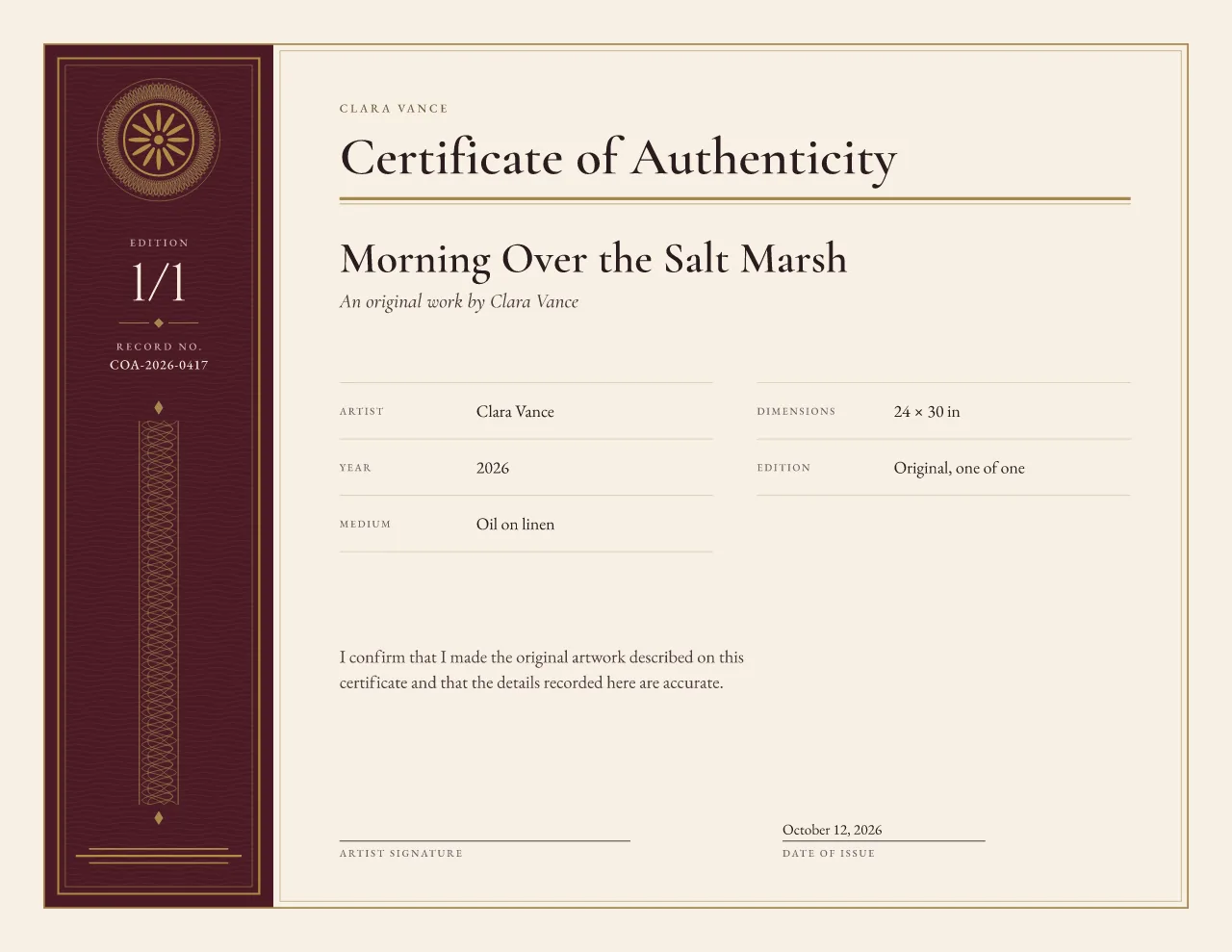
A small matted artwork image sits to the right of the ledger rows in landscape and across the text column in portrait. The whole image shows on a neutral mat, whether it is portrait or landscape. Without a photo the ledger opens into two columns in landscape and takes larger type in portrait, so the page never shows an empty box.
Shown in Oxblood with a sample painting.
Best for: Numbered editions and studio archives.
Archive Ledger is built for runs of numbered work. The dark spine turns the edition number into the first thing you read, and the ruled rows make every certificate in a series look like a page from the same studio record book.
A dark spine runs down the left edge with a small guilloche stamp, the edition number set large and the certificate number below it. The page beside it reads like an archive ledger: the issuer in small capitals, a classic serif heading over a thick-and-thin rule, then ruled label and value rows for the maker, year, medium, size, edition and series.
Numbered editions, print runs and studio archives, where the edition number and a record number matter as much as the title.
More on certificates for limited edition prints, and the wording to put on a certificate.
Tip: Fill in the series name and keep the edition total the same on every certificate in the run. The spine then shows 12/40, 13/40 and so on, and the certificate number below it stays unique to each sheet.
Archive Ledger comes in 3 paper sizes and 4 colorways. Every color below opens the editor in that variant; switching later keeps your text and edition.
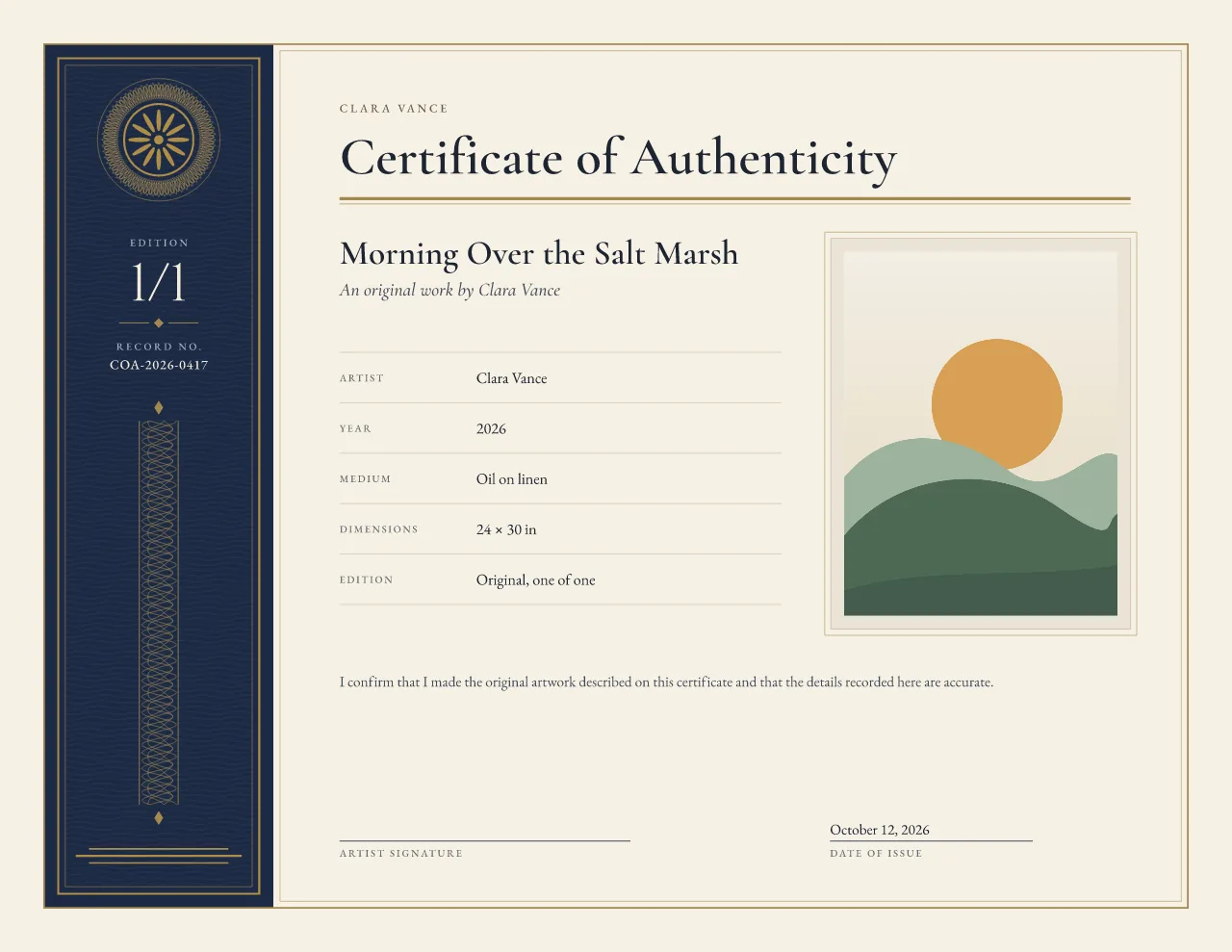 Archive navy : open Archive Ledger in the editor in Archive navy Oxblood : open Archive Ledger in the editor in Oxblood
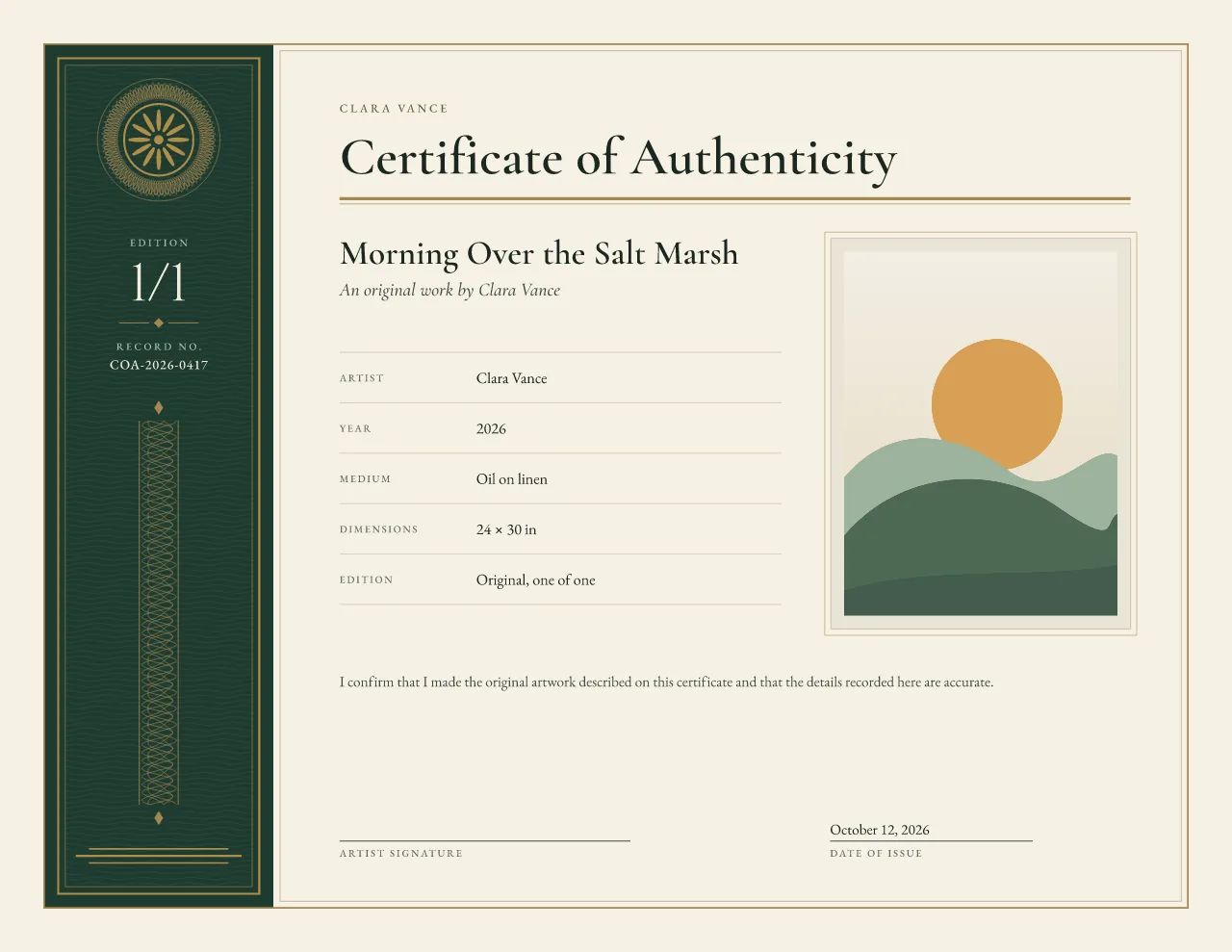 Ledger green : open Archive Ledger in the editor in Ledger green
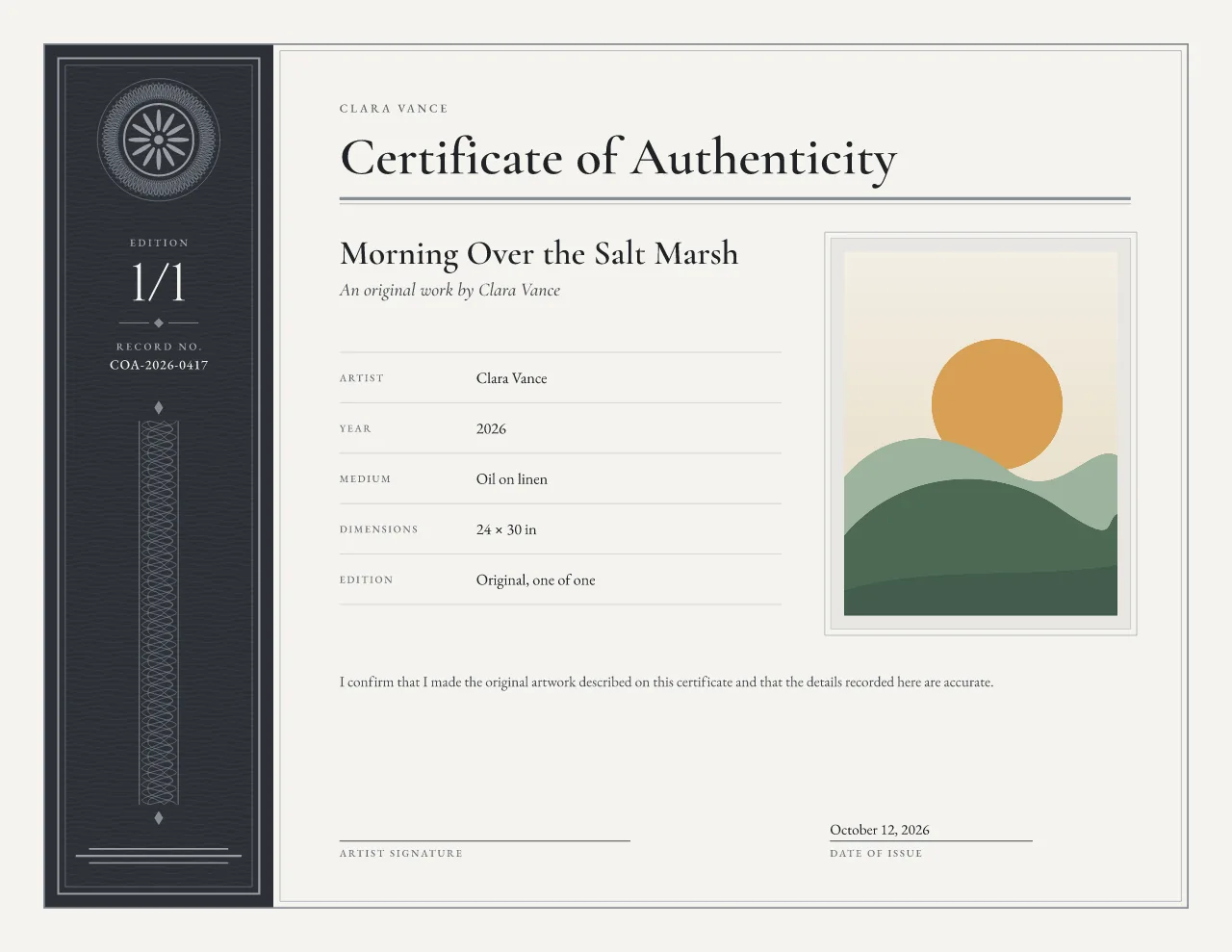 Graphite and silver : open Archive Ledger in the editor in Graphite and silver
A5 is composed on its own rather than shrunk, so the type stays readable.
Preview the metallic areas in gold, silver or no metallic (the design's ink color). The colorways pair with gold or silver by default, and you can switch.
Low ink keeps heavy fills and grounds off the page for home printers.
Vector PDF with embedded fonts, PNG or JPEG, an SVG file, and the foil artwork for printer review. All free during launch, with a free account at download.
Design version 3. Reprints of an issued certificate keep the version they were issued with.
Foil is limited to the fixed spine ornament: the spine keyline, a simplified stamp and three foot rules. The fine guilloche ring, the edition number, the certificate number and all other details print in ordinary ink, so every certificate in a run can share one foil plate.
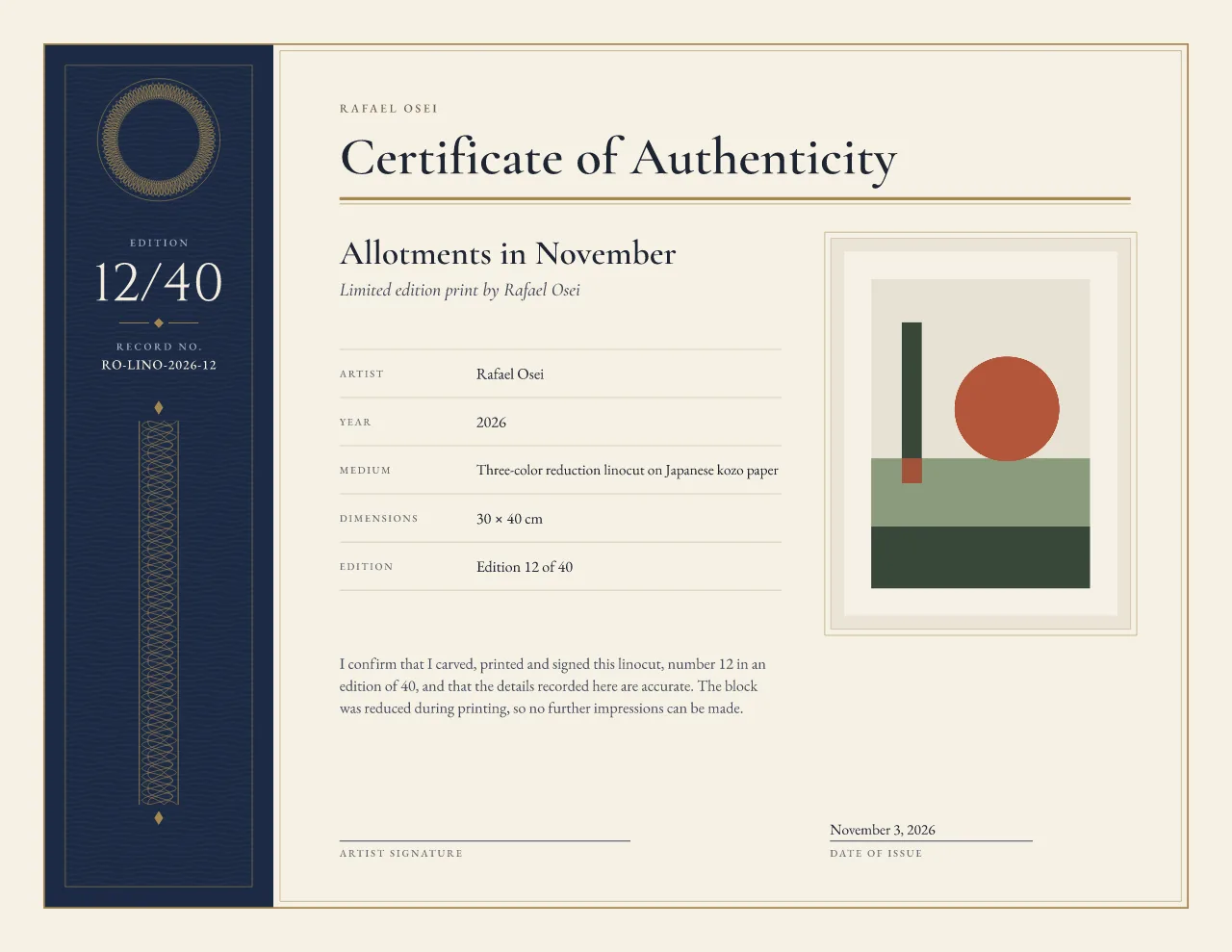
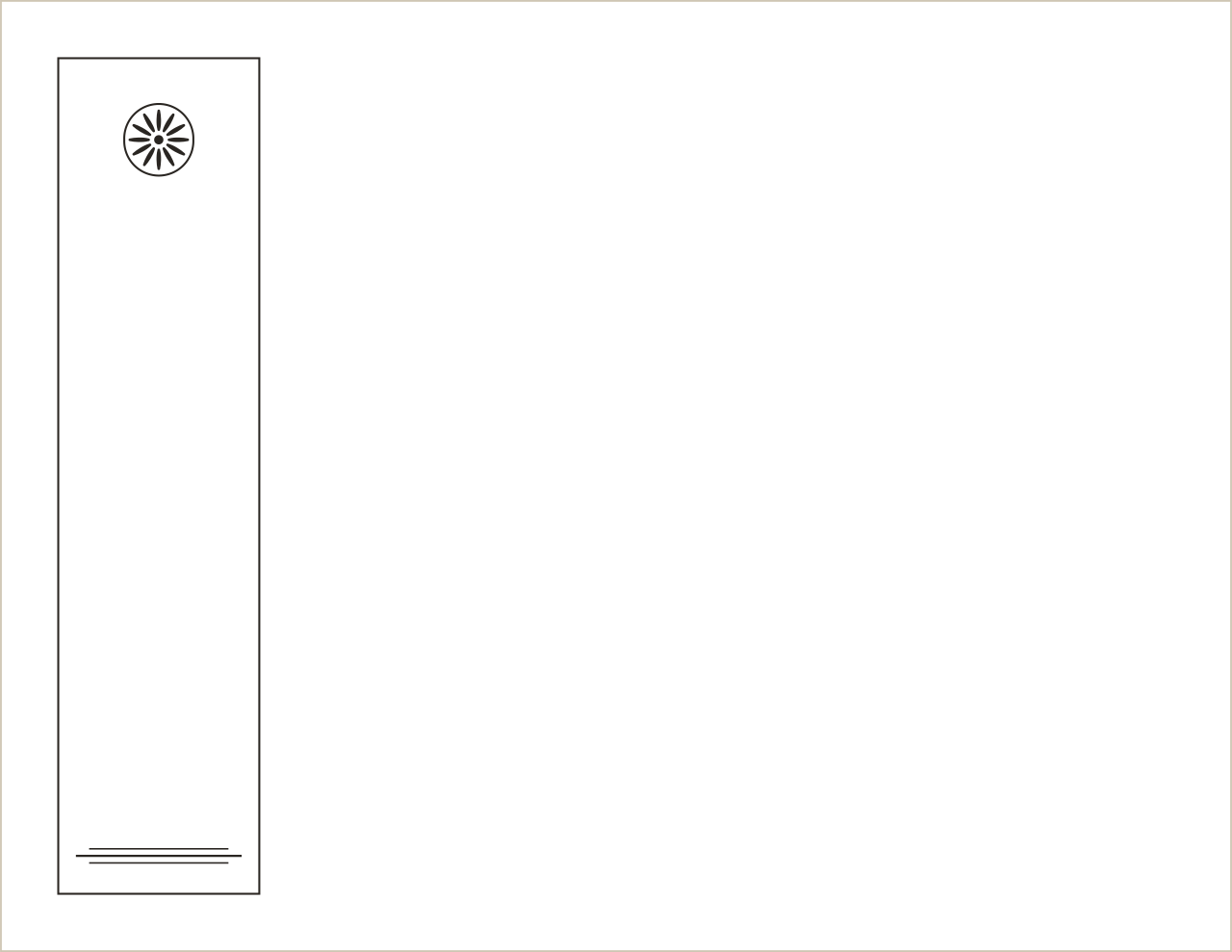
Foil artwork for printer review. The download is a ZIP with the full artwork, the ordinary-ink artwork and the foil layer as separate PDFs on the same page size and bleed, plus a preview and a plain-English note for your printer. Your printer confirms the foil, the paper and the tolerances before anything is made. Read how the foil files work.
Free Traditional guilloche
Fine art prints and limited editions
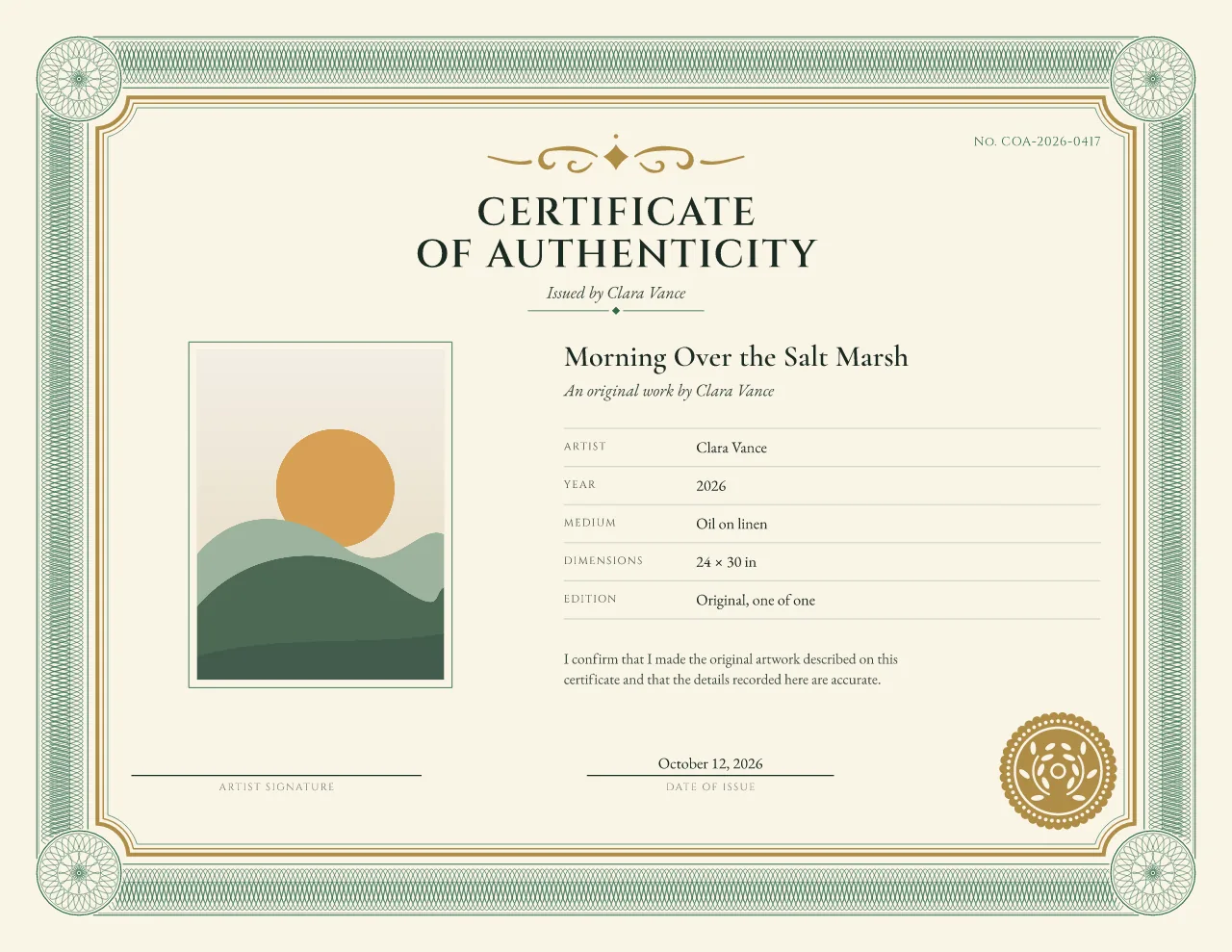
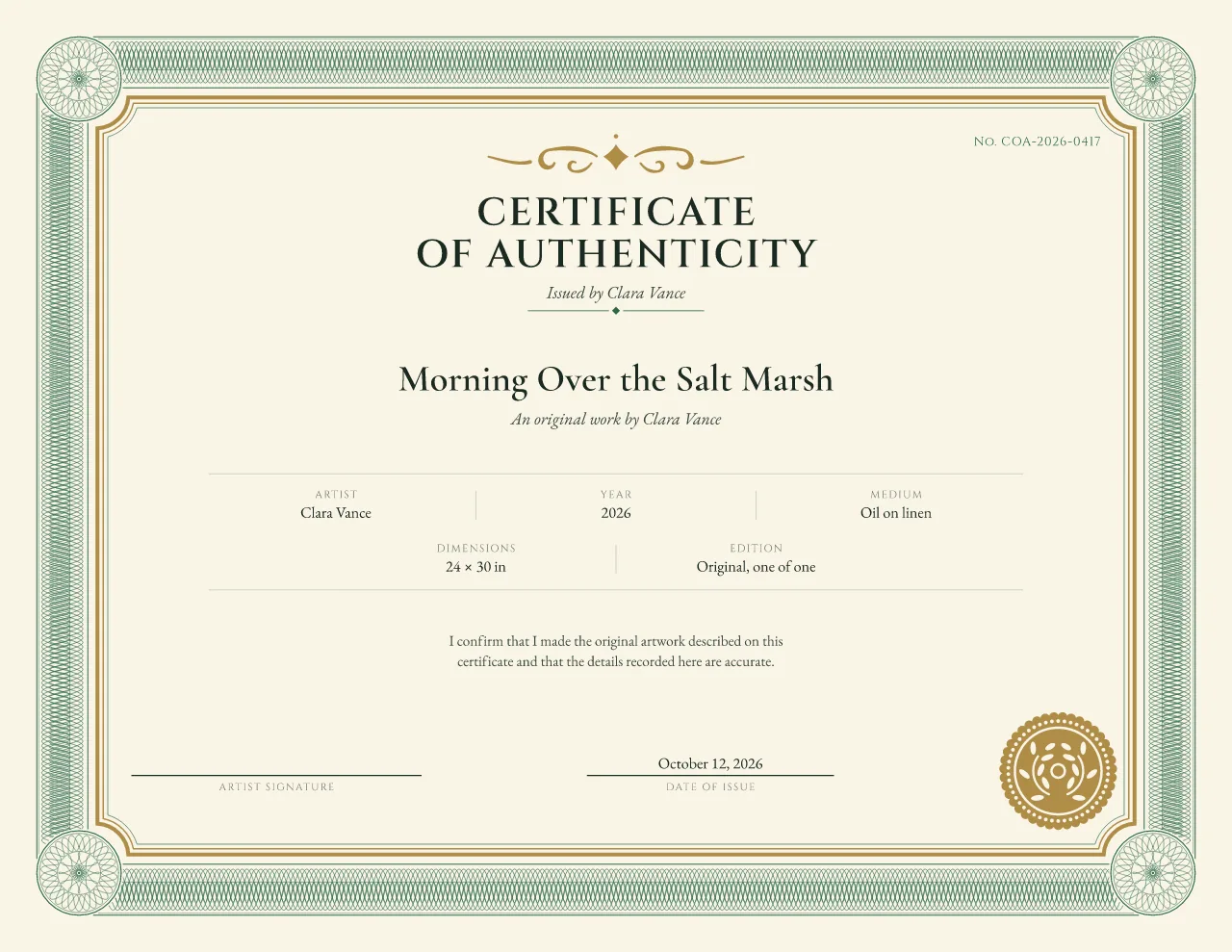 Studio · free during launch
Traditional guilloche
Original paintings and galleries
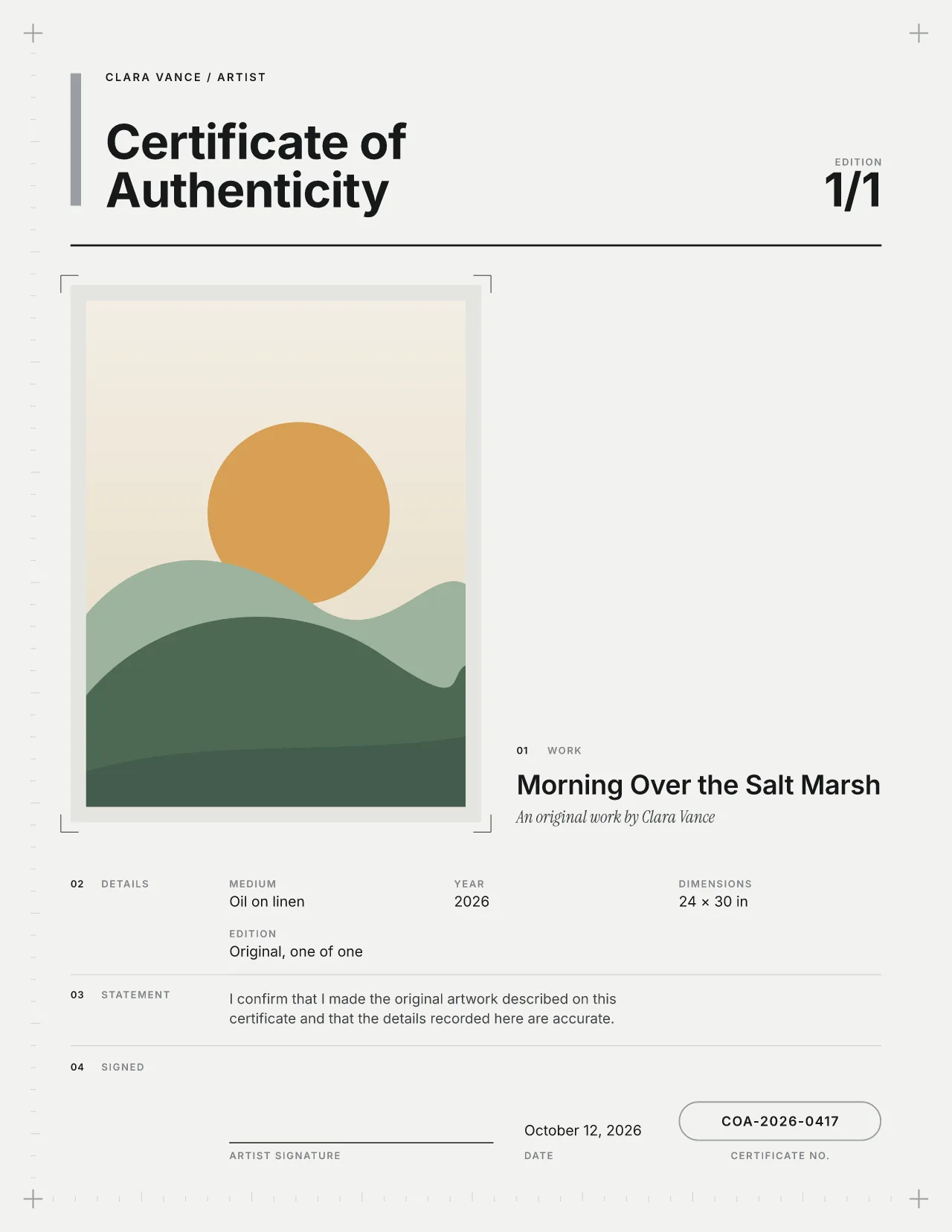
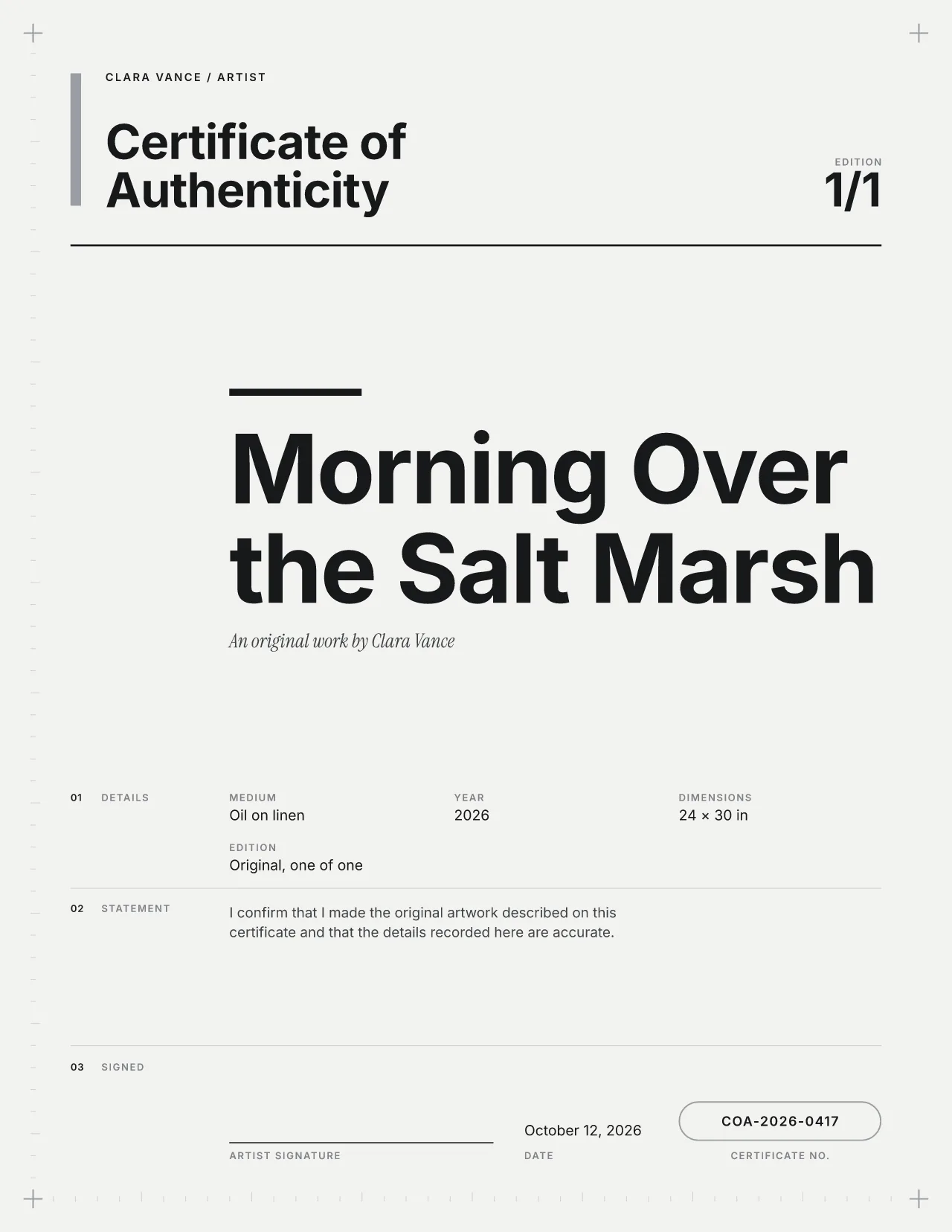 Studio · free during launch
Modern Swiss
Design studios and contemporary makers
US Letter, A4 and a separately composed A5. The A5 layout is redrawn rather than shrunk, so the type stays readable.
Yes. The details expand into the space the image used. Nothing is left as an empty box.
Yes, during launch. Later it will be one of the eight Studio designs; Gallery Minimal and Edition Rosette stay free forever. See what Studio will include.
In the dark spine on the left, set larger than any other detail, so 12/40 is read first. The certificate number sits below it as its own field.