 Free
Modern editorial
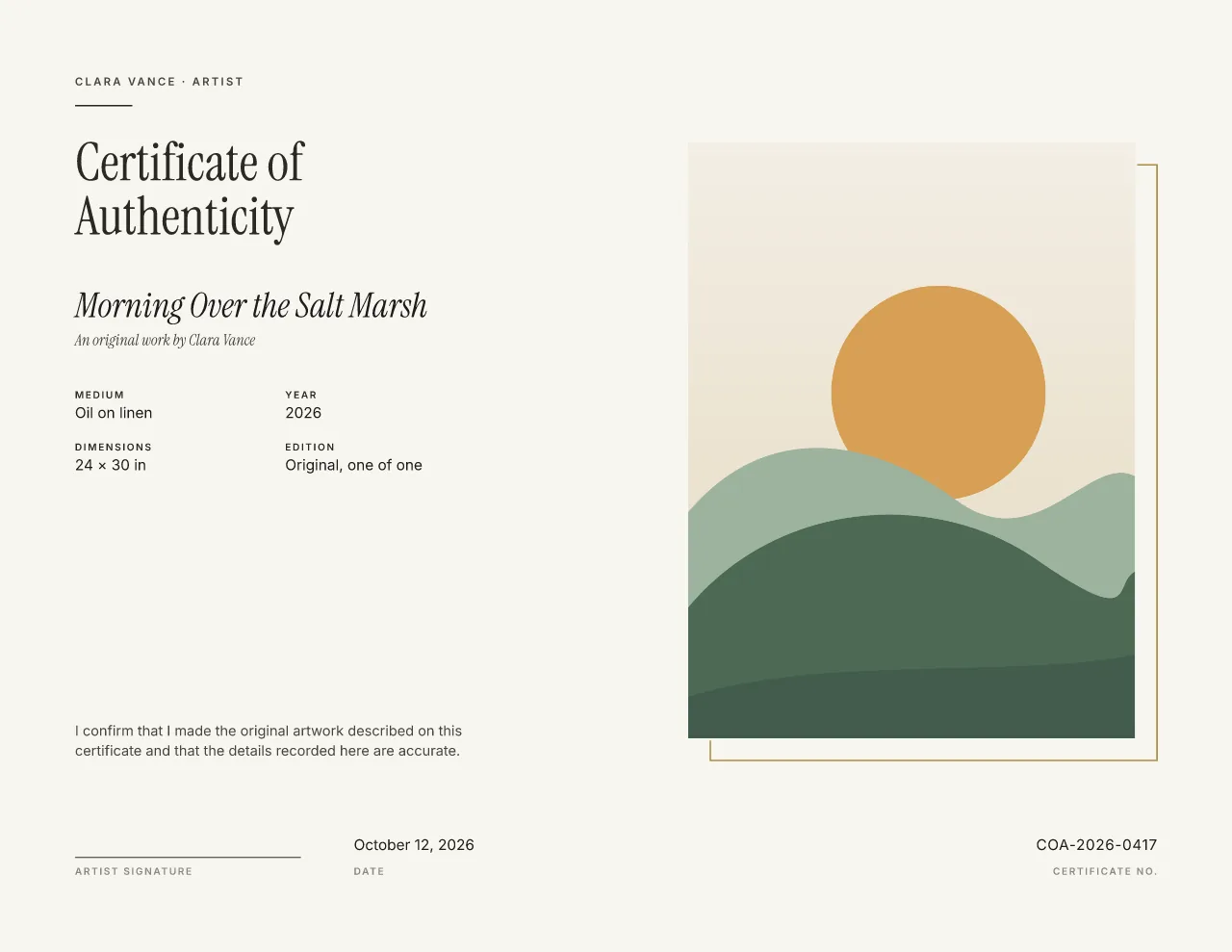
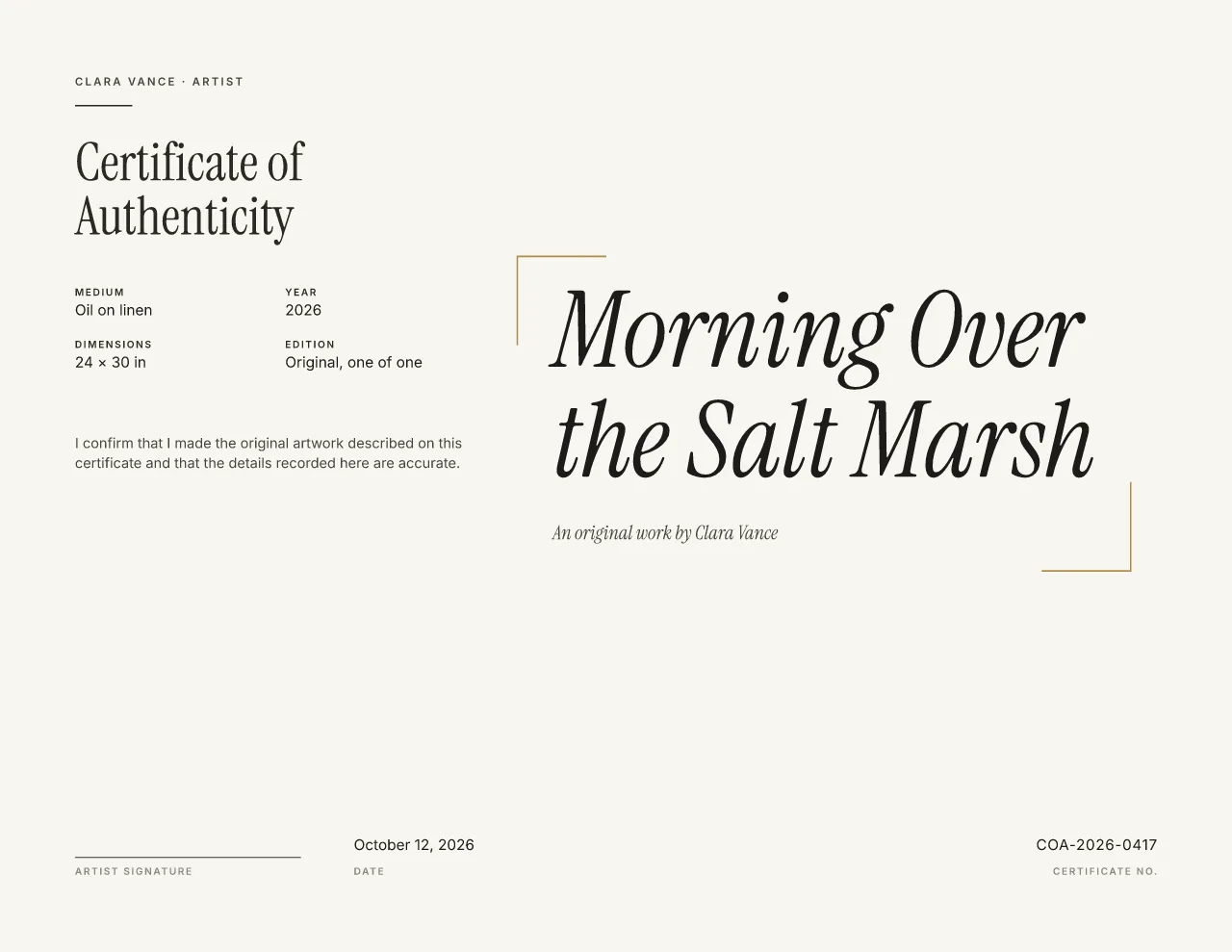
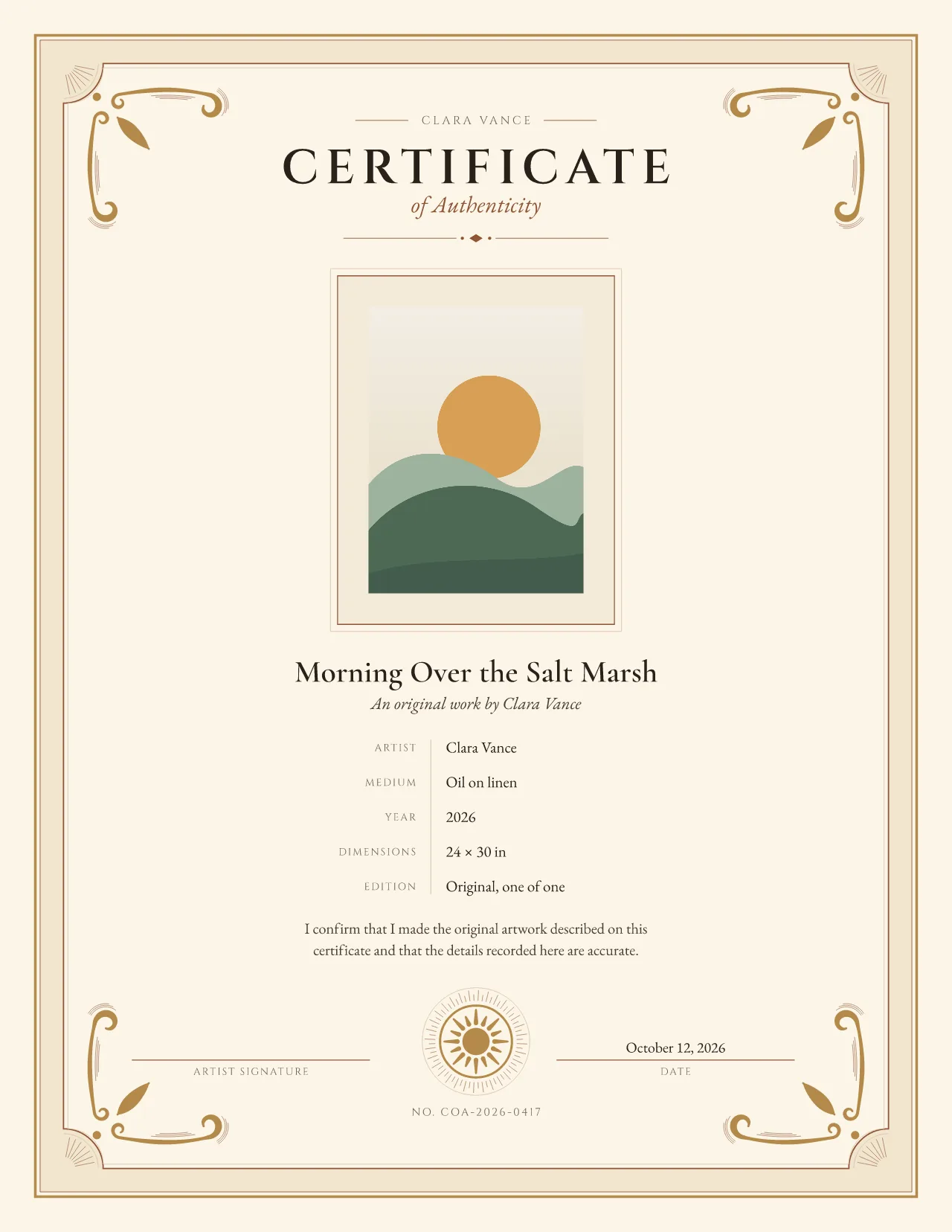
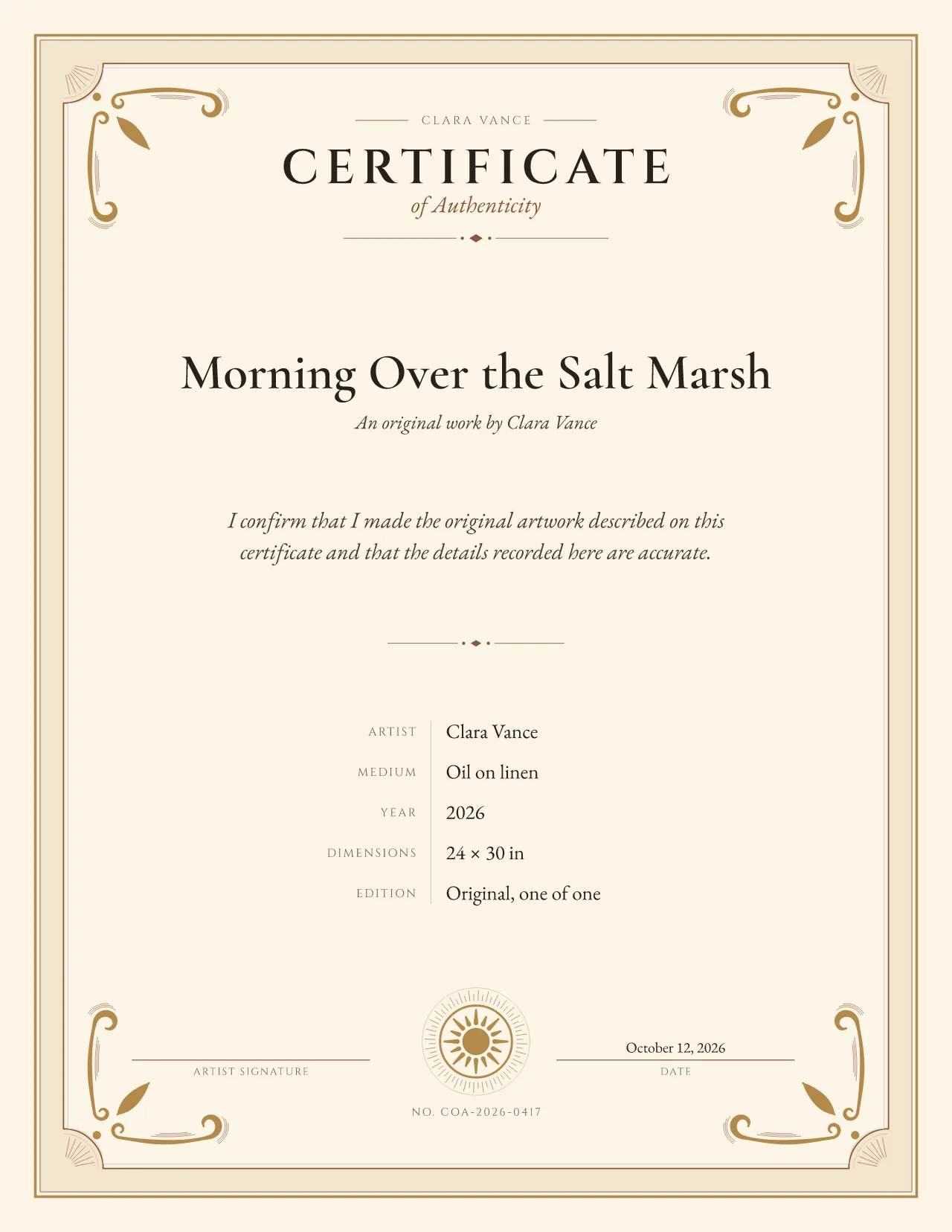
Gallery Minimal certificate of authenticity template
Contemporary art and photography
Catalog-style information rules and an understated object frame; detail-led rather than ceremonial.
Landscape by default, with room for a detail photo. No account needed until you download.
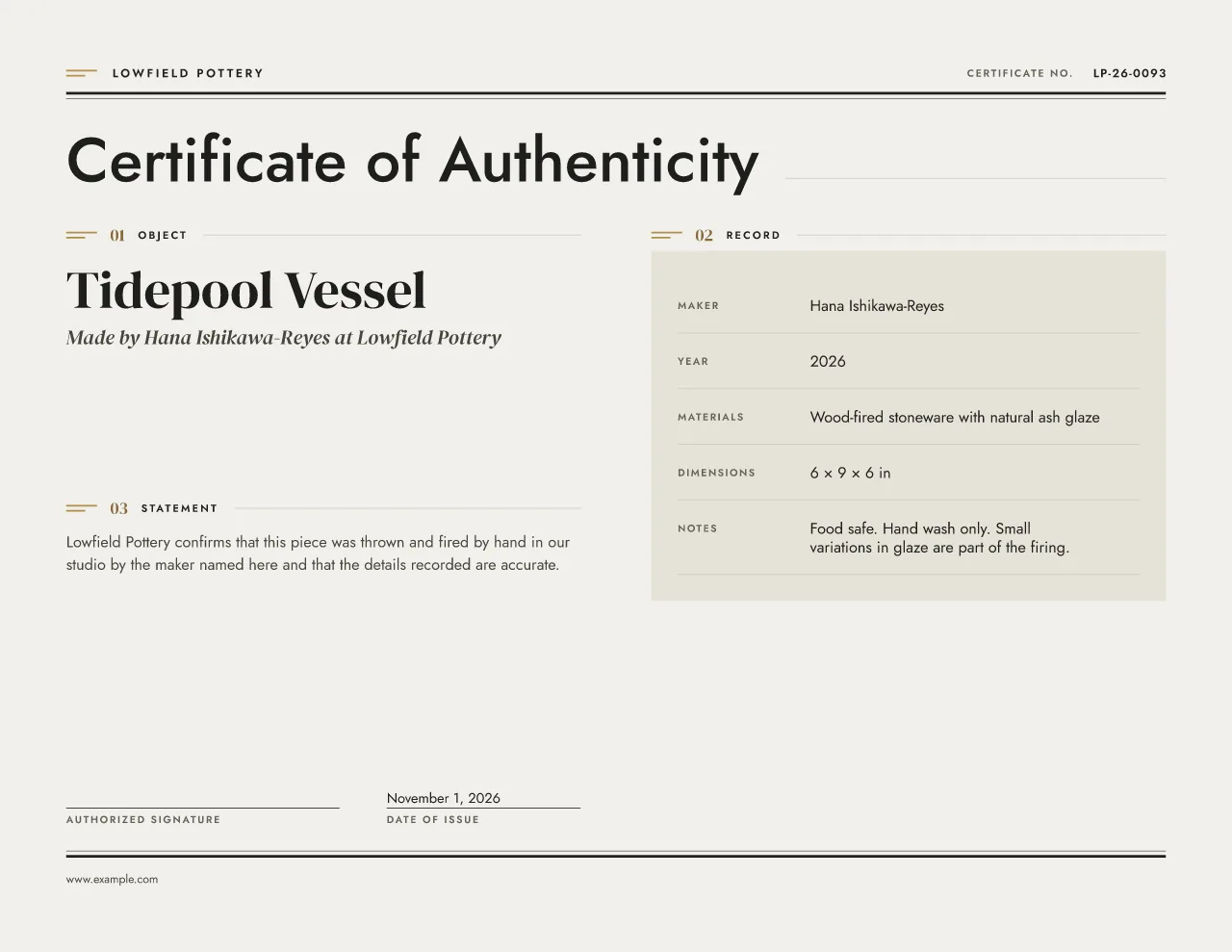
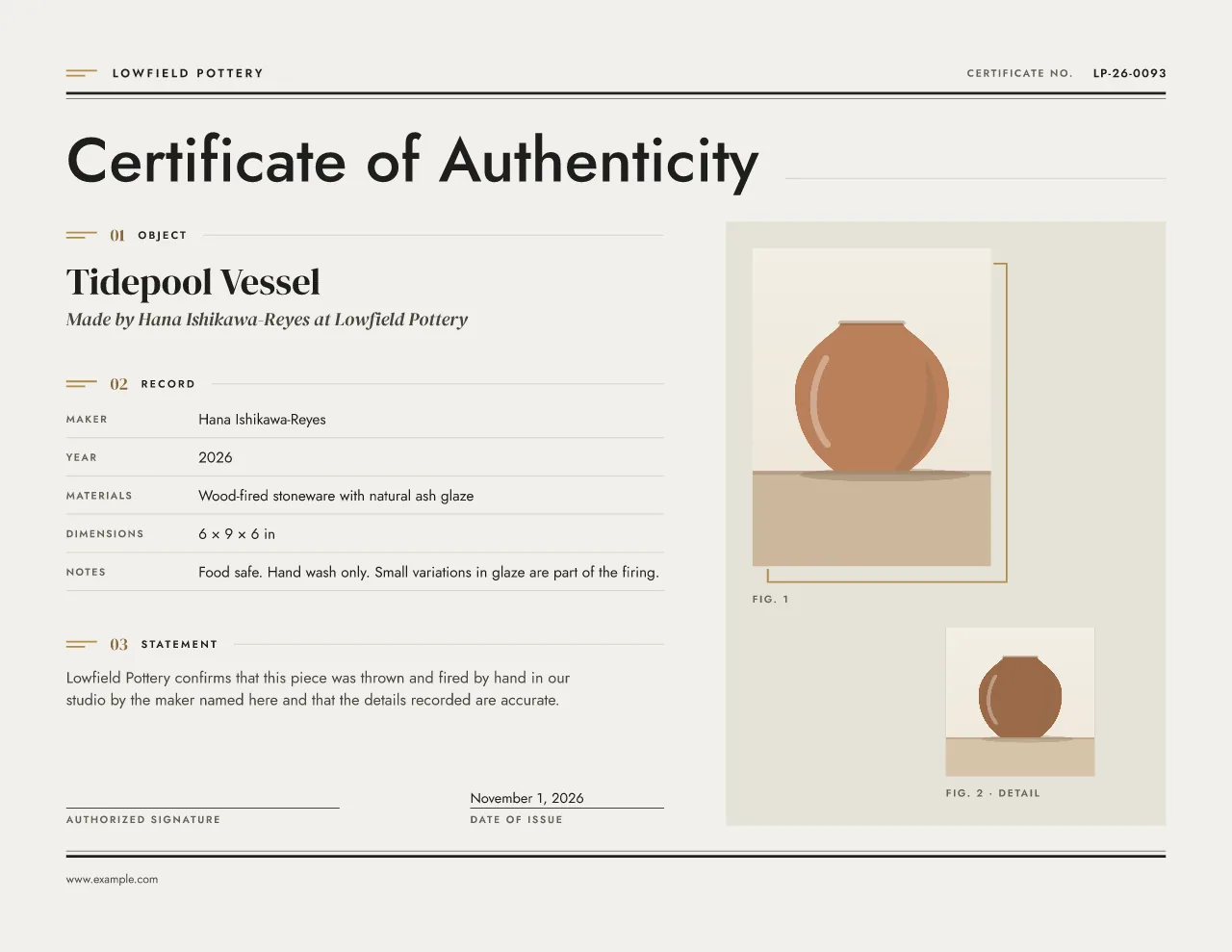
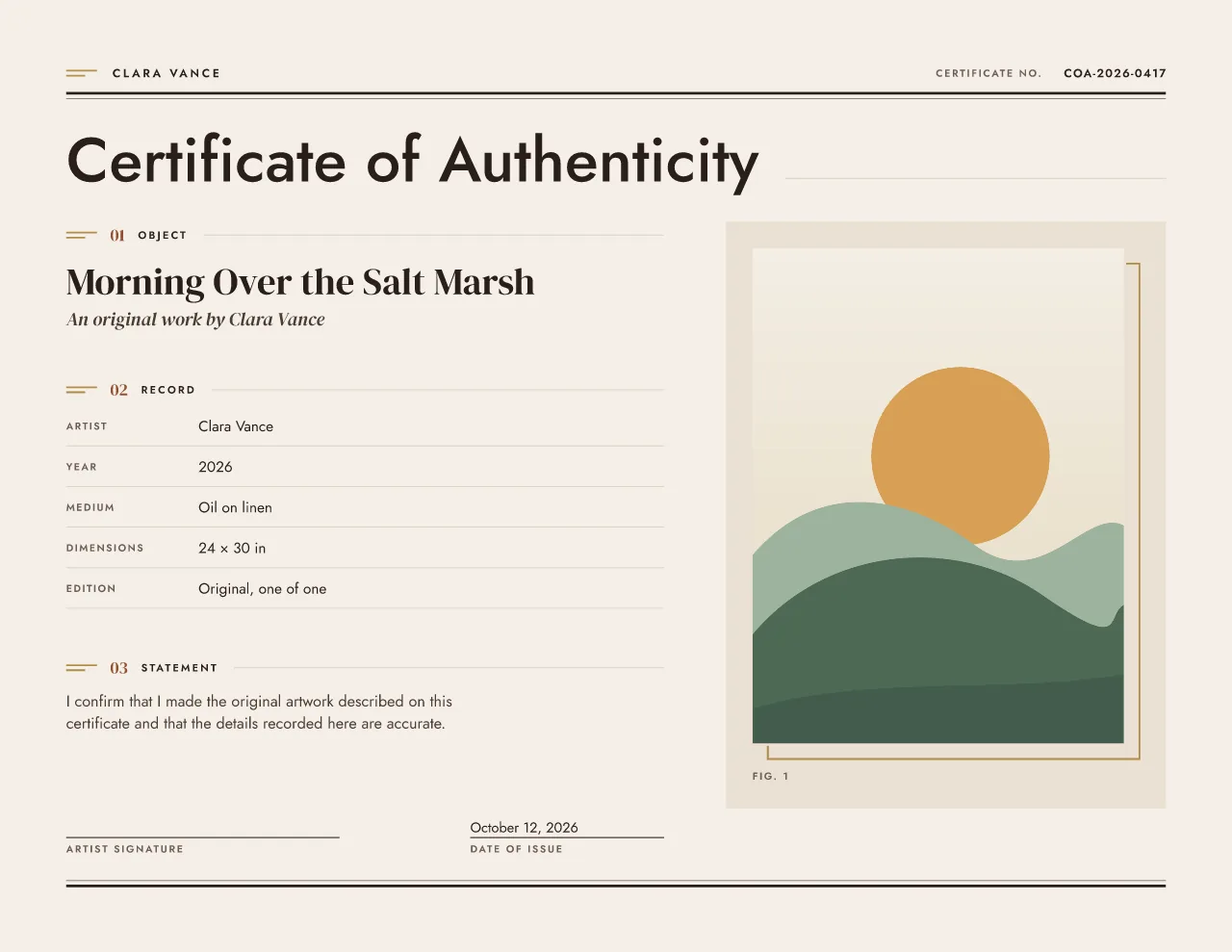
Sample: handmade ceramic vessel. Front with a photo, behind without.
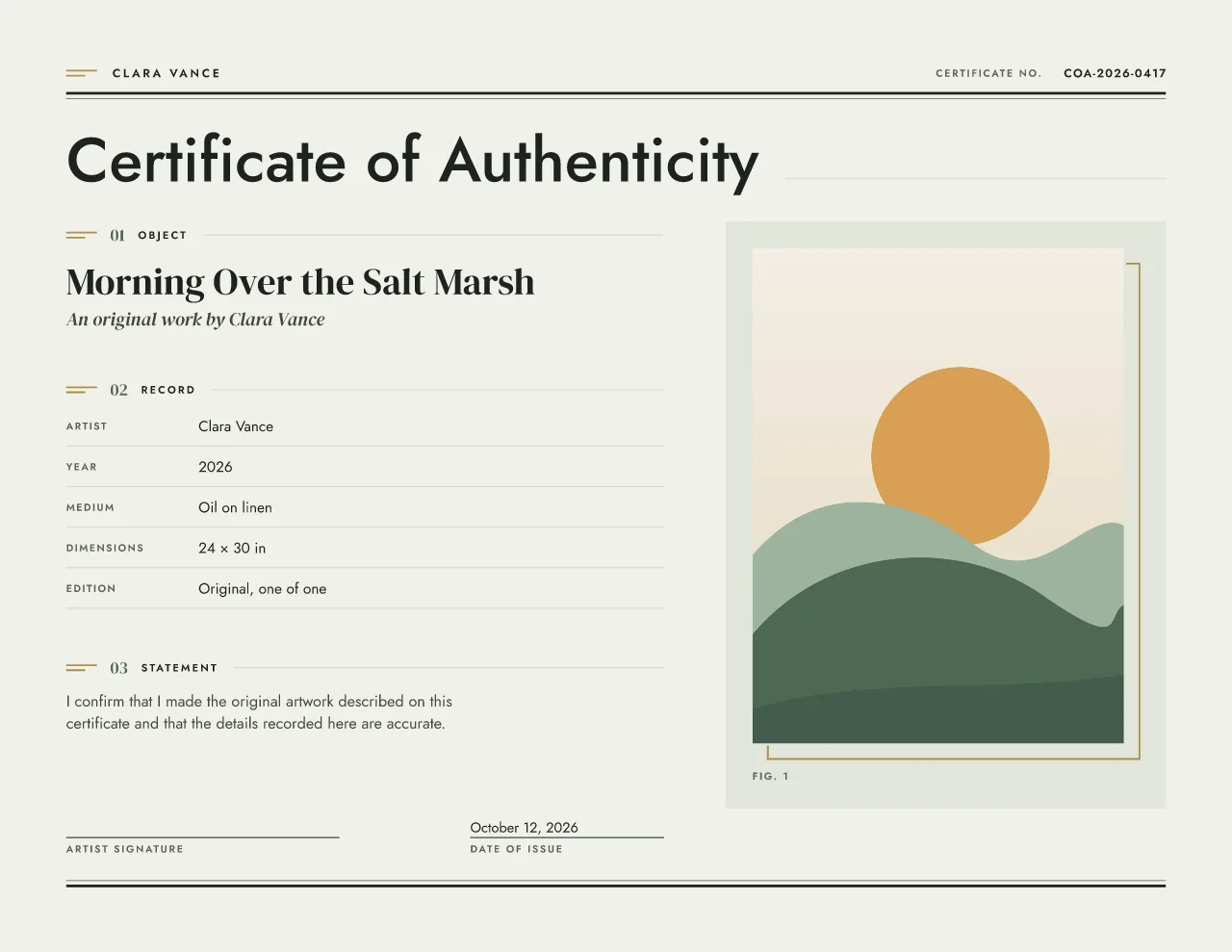
One main image sits in an offset frame, labeled Fig. 1, and an optional smaller detail or back view sits beside or below it as Fig. 2. Both show the whole image on a neutral mat, in portrait or landscape. Without a photo the page becomes a two-column catalog spread, with the object and statement on the left and the record table on the right.
Shown in Sage with a sample painting.
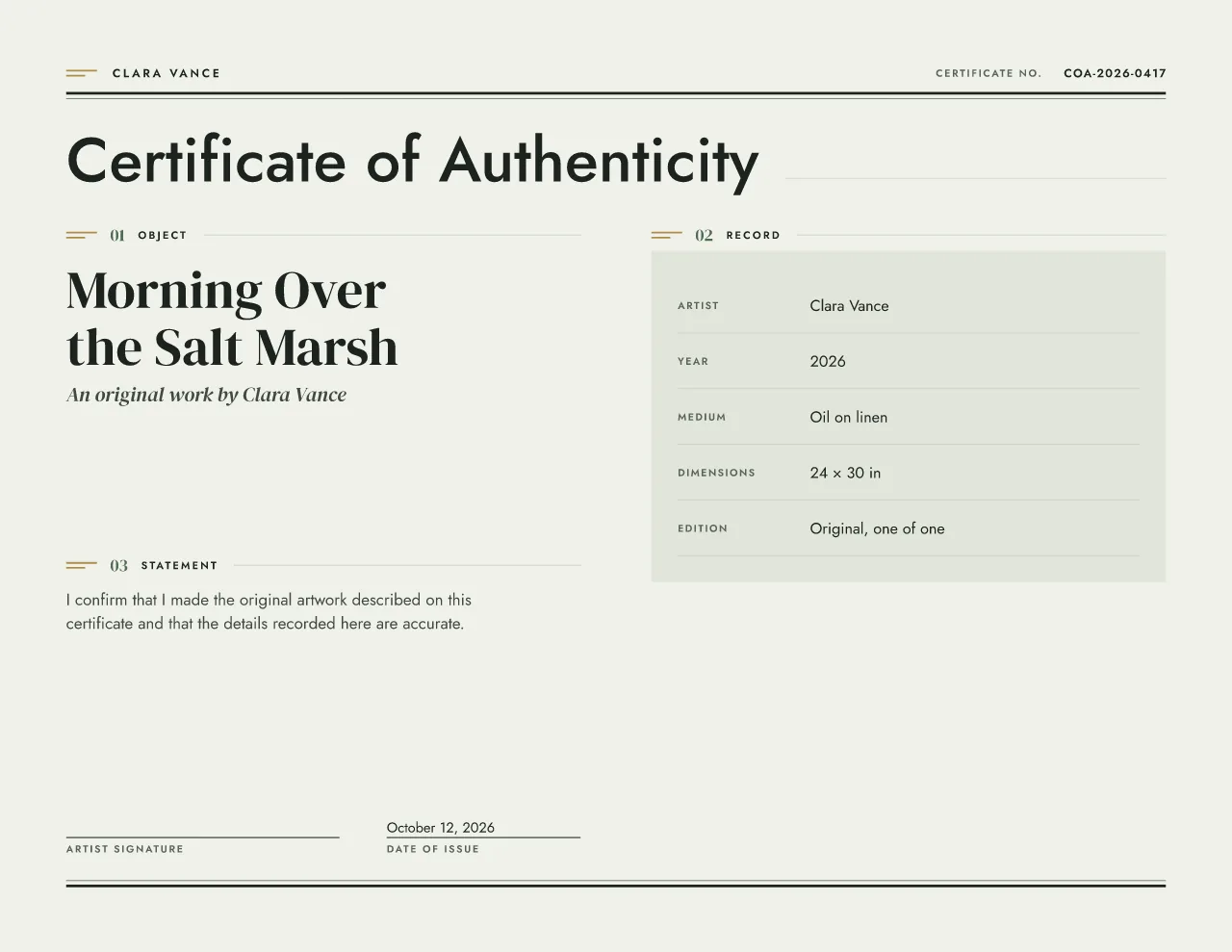
Best for: Sculpture, ceramics, jewelry and product editions.
Object Archive reads like a museum catalog entry, with numbered chapters, a ruled record table and the object photographed as Fig. 1. It is the only design with room for a second, detail view as Fig. 2, which makes it the practical choice for a maker’s mark, a signature on a base or the back of a piece.
Heavy double information rules run across the top and foot of the page. A large sans-serif heading leads into three numbered chapters, Object, Record and Statement, each opened by a chapter marker and numeral. The object photo sits on a softly toned plate like a catalog photograph, and the record table lists the maker, year, materials, size, edition and series on ruled rows.
Sculpture, ceramics, jewelry, furniture and product editions, where materials, dimensions and a serial number matter more than ceremony.
More on certificates for original artwork, and the wording to put on a certificate.
Tip: Add the detail photo as a close-up of the mark or signature. Materials and dimensions go in the record table, where a buyer will look for them later.
Object Archive comes in 3 paper sizes and 4 colorways. Every color below opens the editor in that variant; switching later keeps your text and edition.
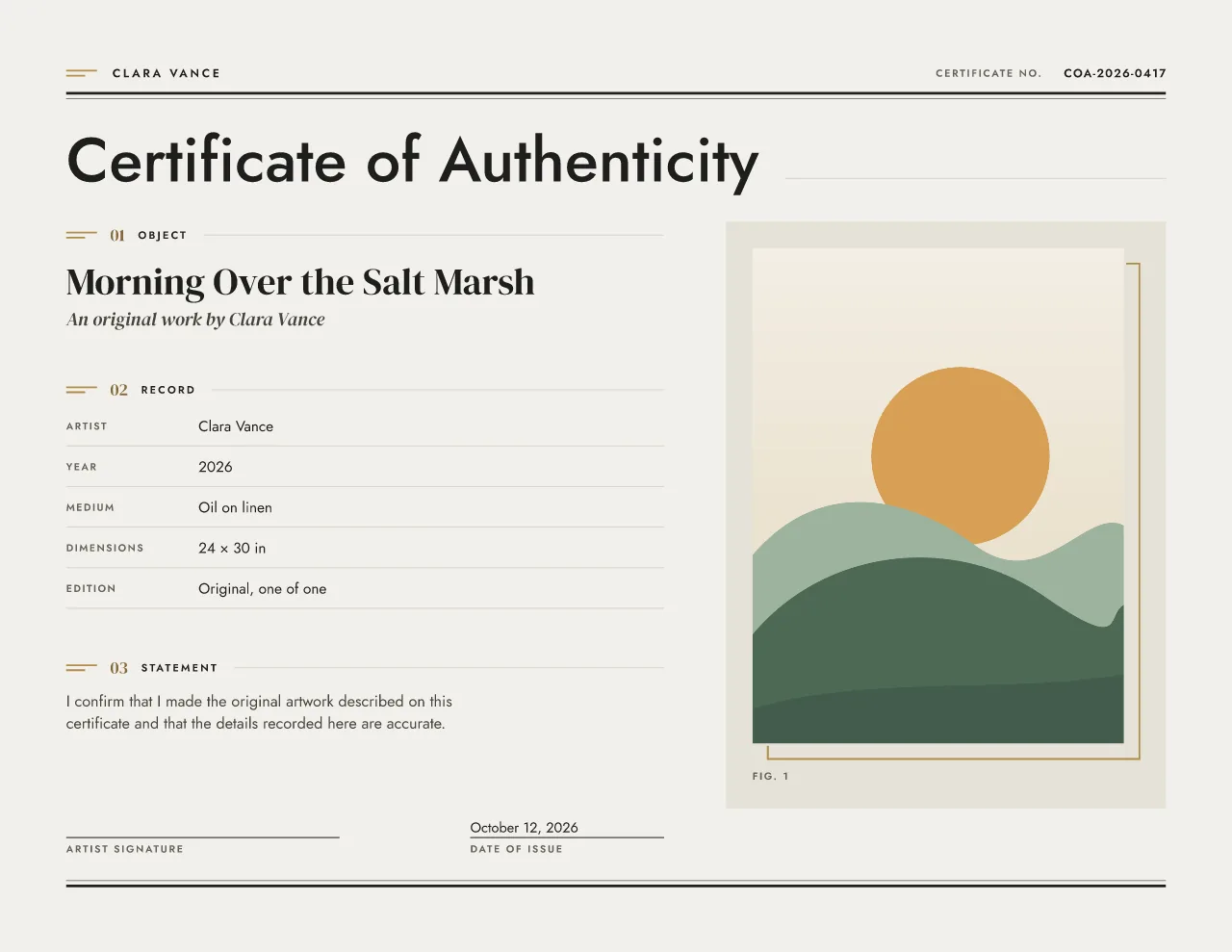 Stone and brass : open Object Archive in the editor in Stone and brass Sage : open Object Archive in the editor in Sage
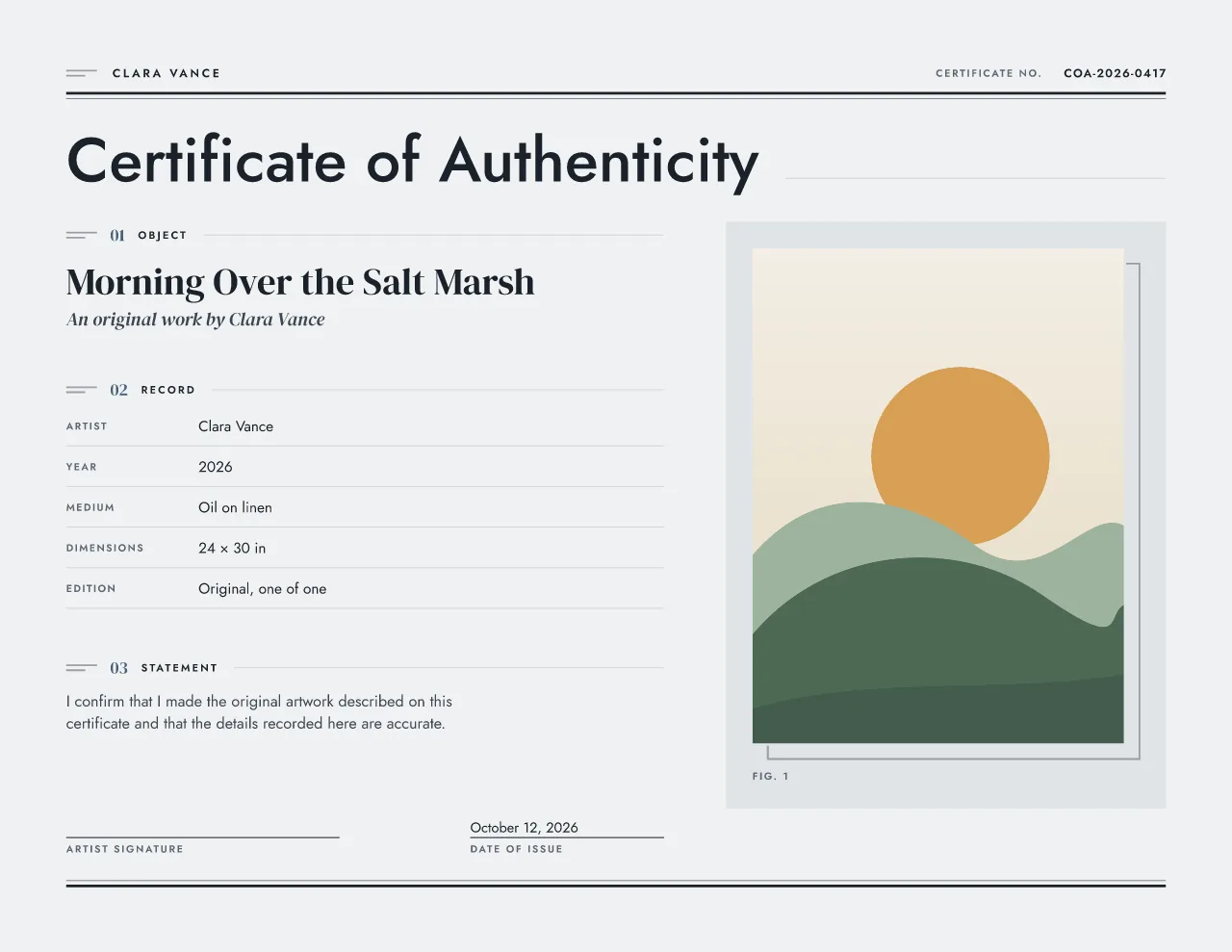 Slate blue : open Object Archive in the editor in Slate blue
 Clay : open Object Archive in the editor in Clay
A5 is composed on its own rather than shrunk, so the type stays readable.
Preview the metallic areas in gold, silver or no metallic (the design's ink color). The colorways pair with gold or silver by default, and you can switch.
Low ink keeps heavy fills and grounds off the page for home printers.
Vector PDF with embedded fonts, PNG or JPEG, an SVG file, and the foil artwork for printer review. All free during launch, with a free account at download.
Design version 3. Reprints of an issued certificate keep the version they were issued with.
Foil is limited to the chapter markers and the offset frame around the main image. The record table, certificate number, statement and every other detail stay in ordinary ink, so foil never sits on information.
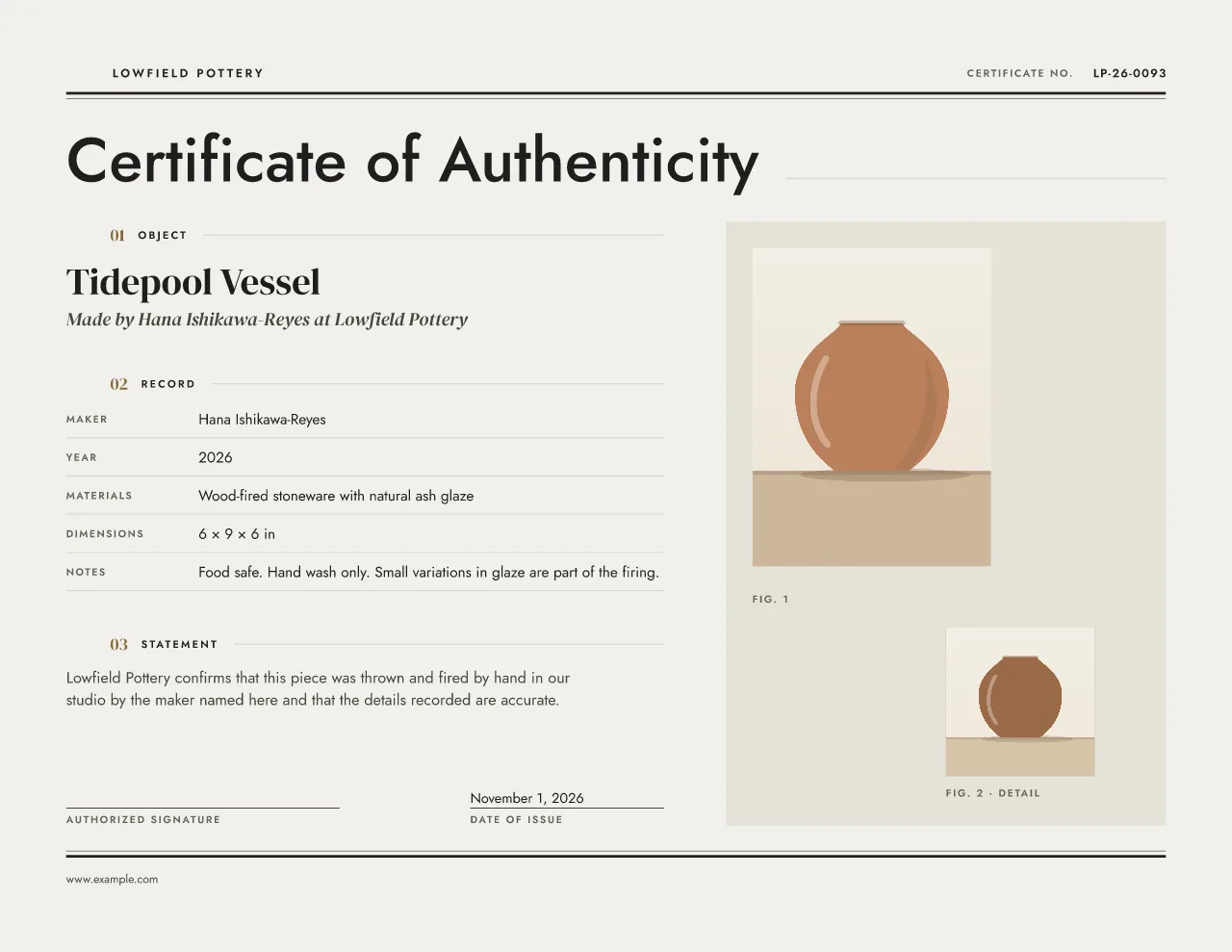

Foil artwork for printer review. The download is a ZIP with the full artwork, the ordinary-ink artwork and the foil layer as separate PDFs on the same page size and bleed, plus a preview and a plain-English note for your printer. Your printer confirms the foil, the paper and the tolerances before anything is made. Read how the foil files work.
Free Modern editorial
Contemporary art and photography
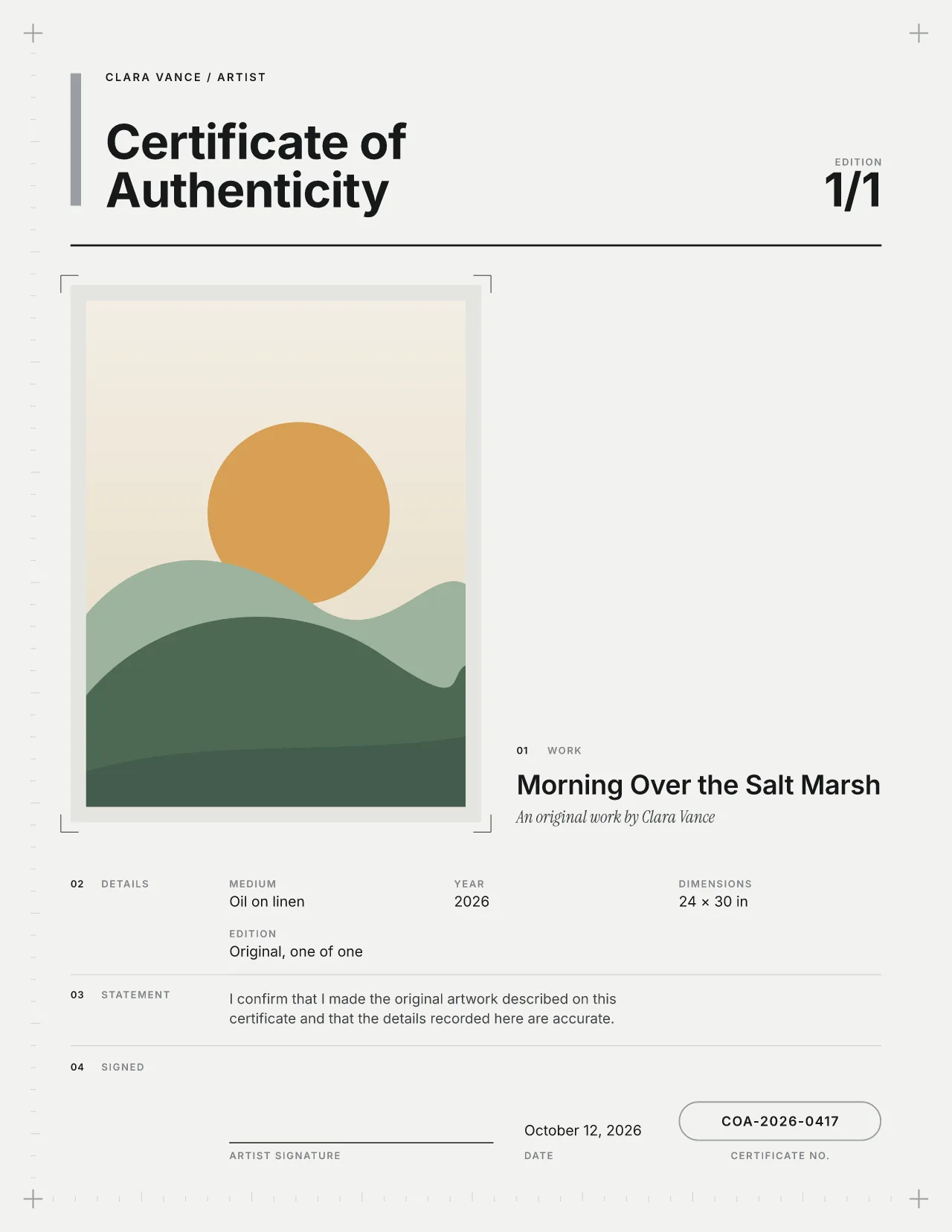
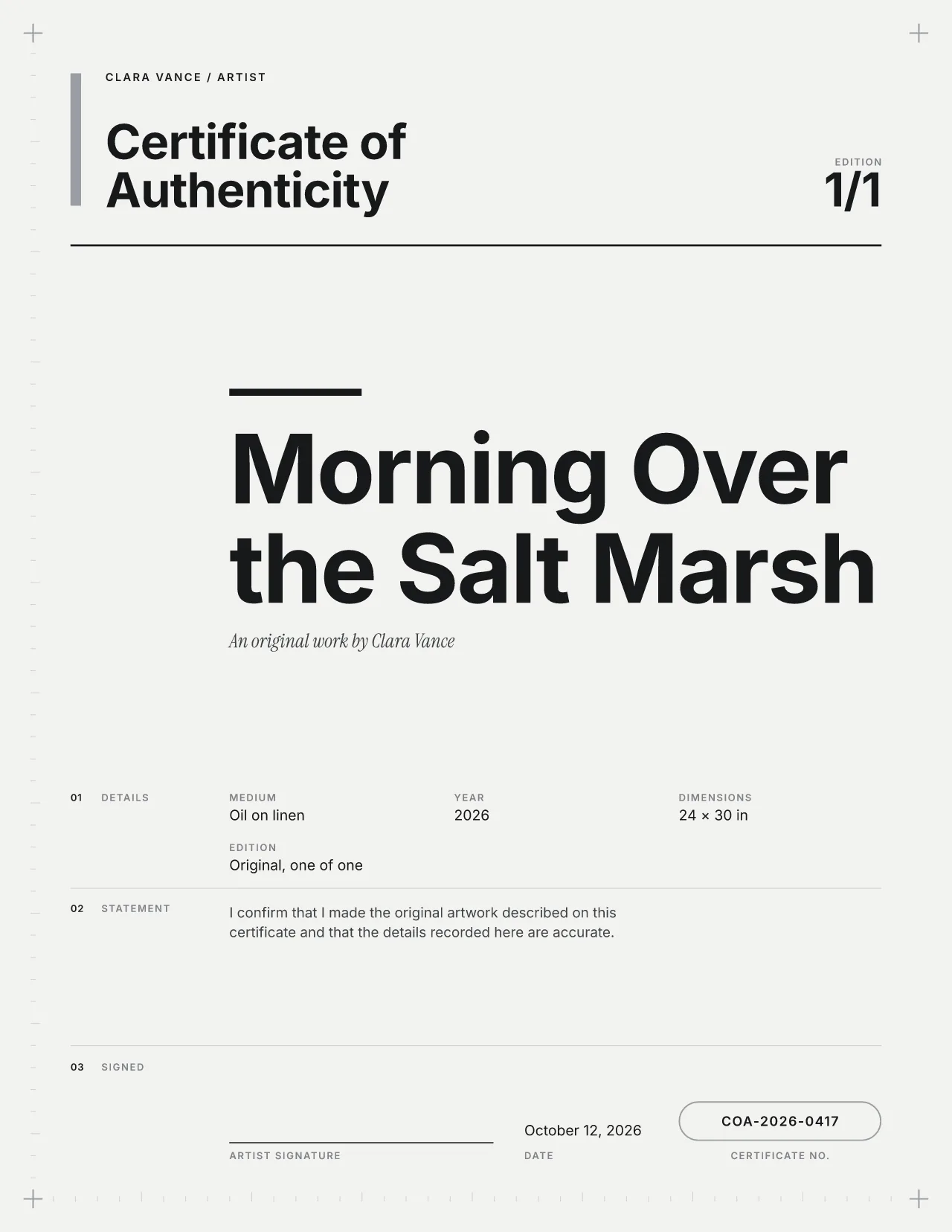 Studio · free during launch
Modern Swiss
Design studios and contemporary makers
 Studio · free during launch
Traditional engraved
Heirloom pieces, ceramics and craft
US Letter, A4 and a separately composed A5. The A5 layout is redrawn rather than shrunk, so the type stays readable.
Yes. Materials and serial fields take the image column. Nothing is left as an empty box.
Yes, during launch. Later it will be one of the eight Studio designs; Gallery Minimal and Edition Rosette stay free forever. See what Studio will include.
Yes. Use the materials field to record metals and stones as you describe them as the maker. The certificate states what you made; it is not a gemological grading report.