Free certificate of authenticity templates
Two designs that stay free forever. Print a blank one to fill in by hand, or type your details and add a photo first.
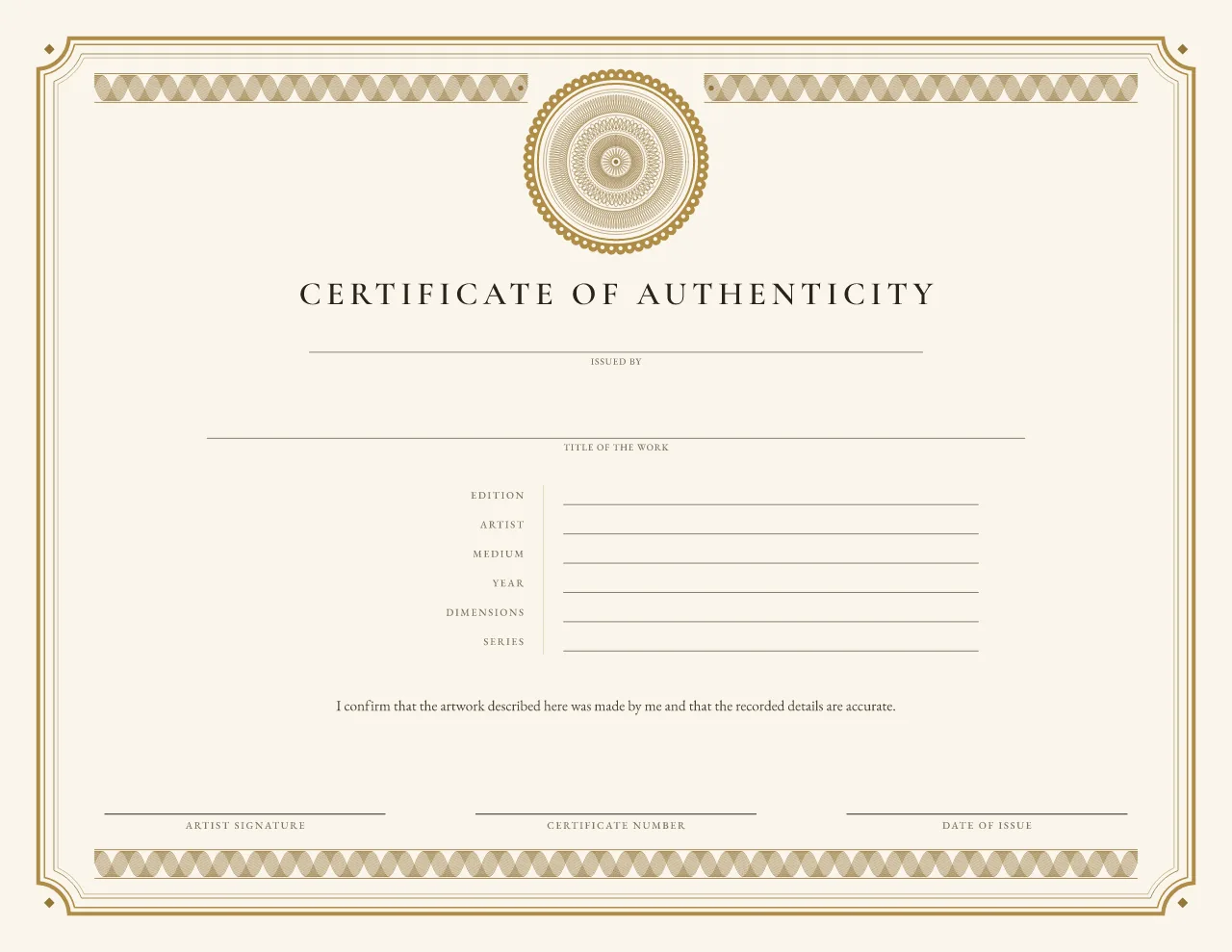
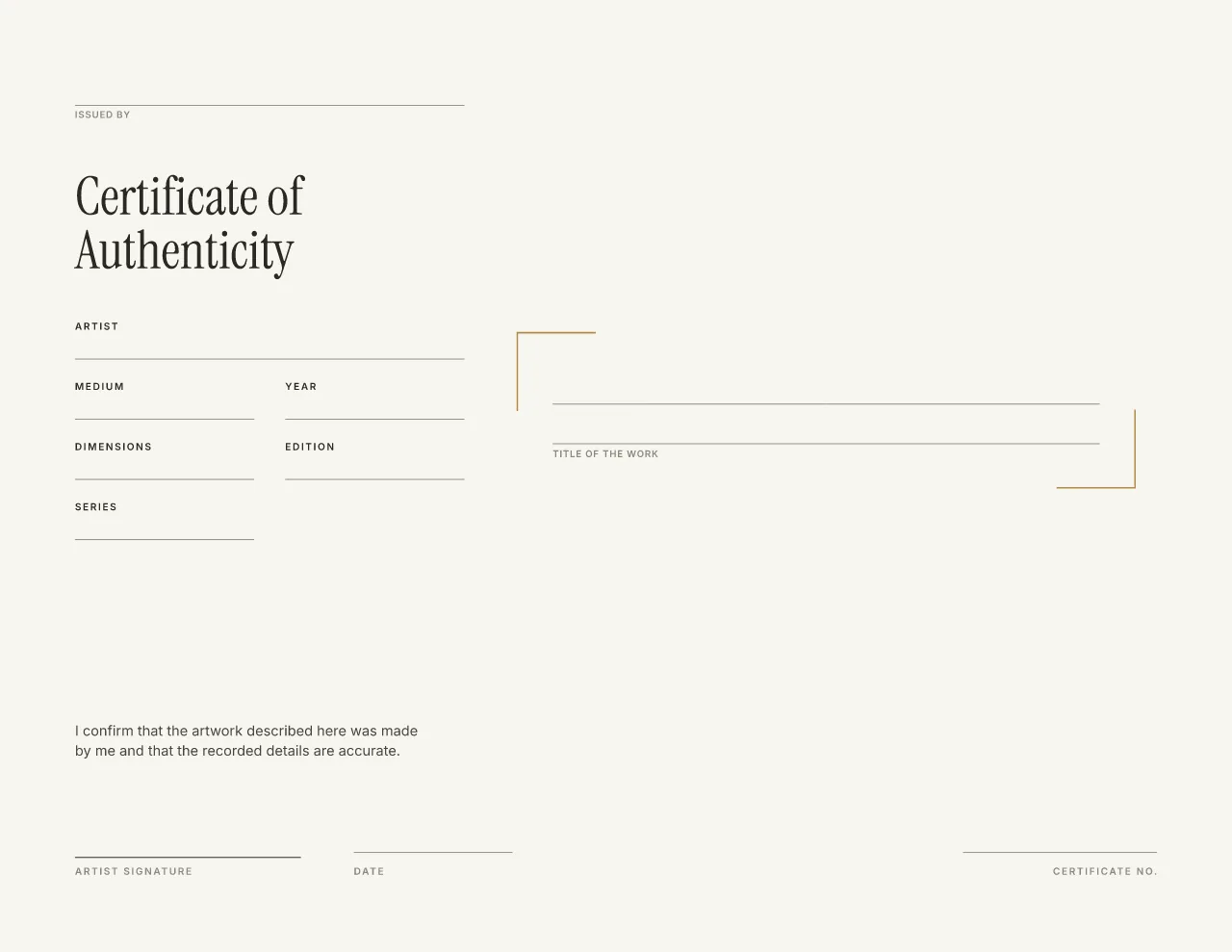
Blank, with labeled lines. Landscape; the same layout at US Letter, A4 and A5.
Download a blank certificate (no account)
Direct PDF downloads: no account, no email, nothing to install. Each blank has labeled writing lines and a short artist statement above the signature line. The filled examples show the same design completed, with invented details.
| Design | Paper | Blank to fill in by hand | Filled example |
|---|---|---|---|
| Edition Rosette | US Letter (11 × 8.5 in, landscape) | Blank PDF 83 KB | Example PDF 130 KB |
| Edition Rosette | A4 (297 × 210 mm, landscape) | Blank PDF 85 KB | Example PDF 133 KB |
| Edition Rosette | A5 (210 × 148 mm, landscape) | Blank PDF 71 KB | Example PDF 113 KB |
| Gallery Minimal | US Letter (11 × 8.5 in, landscape) | Blank PDF 10 KB | Example PDF 41 KB |
| Gallery Minimal | A4 (297 × 210 mm, landscape) | Blank PDF 10 KB | Example PDF 41 KB |
| Gallery Minimal | A5 (210 × 148 mm, landscape) | Blank PDF 10 KB | Example PDF 41 KB |
PDF only. There are no Word, Google Docs or Canva files: a PDF prints at the right size from any computer. Paper sizes: US Letter 8.5 × 11 in, A4 210 × 297 mm, A5 148 × 210 mm, each turned landscape.
Fill one in online instead
Type the details instead of writing them: the same two designs open in the editor beside a live certificate. Add a photo of the work, your logo or a signature, and long titles and names are fitted for you, never cut off.
- Choosing, filling in and previewing need no account.
- A free account is needed only to download your filled certificate, so it is saved and you can reprint it.
- Download a vector PDF, free for good with these two designs (PNG and SVG are free during launch too). The blank PDFs above stay free with no account.
What the two free designs look like
One traditional, one modern. Both come in every size, with and without a photo, in several colorways, and stay free forever.
-
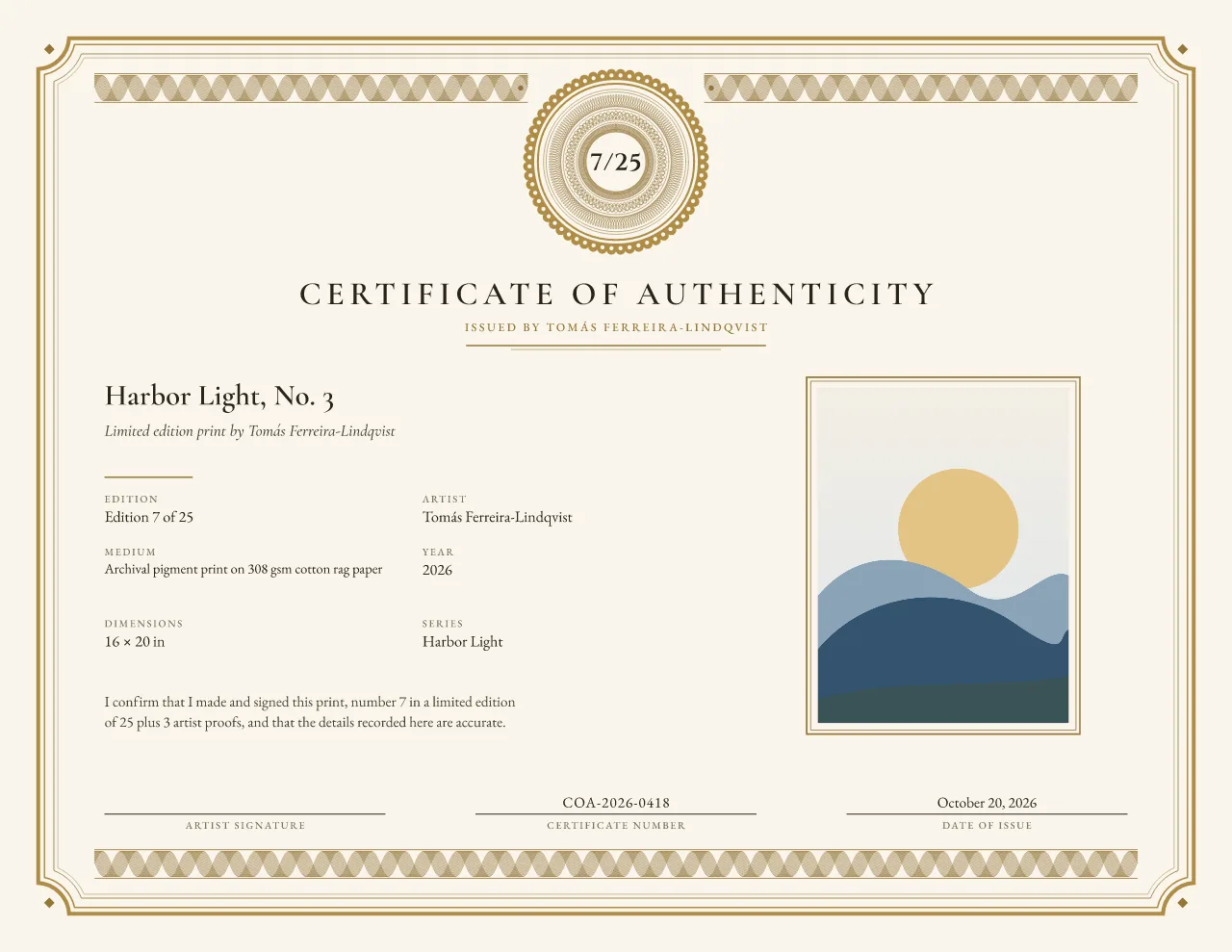
Edition Rosette Free forever
Traditional guilloche
A prominent guilloche rosette holds the edition number, under a formal centered title and a disciplined multi-rule border.
Fine-art prints, photographs and other limited editions, where the edition number should be the first thing a collector sees.
-
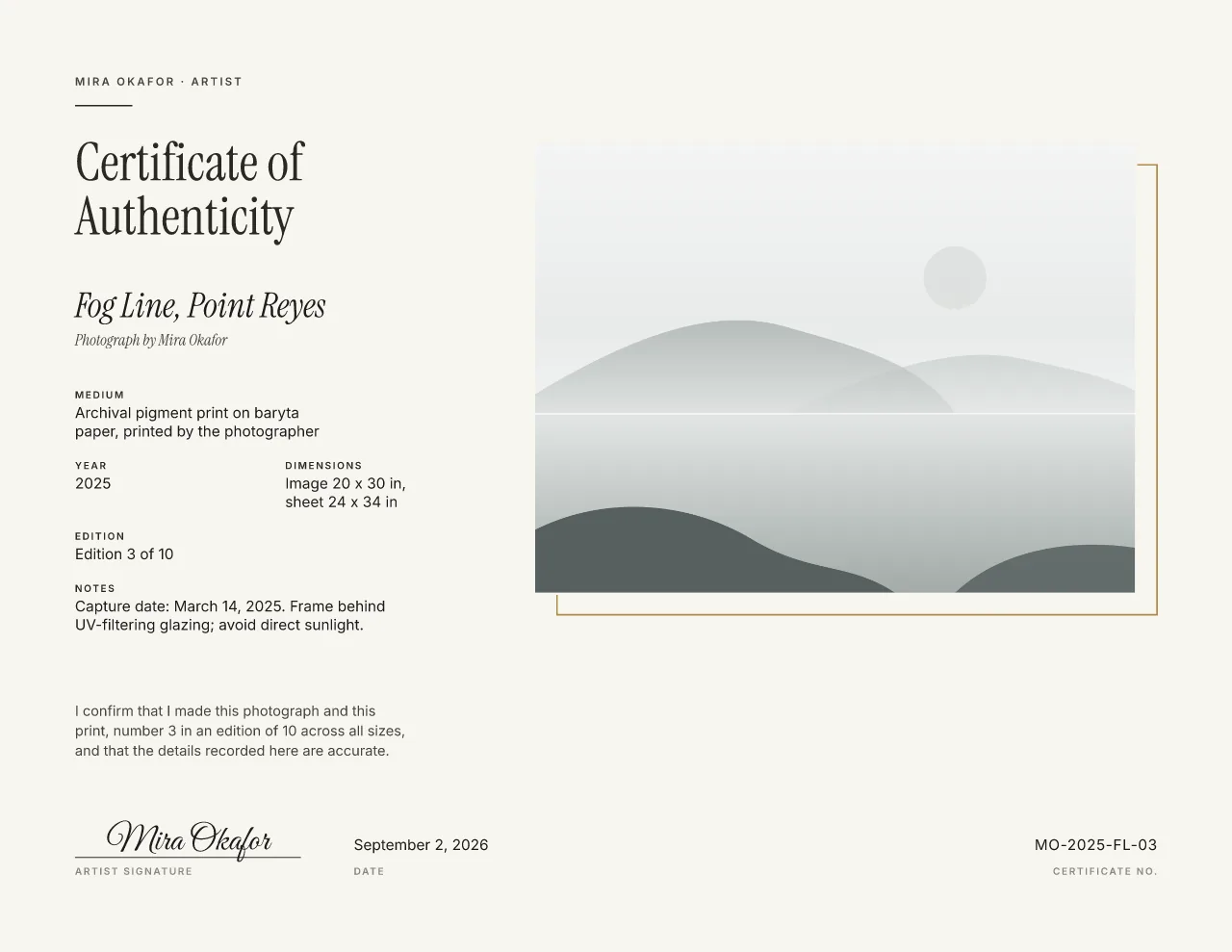
Gallery Minimal Free forever
Modern editorial
A quiet, contemporary certificate where a large photo of the work leads, framed by one fine metallic line.
Contemporary art, photography, prints and design objects, where the work itself should speak first.
The other eight designs are free during launch too, and will be part of a $10/month Studio plan later. Compare all ten designs or read what Studio will include.
How to fill in a blank certificate by hand
Ten minutes and a good pen. Fill one in for each work, and keep a copy for your records.
-
Step 1: Print it at 100%
Open the PDF and print at “Actual size” (turn off “Fit to page”). Each file is drawn at its exact paper size.
-
Step 2: Write the details in archival ink
Use a pigment pen that will not fade or smudge. Each line is labeled: title, artist, medium, year, dimensions with units. Not sure what goes where? Here is what to write on it.
-
Step 3: Number an edition as 7/25
For a print, write this print’s number over the edition size. Give every certificate its own certificate number too, and never reuse one.
-
Step 4: Sign and date it
The statement is printed above the signature line. Sign below it, write the date of issue, and keep a photo or scan of the finished certificate.
Printing tips
-
Paper
A heavier matte or uncoated stock feels substantial and takes pen ink well: about 80–100 lb cover (216–270 gsm). Check your printer can feed that weight.
-
Scale
Print at 100% (“Actual size”). Try one copy on plain paper first, then feed the card stock one sheet at a time.
-
Ink
Let the print dry before you write on it. On coated stock, test your pen on the margin first: some inks bead or smudge.
Frequently asked questions
Do I need an account to download the blank certificate?
No. The blank PDFs on this page download directly. An account is only needed when you fill in a certificate online and download the finished file.
Is there an editable free version?
Yes. Open either free design in the editor, type your details, add a photo, logo or signature and download it. The editor is free, and Gallery Minimal and Edition Rosette stay free forever. Start with Edition Rosette or Gallery Minimal.
Can I download it as a Word document?
No. The blank certificate is a PDF, and certificates you fill in online download as PDF, PNG or SVG. A PDF prints at the right size from any computer. Or make a certificate online and download a PDF, PNG or SVG.
What paper should I print a certificate on?
A heavier matte or uncoated stock, around 80-100 lb cover (216-270 gsm), feels substantial and takes pen ink well. Print at 100% (Actual size) and check that your printer can feed the weight.