Photography certificate of authenticity template
Record the print, not just the picture: process, paper, image and sheet size, edition and who printed it.
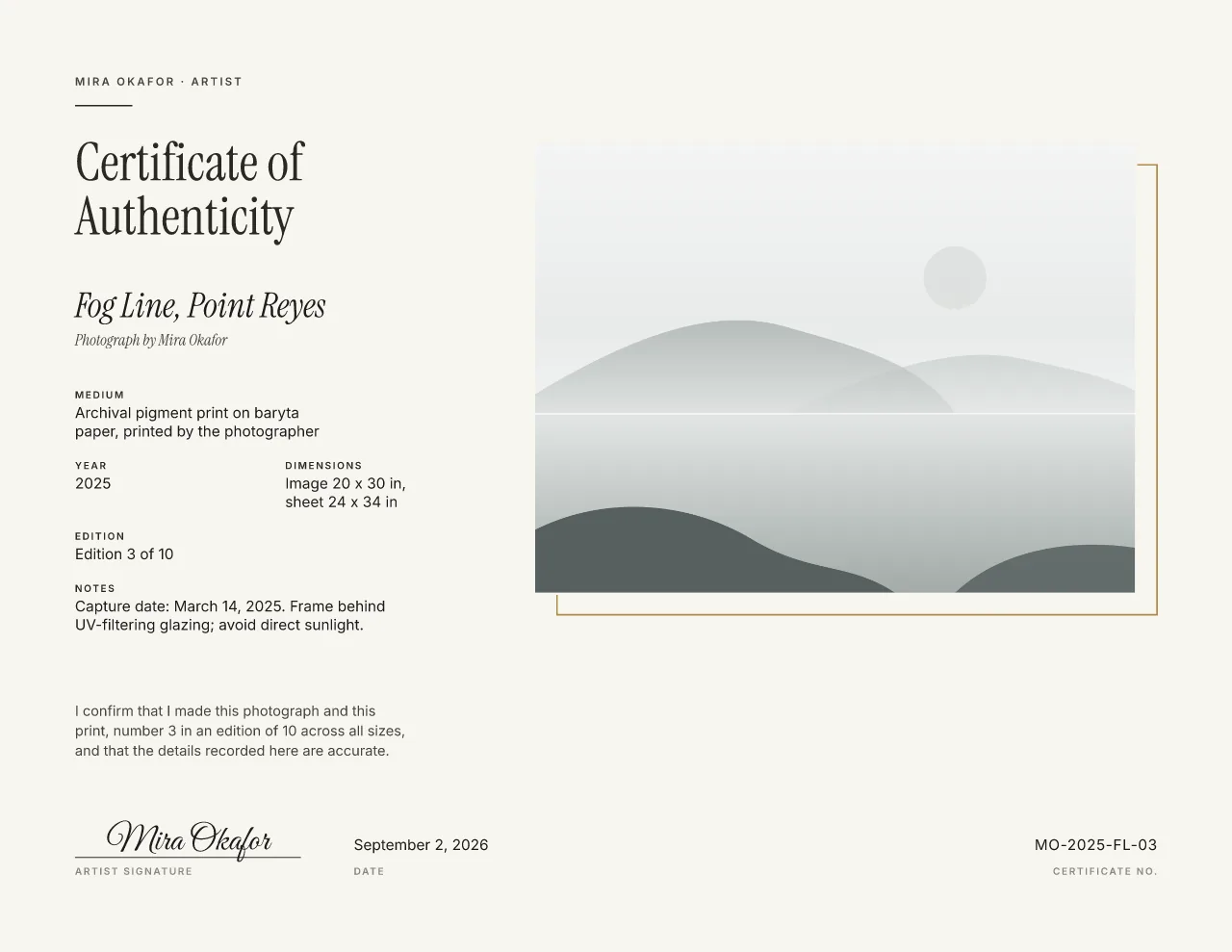
Sample in Gallery Minimal. Your details appear here as you type.
A filled example for a fine art print
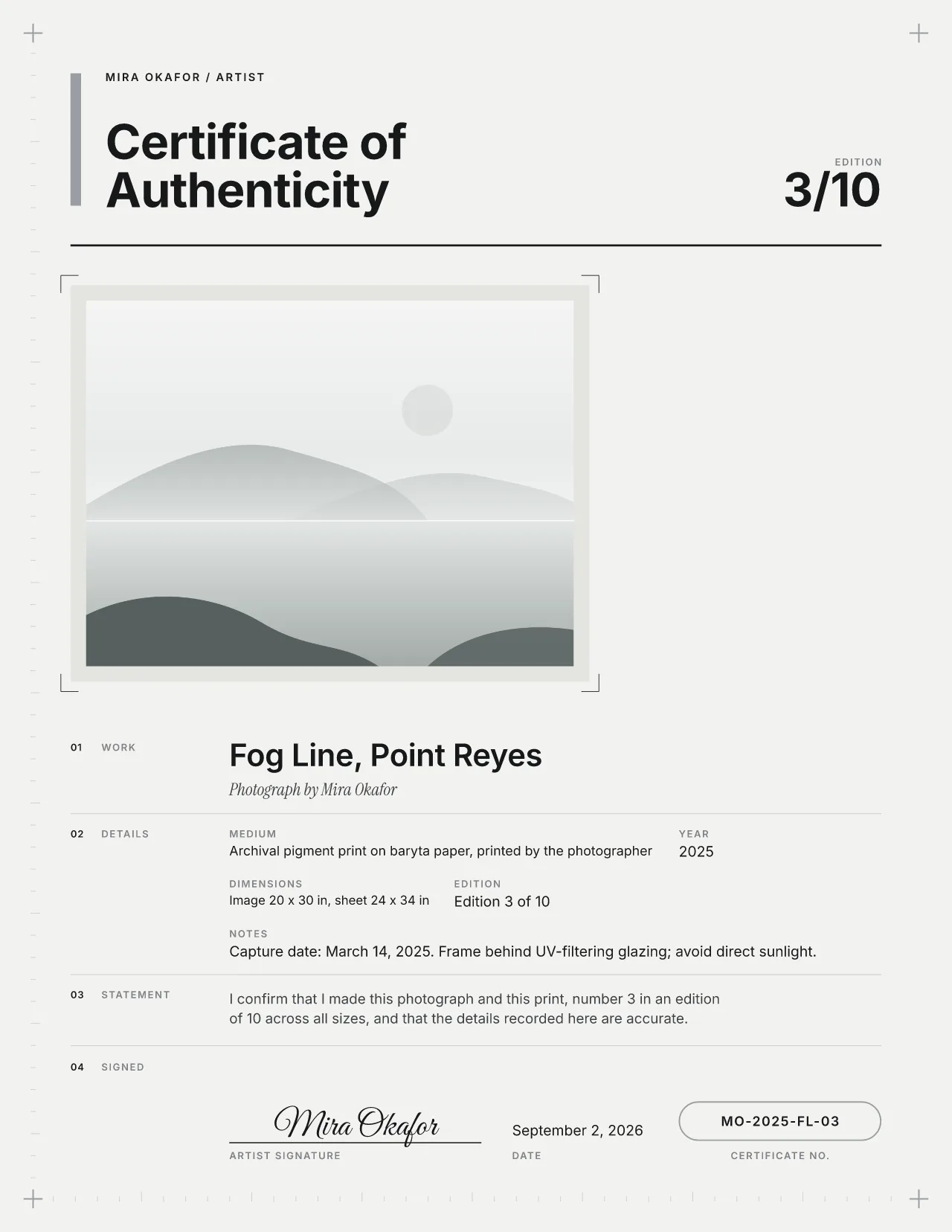
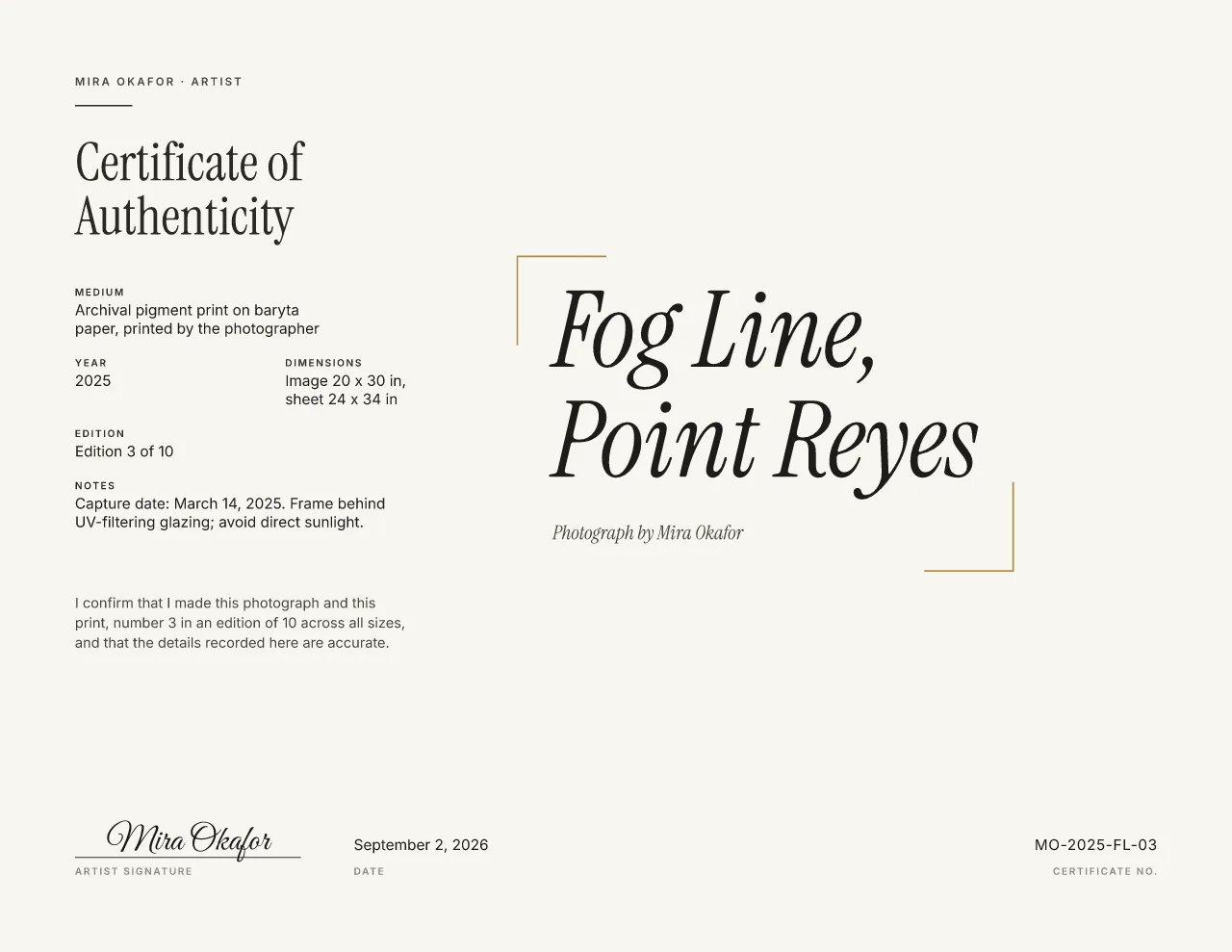
Print 3 of 10 of a coastal photograph, in Gallery Minimal, free forever, where the image leads, and in Studio Grid, where a broad photo sits above the details.
Details a photography certificate should record
A collector buys a print: how it was made, on what, how big and how many exist. The image alone does not say that.
| Field | In the example | Needed? |
|---|---|---|
| Photographer (issuer) | Mira Okafor Or the gallery or studio that issues it, with you as the photographer. | Required |
| Title | Fog Line, Point Reyes | Required |
| Statement | “I confirm that I made this photograph and this print…” Say whether the edition covers all sizes. | Required |
| Year | 2025 The year of the image; put the exact capture date in the notes. | Encouraged |
| Process and paper (medium) | Archival pigment print on baryta paper, printed by the photographer Archival pigment, silver gelatin or C-type, the paper, and who printed it. | Encouraged |
| Image and sheet size | Image 20 x 30 in, sheet 24 x 34 in Type them as one line in the dimensions field. | Encouraged |
| Edition | Edition 3 of 10 (3/10) Number and total; the statement says what the total covers. | Optional |
| Print date | September 2, 2026 The issue date, when you print and sign together; otherwise in the notes. | Optional |
| Certificate number | MO-2025-FL-03 Your own scheme works: initials, year, series, print. | Optional |
| Notes | Capture date: March 14, 2025. Capture date, location, care. | Optional |
| Signature | Typed in script here; sign in pen if you prefer | Optional |
Editions across print sizes
Both ways are common. What matters is that the certificate says which one you chose, because “10 across all sizes” and “10 at 20 × 30 in” are different promises.
-
One edition across all sizes
Ten prints in total, numbered 1 to 10 whatever their size. The example's statement says it: “number 3 in an edition of 10 across all sizes”.
-
A separate edition per size
Each size is its own run with its own total. Write the size into the edition statement: “number 3 in an edition of 10 at 20 × 30 in”.
Whichever you choose, keep it the same for the whole image and give every print its own certificate. More on numbering an edition.
Image size, sheet size and paper
The image size is the printed picture; the sheet size is the paper, white border included. Framers need the sheet; collectors compare the image. Give both, as the example does: “Image 20 x 30 in, sheet 24 x 34 in”.
- Process: archival pigment (inkjet), silver gelatin (darkroom), C-type (chromogenic) or platinum-palladium.
- Paper: the surface and base, such as baryta, cotton rag or fiber-based, with the maker if you like.
- Printer: “printed by the photographer”, or the lab or studio that printed it.
Using your photo on the certificate
The image on the certificate is a reference, so anyone can match the certificate to the print. It is shown whole, never recolored or retouched; crop only if you choose to. Upload a JPEG, PNG, WebP file up to 20 MB. The editor works out the resolution at the placed size and warns you below 200 ppi.
| Your file | Pixels | On the certificate |
|---|---|---|
| Full-size camera file | 6,000 × 4,500 | 1120 ppi: sharp |
| Web export, long side | 2,048 × 1,536 | 382 ppi: sharp |
| Social media image | 1,080 × 810 | 202 ppi: fine for a reference |
| Small preview | 640 × 480 | 119 ppi: prints soft, the editor warns |
Use the notes for what the print needs from its owner. The example's: “Frame behind UV-filtering glazing; avoid direct sunlight.” Prefer no image at all? Every design has a no-photo layout.
Frequently asked questions
What should a photography certificate of authenticity include?
The photographer, title, year, print process and paper, image and sheet size, edition number and total, the print date, who printed it, a certificate number, a small image of the photograph and the photographer's signature.
Do I count different print sizes in one edition?
Either is common, but say which on the certificate. 'Edition of 10 across all sizes' and 'edition of 10 at 20 x 30 in' are different promises to a collector. More on numbering an edition.
Will my photo look sharp on the certificate?
The editor works out the resolution at the size the photo is placed and warns you below about 300 ppi. A web-sized JPEG is usually enough for the small reference image on a certificate. The guide to signing photographic prints covers the print itself.
Can I make the certificate without showing the photograph?
Yes. Every design has a no-photo layout. Many photographers still include a small image so the certificate can be matched to the print.
Related pages
Or browse all certificate templates from the start.